FAQ Creation agent
FAQ Creation is an agent in Mark (Optimizely Agent Platform). It analyzes content at a provided URL. It generates contextually relevant frequently asked questions (FAQs) optimized for AI-powered search.
- Challenge – Creating and maintaining a comprehensive, up-to-date FAQ section is difficult. Teams must identify common user questions, draft clear answers, and keep them current. Product or service changes make this time-consuming and resource-intensive.
- Agent outcome – The agent analyzes the content at your URL and identifies high-demand questions. It drafts structured, ready-to-publish FAQ content with schema markup.
- Value – Less time on FAQ creation, stronger self-service coverage, and better visibility in AI-powered search.
The FAQ Creation agent finds and prioritizes FAQ questions for your content, whether or not you enable the Profound connector tools. The connector changes how the agent chooses which questions to prioritize. The agent sources questions in one of two ways:
- With the Profound connector tools enabled – The agent prioritizes FAQ questions based on AI-search demand data.
- Without the Profound connector tools – The agent uses Google to find top questions related to the content URL.
Prerequisites
(Optional) The Profound connector tools connected in Mark for AI-search demand data.
Install agent
Note
Mark Administrators, Agent Builders, and users with the Add, edit, and install specialized agents attribute for a custom role can add agents to their organization's Mark instance. See Add users and set permissions.
Install the agent from the Directory.
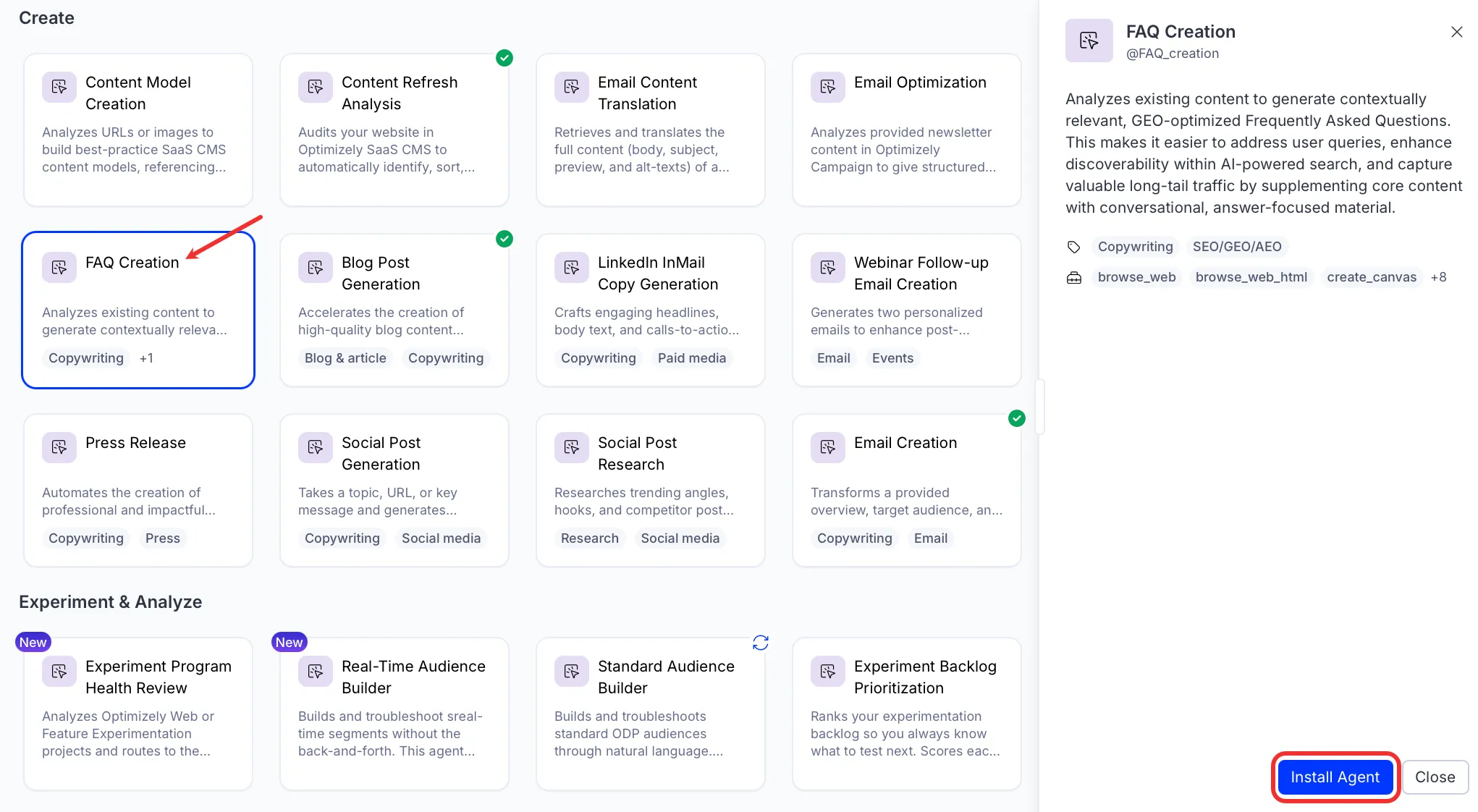
- Go to Directory > Agents.
- (Optional) Enter FAQ Creation or use the drop-down list filters to narrow the list.
- Click Install on FAQ Creation to add it to your Mark instance.
Use the agent
In Mark chat, enter @faq_creation and provide the following details:
- URL – URL to the content you want to create the FAQ for.
The agent creates a canvas with an FAQ strategy report and publish-ready FAQ content, including FAQPage schema markup for AI search platforms.
To use the FAQ Creation agent in a workflow agent, add it to your workflow. See the Create a workflow agent.
Default agent details
These are the default details of the FAQ Creation agent. After you install the agent in your Mark instance, customize these details for your organization's needs. See Manage agents for instructions.
Input variables
The agent takes the following input:
- URL
Tools
The agent uses the following tools internally to process your request:
- browse_web
- browse_web_html
- create_canvas
- edit_canvas
- search_web
- convert_to_pdf
If you have the Profound connector tools enabled, the agent uses the following tools:
- profound_citation_report
- profound_get_categories
- profound_get_domains
- profound_raw_answers
- profound_visibility_report
Default configuration
The agent uses the following default configuration:
- Inference level – Pro, which provides maximum reasoning depth.
- Files – None.
- Output – Text.
Note
If you use Opti ID, administrators can turn off generative AI in the Opti ID Admin Center. See Turn generative AI off across Optimizely applications.