Copy the execution ID of a workflow agent
5 min
The Execution ID is a unique identifier for a specific run of a workflow agent in Optimizely Opal. You might need it for the following reasons:
- Tracking and monitoring – It lets you track the progress and status of a long-running agent execution.
- Retrieving results – If an agent's execution is asynchronous or takes time, you can use the Execution ID to retrieve the results once the agent has finished its work.
- Debugging and auditing – In case of issues or unexpected outcomes, the Execution ID helps in tracing back the specific run, reviewing logs, and understanding what happened during that execution.
- Referencing – It provides a concrete reference point when discussing a particular agent run with support teams or collaborators.
To copy the execution ID of a workflow agent, complete the following:
Access your agents
First, access your agents.
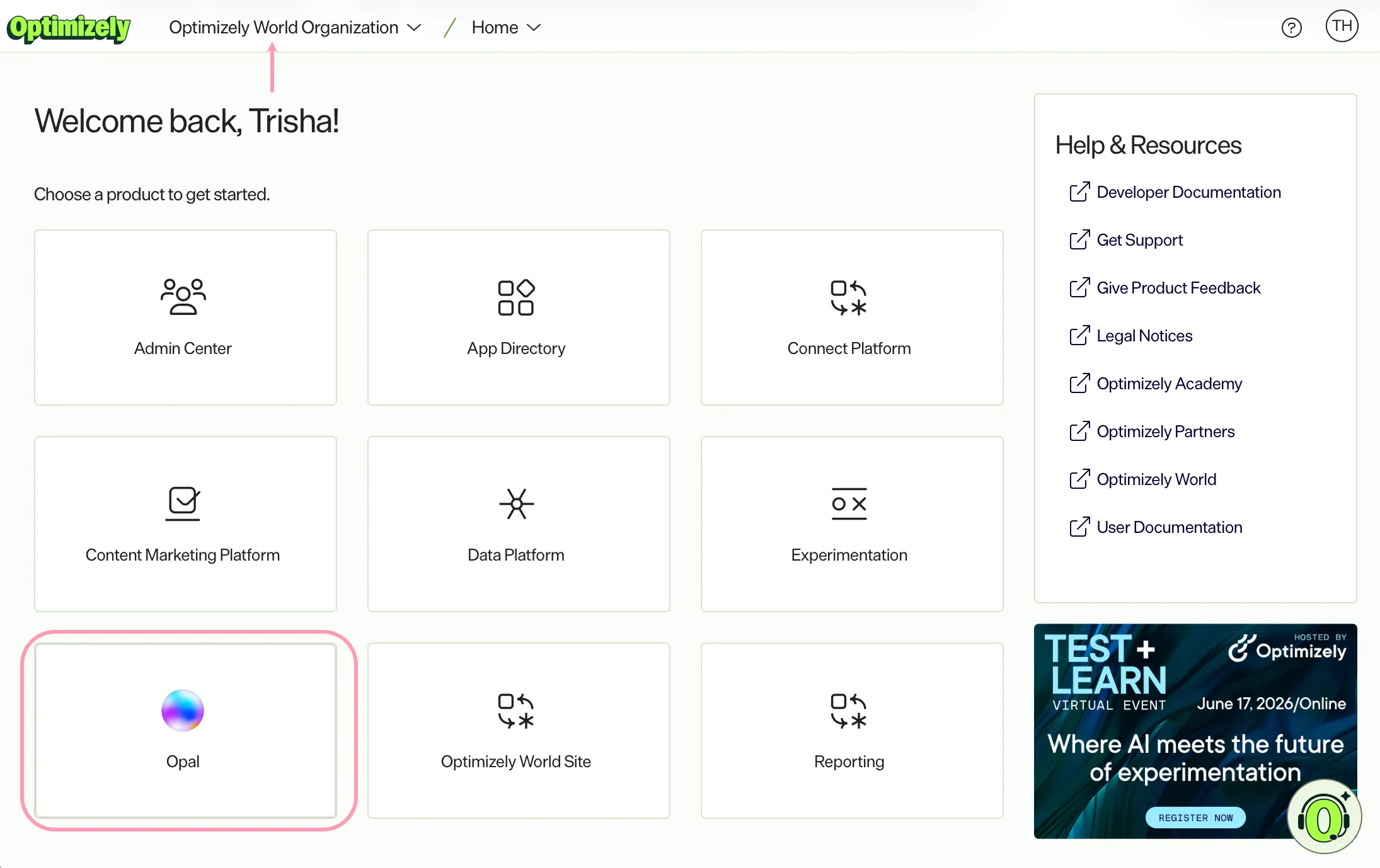
- Go to home.optimizely.com.
- Select your organization.
- Click Opal.
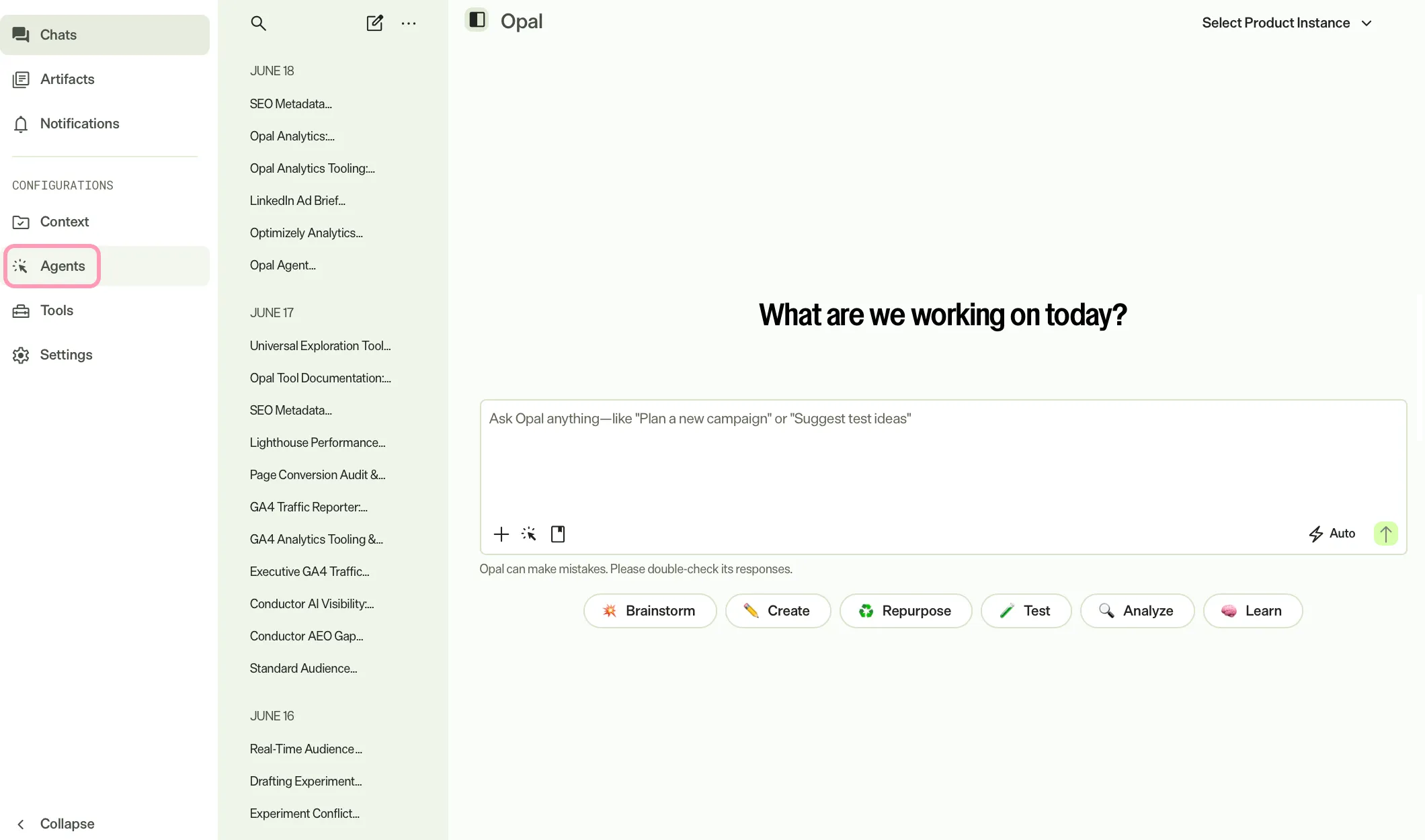
- Click Agents.
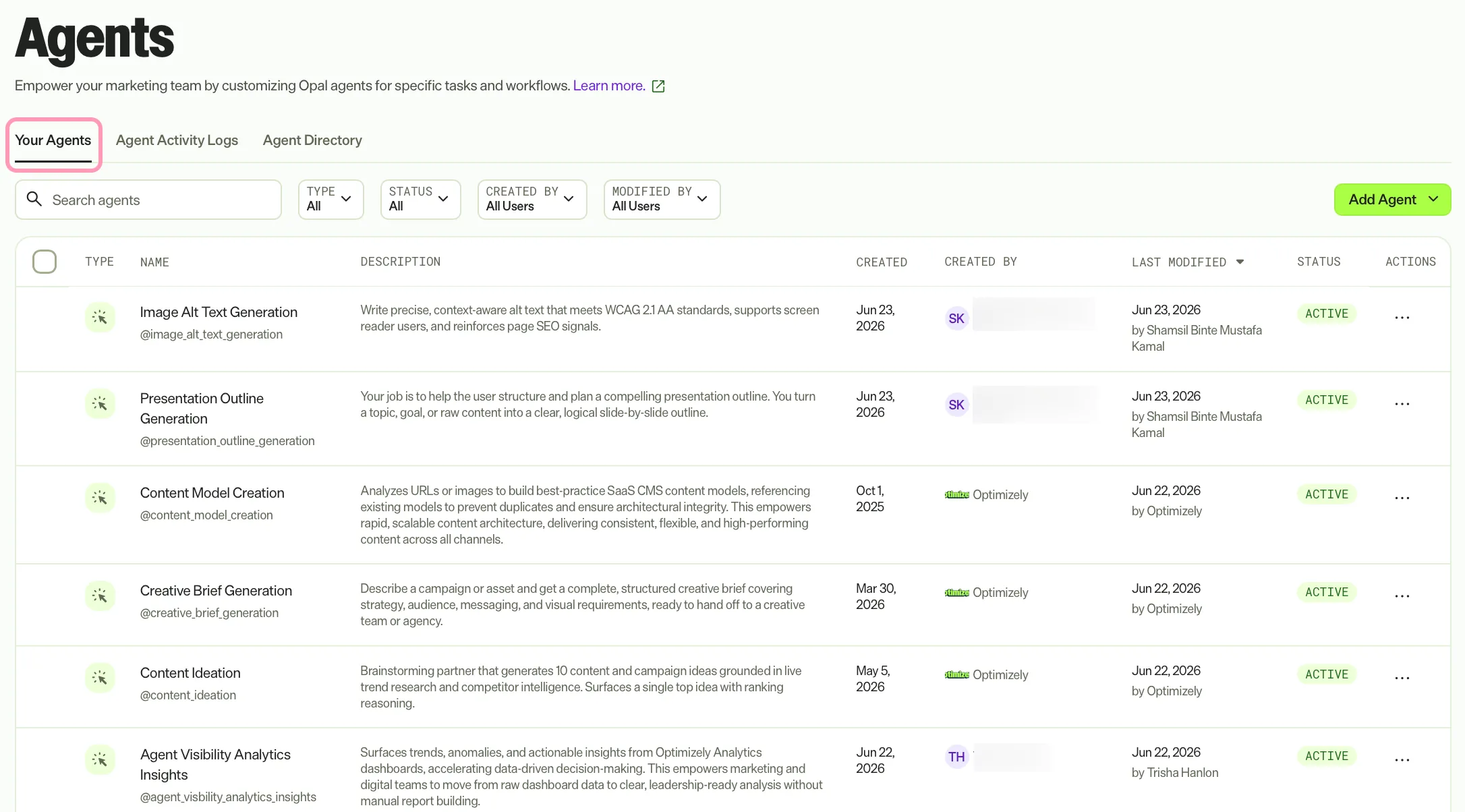
- Select the Your Agents tab.
Access the workflow agent's execution
You can access a workflow agent's execution using the following options. See Workflow agent logs for information.
From the workflow agent details page
- Click on the agent name or click More (...) > Edit Agent.
- Click More (...) > View Logs.
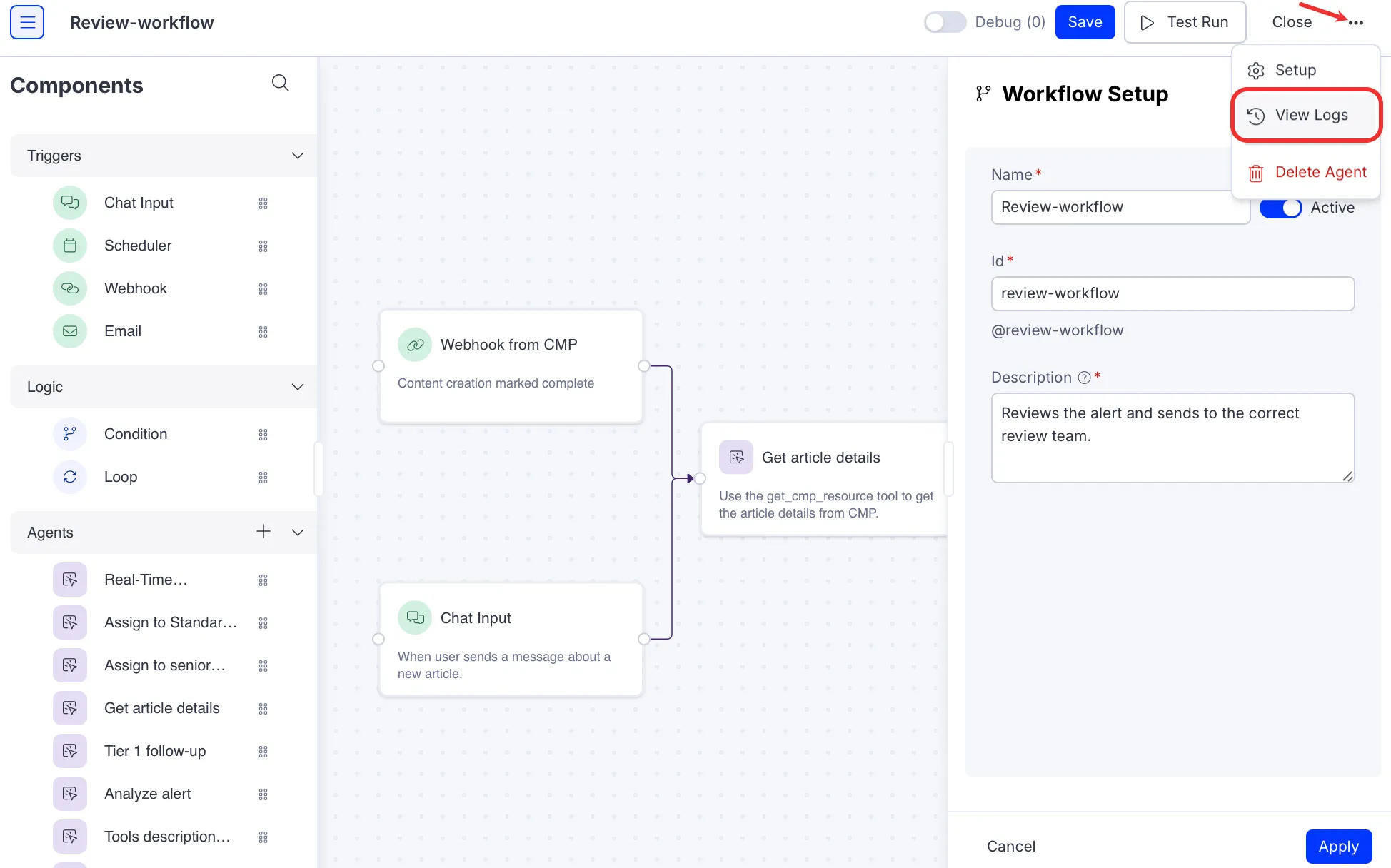
- Click on a workflow's execution to view its execution details.
- See the Copy the execution ID section for next steps.
From the Workflow Logs page
- Select the Workflow logs tab.
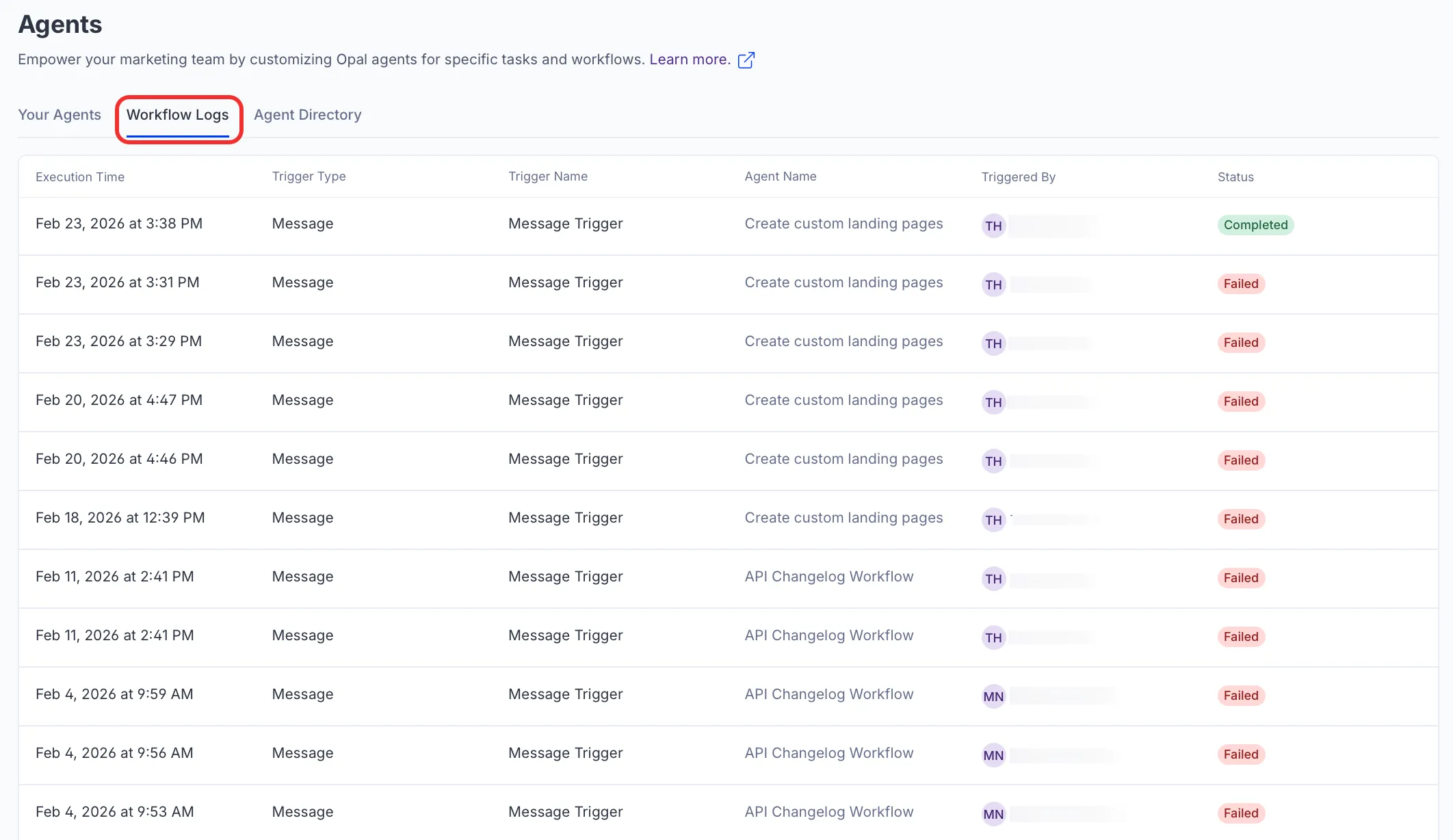
- Click on a workflow's execution to view its execution details.
- See the Copy the execution ID section for next steps.
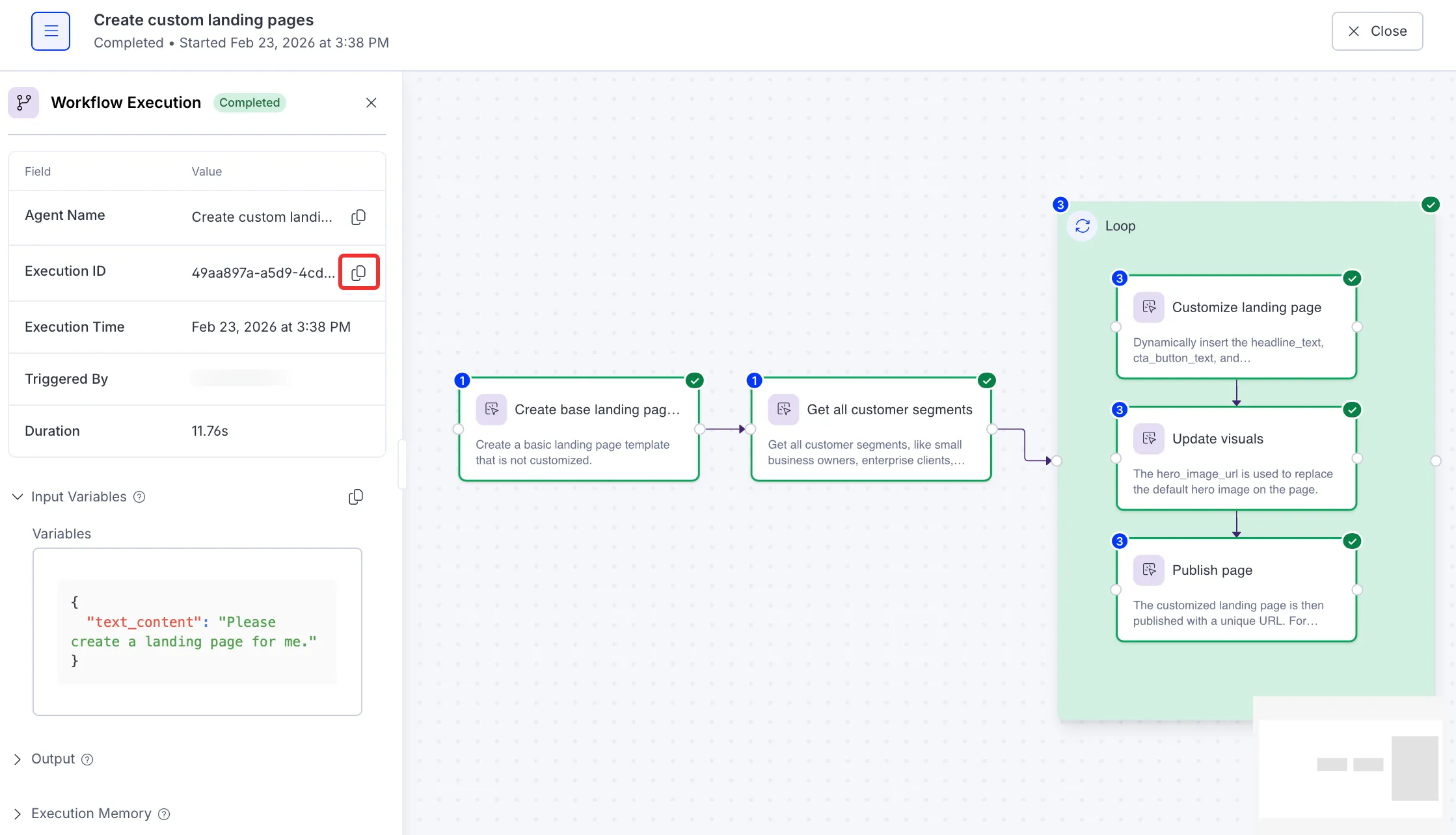
Copy the execution ID
Click Copy for the Execution ID from the Workflow Execution details.
Note
If you use Opti ID, administrators can turn off generative AI in the Opti ID Admin Center. See Turn generative AI off across Optimizely applicationsTurn generative AI off across Optimizely applications.