WCAG Compliance Auditor agent
WCAG Compliance Auditor is an Optimizely Opal agent that audits Optimizely Content Management System (CMS) SaaS content against Web Content Accessibility Guidelines (WCAG) standards and applies approved accessibility fixes.
- Challenge – Accessibility issues accumulate across CMS (SaaS) content, and manual reviews miss them before publication.
- Agent outcome – The agent scores content against WCAG, applies approved content-level fixes, and flags systemic issues to a shared backlog.
- Value – Teams reduce accessibility risk and resolve recurring issues faster through reusable fix patterns.
Required Optimizely products
The WCAG Compliance Auditor agent requires Optimizely Content Management System (SaaS).
Install agent
Note
Opal Administrators, Agent Builders, and users with the Add, edit, and install specialized agents attribute for a custom role can add agents to their organization's Optimizely Opal instance. See Add users and set permissions.Add users and set permissions.
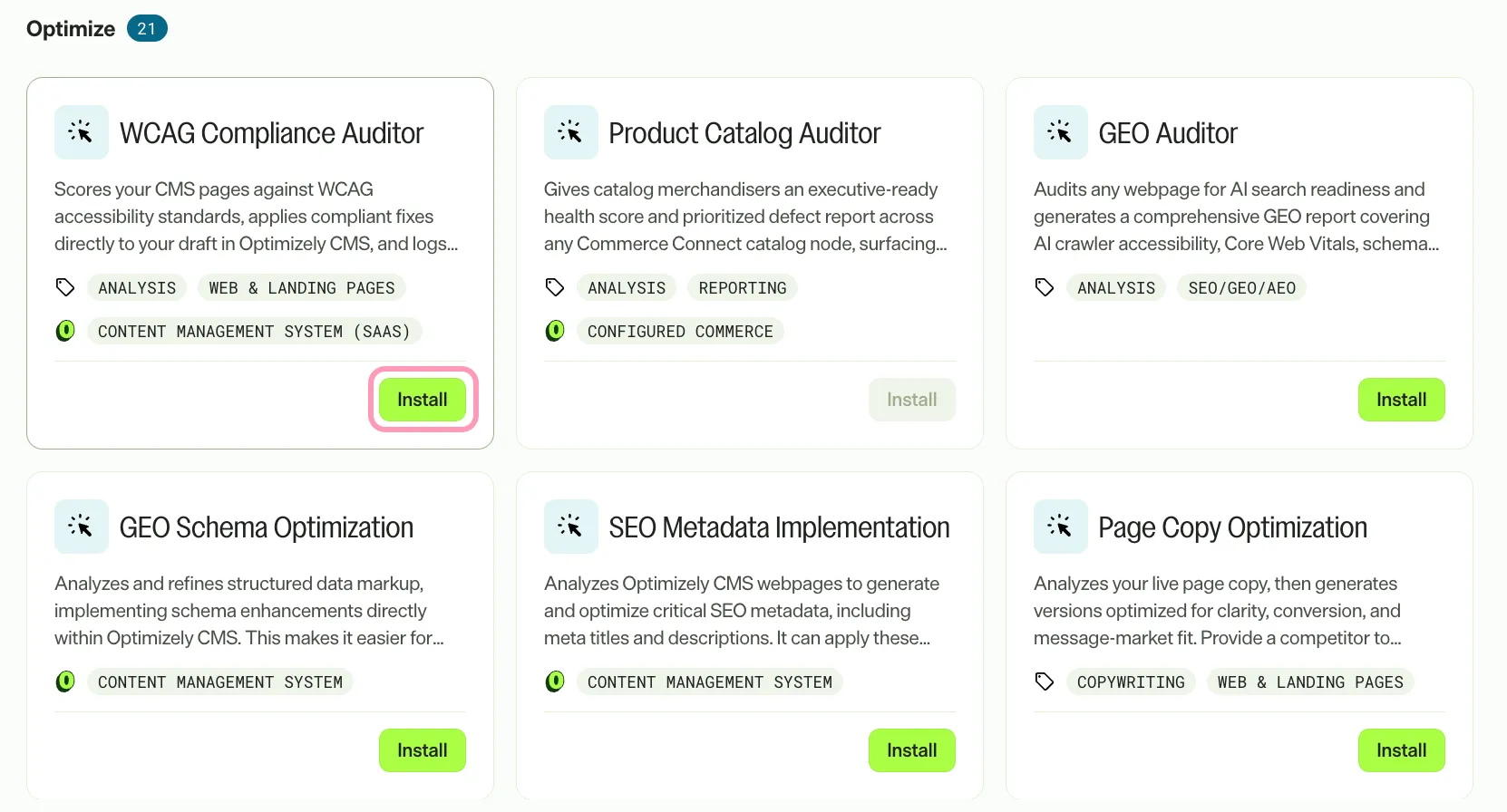
Install the agent from the Opal Agent Directory.
- Go to Agents > Agent Directory.
- Select WCAG Compliance Auditor.
- Click Install Agent to add it to your Opal instance.
Use the agent
In Opal Chat, enter @wcag_compliance_auditor and provide the following details:
- (Optional) WCAGLevel – WCAG conformance level to audit against. Accepted values are 2.0AA, 2.1AA, and AAA. The agent defaults to 2.1AA.
- (Optional) ContentKey – The content key of the content being audited.
- (Optional) ContentVersion – The version of the content being audited.
Note
Every parameter is optional. When you omit ContentKey and ContentVersion, the agent audits the current page. When you omit WCAGLevel, the agent audits against WCAG 2.1 AA.
The agent returns an audit report in a canvas and a summary of the session actions in chat. The report covers the compliance score, findings by criterion, fixes applied, and systemic issues flagged for the development team.
To use the WCAG Compliance Auditor agent in a workflow agent, drag and drop it into your workflow. See Create a workflow agent.
Details
These are the default details for the WCAG Compliance Auditor agent. After you install the agent in your Opal instance, customize these details for your organization's needs.
See Manage agents for instructions.
Input variables
The WCAG Compliance Auditor agent takes the following input:
- (Optional) WCAGLevel
- (Optional) ContentKey
- (Optional) ContentVersion
Tools
The WCAG Compliance Auditor agent uses the following tools internally to process your request:
- browse_web
- create_or_edit_skill
- find_skill
- create_canvas
- cms_get_content_data
- cms_get_content_preview_url
- cms_update_content_item
- ask_user_question
Additional details
The agent uses the following default configuration:
- Inference level – Standard. Provides fast, efficient responses.
- Files – report_template.html (WCAG audit report template).
- Output – Text.
Note
If you use Opti ID, administrators can turn off generative AI in the Opti ID Admin Center. See Turn generative AI off across Optimizely applicationsTurn generative AI off across Optimizely applications.