Technical SEO Auditor agent
Technical SEO Auditor is an agent in Mark (Optimizely Agent Platform). It audits a webpage's technical search engine optimization (SEO) against Google's ranking factors. The agent delivers a prioritized report with developer-ready fix guidance.
- Challenge – Google PageSpeed Insights reports are technical. Marketers struggle to tell which issues affect search visibility most, and developers need specific fixes instead of scores.
- Agent outcome – The agent analyzes a page with Google PageSpeed Insights data and evaluates it against Google's ranking factors, including Core Web Vitals, crawlability, meta tags, and accessibility. It delivers an audit report that explains each issue, why it matters, and how to fix it, with an effort estimate.
- Value – Marketers get issues ranked by their impact on search visibility. Effort estimates separate quick wins from larger technical projects. Developer-ready fixes speed up hand-offs.
Install agent
Note
Mark Administrators, Agent Builders, and users with the Add, edit, and install specialized agents attribute for a custom role can add agents to their organization's Mark instance. See Add users and set permissions.
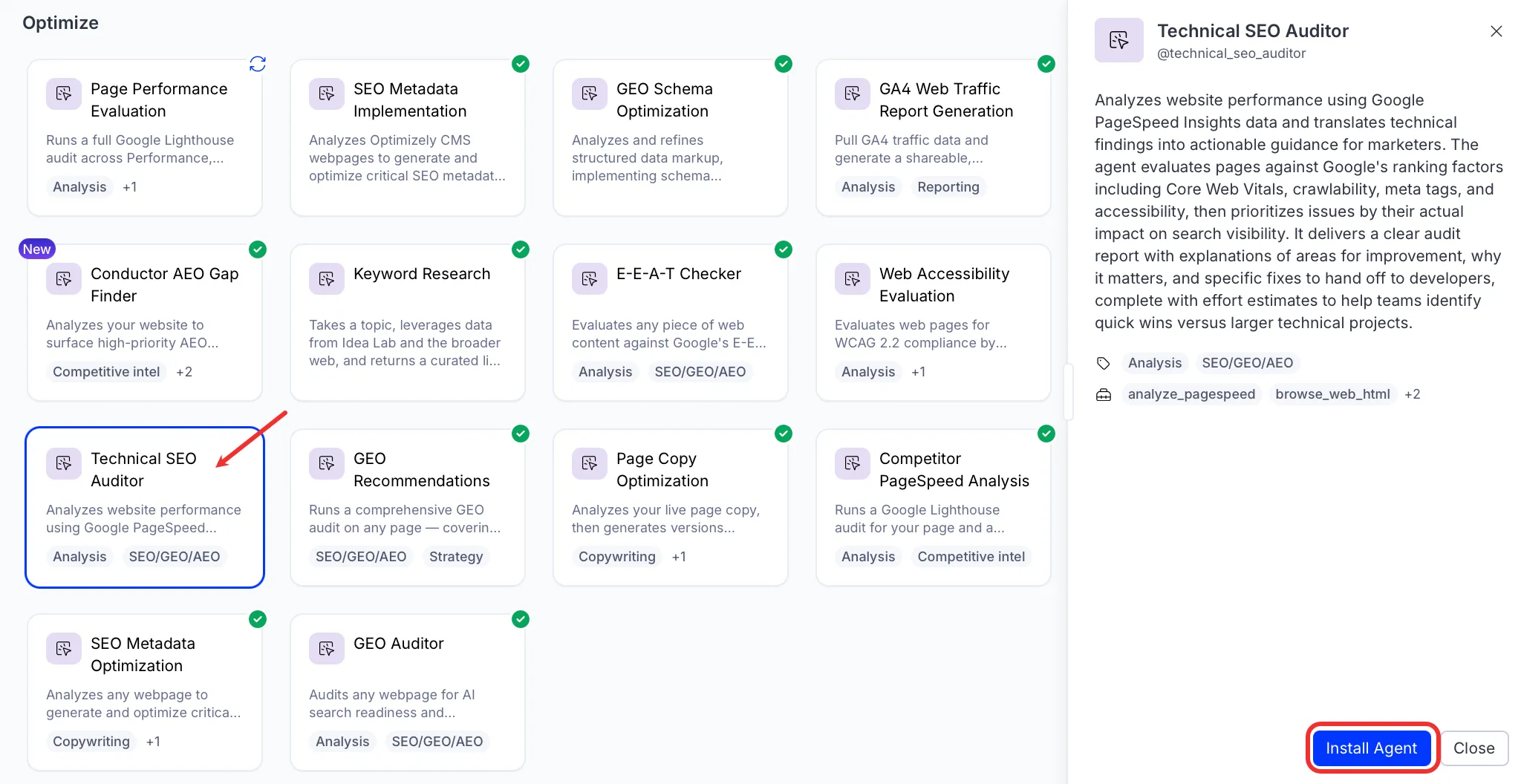
Install the agent from the Directory.
- Go to Directory > Agents.
- (Optional) Enter Technical SEO Auditor or use the drop-down list filters to narrow the list.
- Click Install on Technical SEO Auditor to add it to your Mark instance.
Use the agent
In Mark chat, enter @technical_seo_auditor and provide the following details:
- URL – The URL to audit for technical SEO.
- Device Type – Desktop, mobile, or both.
The agent creates a canvas with a Hypertext Markup Language (HTML) technical SEO audit report and a PDF download. The report covers Core Web Vitals, PageSpeed scores, SEO audit results, and schema markup validation. It also includes prioritized recommendations and effort estimates for each fix.
To use the Technical SEO Auditor agent in a workflow agent, add it to your workflow. See the Create a workflow agent.
Default agent details
These are the default details for the Technical SEO Auditor agent. After you install the agent in your Mark instance, customize these details for your organization's needs. See Manage agents for instructions.
Input variables
The Technical SEO Auditor agent takes the following input:
- URL
- Device Type
Tools
The Technical SEO Auditor agent uses the following tools internally to process your request:
- analyze_pagespeed
- browse_web_html
- create_canvas
- convert_to_pdf
Default configuration
The agent uses the following default configuration:
- Inference level – Pro, which provides maximum reasoning depth.
- Files – None.
- Output – Text.
Note
If you use Opti ID, administrators can turn off generative AI in the Opti ID Admin Center. See Turn generative AI off across Optimizely applications.