Product Catalog Auditor agent
Product Catalog Auditor is an Optimizely Opal agent that scans products and variants to detect data inconsistencies, missing attributes, and publishing gaps in Optimizely Commerce Connect.
- Challenge – Catalog merchandisers struggle to catch unpriced items, missing media, broken variants, and placeholder copy before products publish to live storefronts.
- Agent outcome – The agent generates a catalog health score, severity breakdown, and prioritized defect report, and delivers it in an interactive canvas.
- Value – Merchandisers resolve catalog defects early to maintain data quality and protect storefront revenue.
Prerequisites
Product Catalog Auditor requires the following:
- Optimizely Commerce Connect.
- The Optimizely.Commerce.Opal.Tools 2.0.0 NuGet package.
Install agent
Note
Opal Administrators, Agent Builders, and users with the Add, edit, and install specialized agents attribute for a custom role can add agents to their organization's Optimizely Opal instance. See Add users and set permissions.Add users and set permissions.
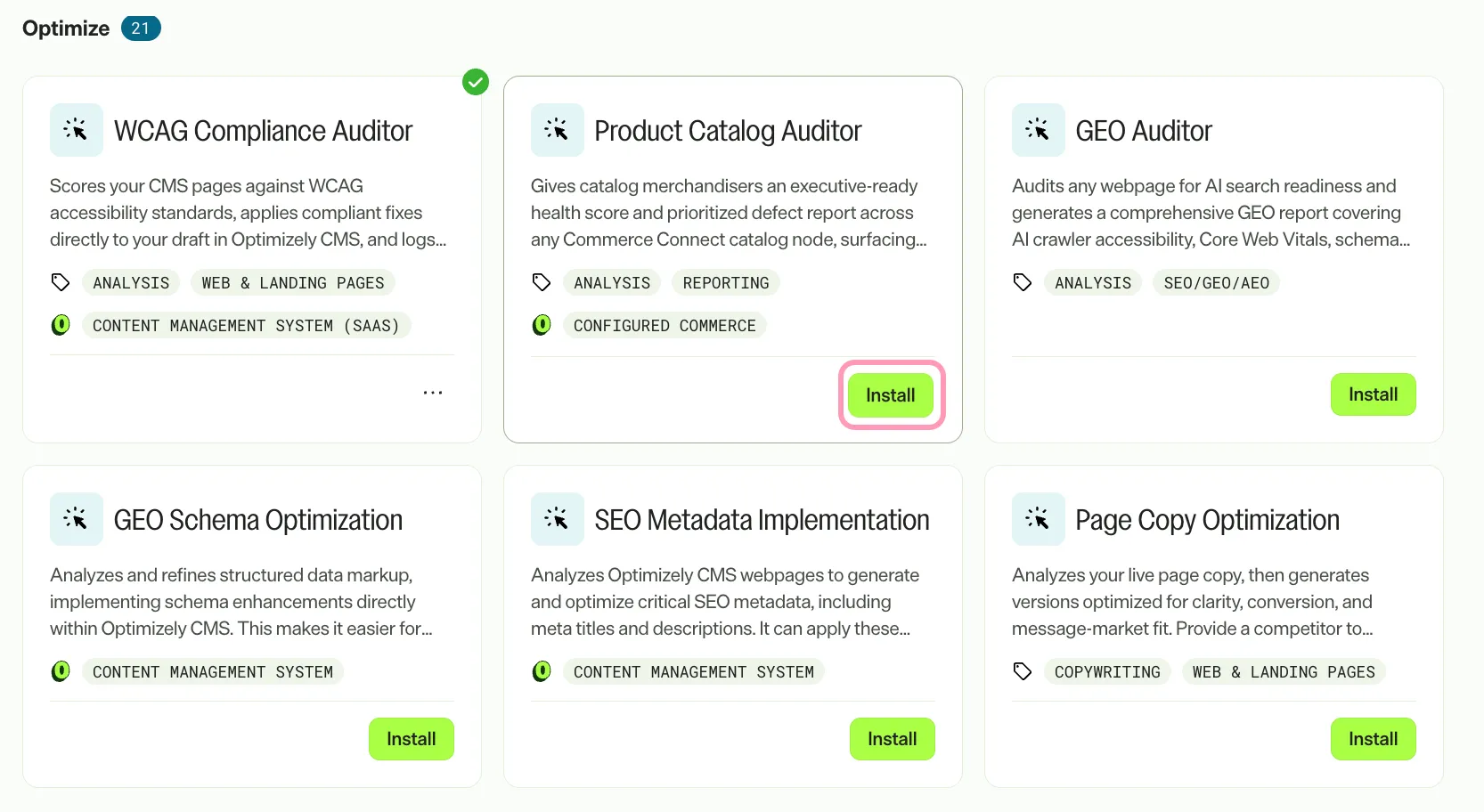
Install the agent from the Opal Agent Directory.
- Go to Agents > Agent Directory.
- Select Product Catalog Auditor.
- Click Install Agent to add the agent to your Opal instance.
Use the agent
Go to Opal Chat, enter @product_catalog_auditor, and provide the following details:
- (Optional) category_or_parent_code – Code or name of the category or catalog node to audit. When omitted, the agent audits from the catalog root.
- (Optional) minimum_attribute_frequency_threshold – Frequency threshold between 0.0 and 1.0. When missing on outlier items, attributes present in at least this proportion of peer items trigger a flag. Defaults to 0.8.
- (Optional) market_id – Market identifier, such as US or UK, to verify pricing and market availability against. Omit to check the default market.
- (Optional) custom_required_attributes – Comma-separated list of attribute names that are strictly required for all products and variants.
- (Optional) commerce_site_url – Base URL of the Commerce Connect site that hosts the Catalog user interface. The agent uses it to build absolute links to items in the Commerce Catalog products view.
Note
All parameters are optional. You can run the agent without parameters to audit the entire catalog from the root node with default thresholds.
The agent delivers a Markdown canvas audit report detailing data inconsistencies, missing attributes, and prioritized defect tables with direct links to items in Commerce Connect.
To use the Product Catalog Auditor agent in a workflow agent, drag the agent into your workflow. See Create a workflow agent.
Details
The Product Catalog Auditor agent has the following default details. After you install the agent in your Opal instance, customize these details for your organization's needs.
See Manage agents for instructions.
Input variables
The Product Catalog Auditor agent accepts the following input:
- (Optional) category_or_parent_code
- (Optional) minimum_attribute_frequency_threshold
- (Optional) market_id
- (Optional) custom_required_attributes
- (Optional) commerce_site_url
Tools
The Product Catalog Auditor agent uses the following tools to process your request:
- catalog_content_search
- catalog_content_detail
- catalog_content_link
- commerce_list_market
- create_canvas
- edit_canvas
Additional details
The agent uses the following default configuration:
- Inference level – Complex. Provides advanced reasoning and detail.
- Files – None.
- Output – Text.
Note
If you use Opti ID, administrators can turn off generative AI in the Opti ID Admin Center. See Turn generative AI off across Optimizely applicationsTurn generative AI off across Optimizely applications.