List Creation agent
List Creation agent is an Optimizely Opal agent that guides you through creating a global list or wishlist in Optimizely Configured Commerce.
- Challenge – Administrators must manually look up products, define rules, and scope customers across multiple admin screens to set up global wishlists.
- Agent outcome – The agent creates a global list, saves static or dynamic products, assigns customer scopes, and returns a configuration summary.
- Value – Administrators configure targeted product lists through conversational prompts with validation at each step.
Required Optimizely products
Optimizely Configured Commerce
Install agent
Note
Opal Administrators, Agent Builders, and users with the Add, edit, and install specialized agents attribute for a custom role can add agents to their organization's Optimizely Opal instance. See Add users and set permissions.Add users and set permissions.
Install the agent from the Opal Agent Directory.
- Go to Agents > Agent Directory.
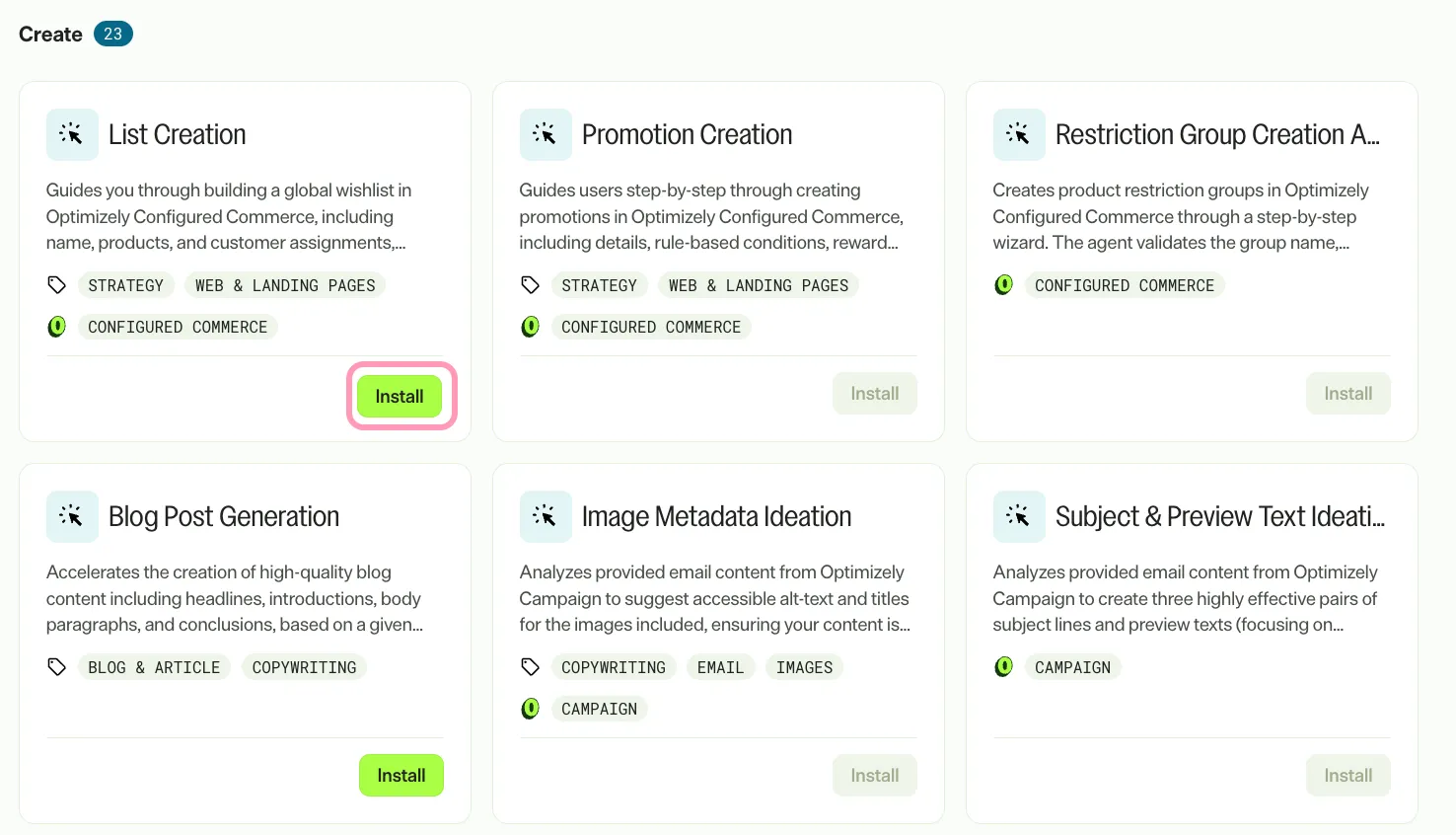
- Select List Creation agent.
- Click Install Agent to add the agent to your Opal instance.
Use the agent
Go to Opal Chat, enter @list_creation, and follow the prompts.
The agent takes no input variables and guides you through creating a global list conversationally. The agent requests a list name first, checks for name uniqueness, and creates the list. The agent then lets you add static products or define dynamic product rules. Finally, the agent lets you assign customers statically or through dynamic rules, additions, and exceptions.
The agent returns a Markdown summary of the created list, including the list ID, active dates, product entries or rules, customer assignments, and next steps.
To use the List Creation agent in a workflow agent, drag the agent into your workflow. See Create a workflow agent.
Details
The List Creation agent has the following default details. After you install the agent in your Opal instance, customize these details for your organization's needs.
See Manage agents for instructions.
Input variables
None.
Tools
The List Creation agent uses the following tools to process your request:
- cfg_commerce_api_proxy
- ask_user_question
Additional details
The agent uses the following default configuration:
- Inference level – Complex, which provides advanced reasoning and detail.
- Files – None.
- Output – Text.
Note
If you use Opti ID, administrators can turn off generative AI in the Opti ID Admin Center. See Turn generative AI off across Optimizely applicationsTurn generative AI off across Optimizely applications.