Image Text Remover agent
Image Text Remover is an Optimizely Opal agent that removes overlaid text from an uploaded image and fills the cleared area with the surrounding background.
- Challenge – To remove captions, labels, or burnt-in subtitles from images, teams must manually edit them in dedicated design tools.
- Agent outcome – The agent removes targeted text overlays from the image and paints each cleared area with the natural background.
- Value – Marketing teams repurpose images without opening external editing software.
Install agent
Note
Opal Administrators, Agent Builders, and users with the Add, edit, and install specialized agents attribute for a custom role can add agents to their organization's Optimizely Opal instance. See Add users and set permissions.
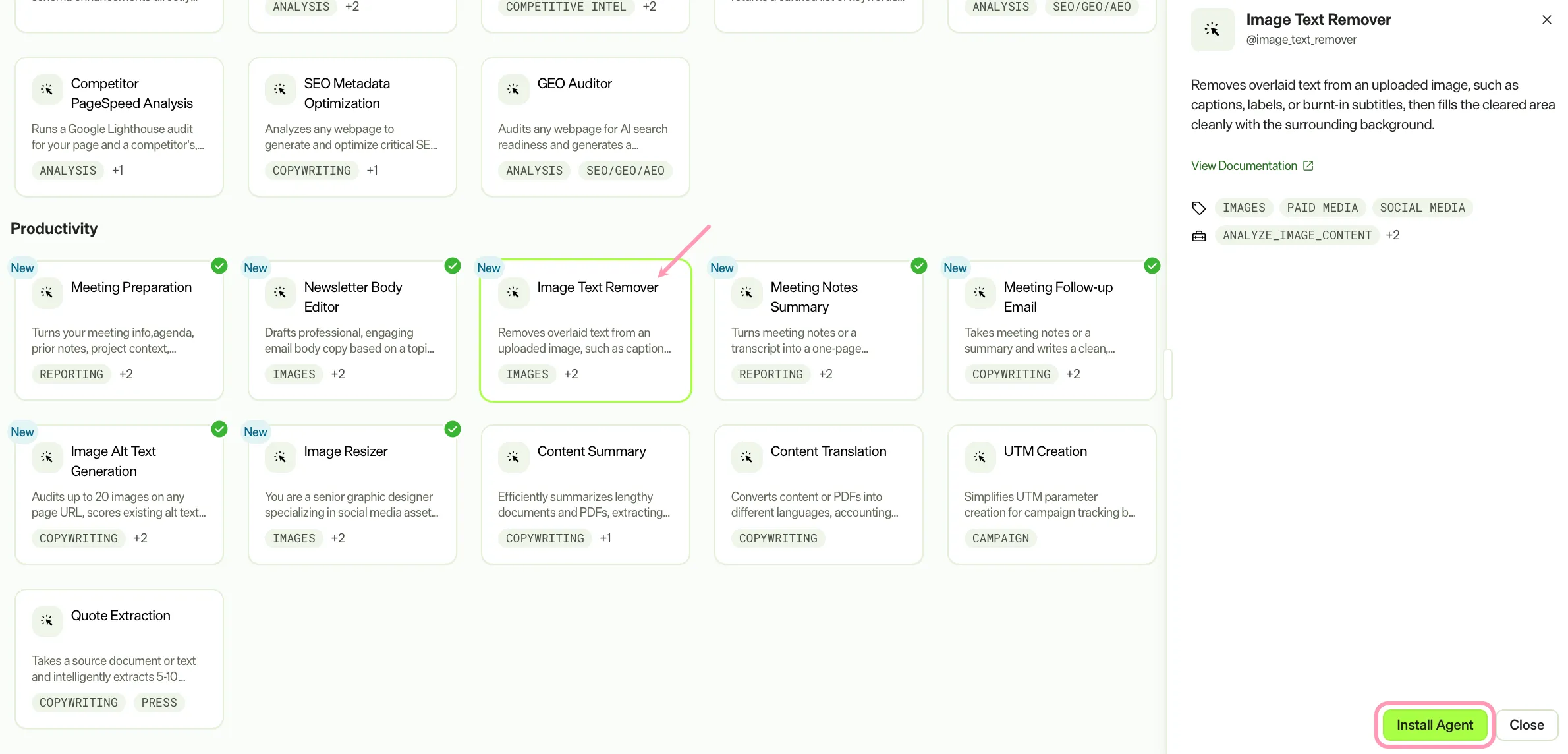
Install the agent from the Opal Agent Directory.
- Go to Agents > Agent Directory.
- Select Image Text Remover.
- Click Install Agent to add it to your Opal instance.
Use the agent
In Opal Chat, enter @image_text_remover and provide the following information:
- Image – The image to edit.
- (Optional) Additional Instructions – Specific guidance on which text to remove. For example, remove only the bottom caption or there are two text blocks, remove both.
The agent removes the overlaid text, fills the cleared area with the surrounding background, and displays the edited image for review.
To use the Image Text Remover agent in a workflow agent, drag and drop it in your workflow. See Create a workflow agent.
Details
The Image Text Remover agent uses the following default settings. After you install the agent (see Install agent), customize these settings for your organization's needs. See Manage agents.
Input variables
The Image Text Remover agent uses the following inputs:
- Image
- (Optional) Additional Instructions
Tools
The Image Text Remover agent uses the following tools:
- analyze_image_content
- generate_or_edit_image
- present_images
Additional details
The Image Text Remover agent uses the following default configuration:
- Inference level – Balanced. The agent provides reliable answers with additional reasoning.
- Files – None.
- Output – Text.
Note
If you use Opti ID, administrators can turn off generative AI in the Opti ID Admin Center. See Turn generative AI off across Optimizely applicationsTurn generative AI off across Optimizely applications.