Feature Experimentation Governance agent
Feature Experimentation Governance is an agent in Mark (Optimizely Agent Platform). It analyzes an Optimizely Feature Experimentation project. It generates a read-only Hypertext Markup Language (HTML) governance report on a canvas. The agent then offers chat actions to resolve findings and applies each change only after you confirm it.
- Challenge – Feature flags accumulate across environments, and teams lose visibility into which flags are live, stale, or abandoned.
- Agent outcome – The agent produces a client-ready HTML report. The report includes flag counts, a rule-type breakdown, health classification, and hygiene indicators. It also includes the Critical, At Risk, Stale, Promote, and Conclude tables. The agent then offers actions to conclude tests and rollouts, promote rules, archive flags, and mark flags permanent.
- Value – Teams find and resolve flag cleanup and promotion work in one conversation, which reduces technical debt.
Required Optimizely products
The Feature Experimentation Governance agent requires Optimizely Feature Experimentation.
Install agent
Note
Mark Administrators, Agent Builders, and users with the Add, edit, and install specialized agents attribute for a custom role can add agents to their organization's Mark instance. See Add users and set permissions.
The Feature Experimentation Governance agent is an Optimizely-managed agent, so it is automatically installed in your instance.
You can manage and run the agent from the Directory.
- Go to Directory > Agents.
- (Optional) Enter Feature Experimentation Governance or use the drop-down list filters to narrow the list.
- Click on the agent.
- Click Run or Manage.
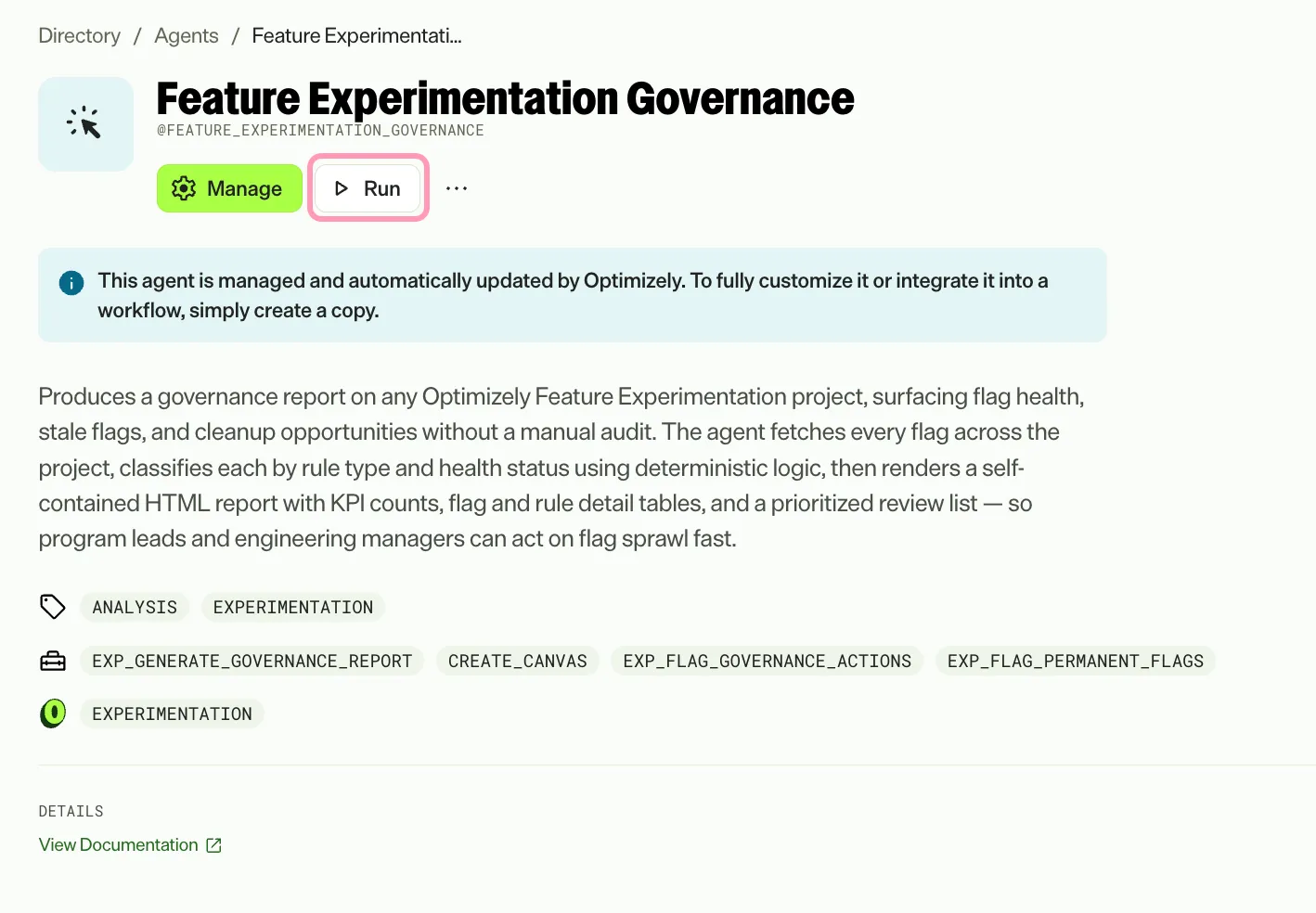
If Run is disabled, connect the required Optimizely products to your Mark instance first.
Use the agent
In Mark chat, enter @feature_experimentation_governance and provide the following details:
- Project Name – Full or partial name of the Feature Experimentation project to analyze. The agent supports partial matches. It searches for the project and confirms the match before it runs.
The agent returns a canvas with a self-contained, read-only HTML governance report. The report covers flag counts, a rule-type breakdown, and health classification. It also covers lifecycle hygiene indicators and the Critical, At Risk, Stale, Promote, and Conclude tables. In chat, the agent summarizes the health score and key findings.
To use the Feature Experimentation Governance agent in a workflow agent, add it to your workflow. See Create a workflow agent.
Resolve report findings
Resolve the issues the report finds without leaving chat. The governance report stays read-only, so changes happen in an interactive governance actions card. You confirm each change before the agent applies it.
When the report finds items that need action, the agent offers to resolve them. If no items need action, the agent says so and makes no offer.
To open the governance actions card, accept the offer or ask for an action directly. If you ask before the agent generates a report, the agent generates the report first.
The card lists the flags and rules that qualify for the following actions:
- Conclude and deploy A/B tests.
- Conclude rollouts that reach 100% of traffic.
- Promote rules to production.
- Archive flags.
- Mark flags as permanent.
Confirm each row in the card to apply that change. The card retrieves current project data and detects changes made after the agent generated the report.
To show one type of action, name it in your request, for example, show me only the conclude actions.
To view flags marked as permanent, ask the agent to list them. Remove the permanent mark from a flag in that list. The list is the only place to remove the mark.
Default agent details
These are the default details for the Feature Experimentation Governance agent. After you install the agent, customize these details for your organization's needs. See Manage agents for instructions.
Input variables
The Feature Experimentation Governance agent takes the following input:
- Project Name
Tools
The Feature Experimentation Governance agent uses the following tools to process your request:
- exp_generate_governance_report
- create_canvas
- exp_flag_governance_actions
- exp_flag_permanent_flags
Default configuration
The agent uses the following default configuration:
- Inference level – Standard, which provides fast responses.
- Files – None.
- Output – Text. A client-ready, read-only HTML governance report. On request, the agent also opens an interactive governance actions card in chat.
Note
If you use Opti ID, administrators can turn off generative AI in the Opti ID Admin Center. See Turn generative AI off across Optimizely applications.