GEO Readiness Scorer agent
GEO Readiness Scorer is an agent in Mark (Optimizely Agent Platform). It measures how ready your site is for generative engine optimization (GEO). GEO is the practice of making your content easy for AI search tools, such as ChatGPT and Perplexity, to find, understand, and cite. The agent measures readiness, not performance. It does not measure traffic or how often AI tools cite your site.
- Challenge – Teams do not know whether AI search tools can find, read, and cite their website. Without a baseline, they cannot decide which fixes to make first. They also cannot measure the impact of the fixes they make.
- Agent outcome – The agent scores your site out of 64 points. It creates an interactive Hypertext Markup Language (HTML) canvas report with a per-page scorecard and a prioritized action plan.
- Value – You get a measurable score to track over time. You also see which fixes recover the most points, so you can prioritize them.
Prerequisites
The GEO Readiness Scorer agent does not require another Optimizely product. It analyzes public pages, so your site must let the agent reach them. If your site blocks automated traffic, the agent cannot analyze the blocked pages.
Install agent
Note
Mark Administrators, Agent Builders, and users with the Add, edit, and install specialized agents attribute for a custom role can add agents to their organization's Mark instance. See Add users and set permissions.
The GEO Readiness Scorer agent is an Optimizely-managed agent, so it is automatically installed in your instance.
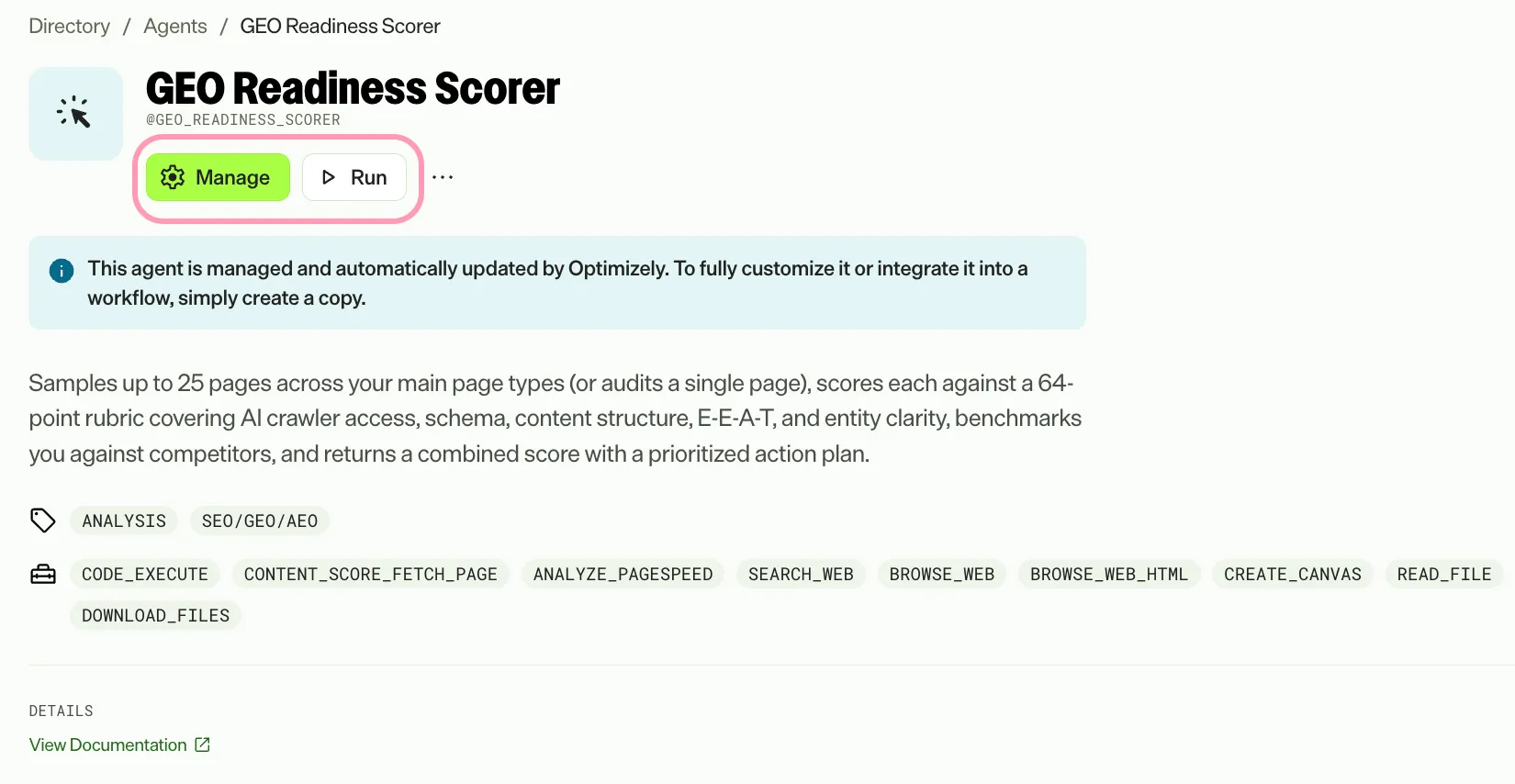
You can manage and run the agent from the Directory.
- Go to Directory > Agents.
- (Optional) Enter GEO Readiness Scorer or use the drop-down list filters to narrow the list.
- Click on the GEO Readiness Scorer agent.
- Click Run or Manage.
Use the agent
In Mark chat, enter @geo_readiness_scorer and your site URL. Alternatively, enter a plain request, such as Score the GEO readiness of https://www.example.com.
The agent reads public pages and never changes your site. By default, it finds pages in your sitemap and analyzes 10 of them. To analyze a single page, provide one page URL. To limit the analysis to part of your site, provide a path filter, such as /blog/. The agent analyzes up to 25 pages.
When your sitemap has more pages than the maximum, the agent samples across the top-level sections of your site, such as /blog/ and /products/. It does not use the first pages listed. The sample includes your homepage if the sitemap lists it.
If your site has no sitemap, the agent starts from your homepage and the pages it links to. The report says so.
How the agent scores your site
The agent scores your site against a fixed 64-point rubric in two tiers:
- Site-level tier (15 points) – Scored once for your whole domain. It covers discoverability and AI access (10 points) and competitive benchmarking (5 points). Competitive benchmarking compares your pages with pages from competitors that the agent finds through web searches.
- Page-level tier (49 points) – Scored for each page, and then averaged across all pages.
The page-level tier covers the following categories:
- Technical and Core Web Vitals (10 points) – Page speed and stability, measured with Google's Core Web Vitals.
- Structured data and metadata (12 points) – Schema markup and page metadata.
- Content structure and answer extractability (13 points) – How easily an AI tool can pull an answer from your content.
- Experience, expertise, authoritativeness, and trustworthiness (E-E-A-T) (10 points) – Signals that show your content is credible.
- Entity clarity (4 points) – How clearly your site identifies your brand.
The combined score is the site-level score plus the average page-level score. Each item earns one point or zero points. The agent never awards partial points.
Review the report
The agent creates an interactive HTML canvas report and saves the same report as a downloadable HTML file. The following sections display when you open the report:
- Header and score – The combined sitewide score, the status label (a rating that summarizes how ready your site is), and the median and range of page scores.
- Key findings – The three most important findings for your site.
- Section scores – The score for each category in the rubric.
- Per-page scorecard – The score and status label for each page the agent analyzed.
The sitewide action plan ranks each action as Now, Next, or Later. The agent bases the rank on impact and dependencies, not on time estimates. The agent also classifies each failing item as one of the following:
- Systemic – The item fails on 60% or more of the scored pages, which points to a template or content management system (CMS) defect. Fix it once to recover points across your site.
- Isolated – The item fails on fewer than 60% of the scored pages. Fix it page by page.
The report also includes a verification ledger that lists the items the agent could not measure and explains why. It helps you tell a measurement gap from a real defect on your site. The agent leaves items it cannot measure because of a tool limitation out of the score instead of counting them as zero.
If a page blocks the agent, the page stays in the scorecard and the report displays an Analysis Limited alert. The agent scores the items it cannot verify as zero. Remove the block so the agent can reach the page, and then run the agent again.
To see how your score changes as you make improvements, run the agent again. Repeat as often as you need.
To use the GEO Readiness Scorer agent in a workflow agent, add the agent to your workflow. See Create a workflow agent.
Default agent details
The following are the default details for the GEO Readiness Scorer agent. After you install the agent in your Mark instance, customize these details for your organization's needs.
See Manage agents for instructions.
Input variables
The GEO Readiness Scorer agent takes the following inputs:
- Site URL – The site root or domain to analyze, such as https://www.example.com. If you omit https://, the agent adds it.
- (Optional) Page URLs – A list of up to 25 page URLs to analyze. The agent uses these pages instead of discovering pages from your sitemap.
- (Optional) Max Pages – The maximum number of pages to analyze. The default is 10, and the limit is 25.
- (Optional) Path Filter – A string, such as /blog/ or /products/. The agent analyzes only pages with a path that contains this string.
Tools
The GEO Readiness Scorer agent uses the following tools to process your request:
- analyze_pagespeed
- browse_web
- browse_web_html
- code_execute
- content_score_fetch_page
- create_canvas
- download_files
- read_file
- search_web
Default configuration
The agent uses the following default configuration:
- Inference level – Pro, which provides maximum reasoning depth.
- Files – None.
- Output – Text.
Note
If you use Opti ID, administrators can turn off generative AI in the Opti ID Admin Center. See Turn generative AI off across Optimizely applications.