Administration of CMS
Settings interface
Important
This topic is for CMS administrators and developers with administration access rights and applies to the current version of the CMS user interface. For the earlier version of the user interface, see Administration of earlier versions of CMS.
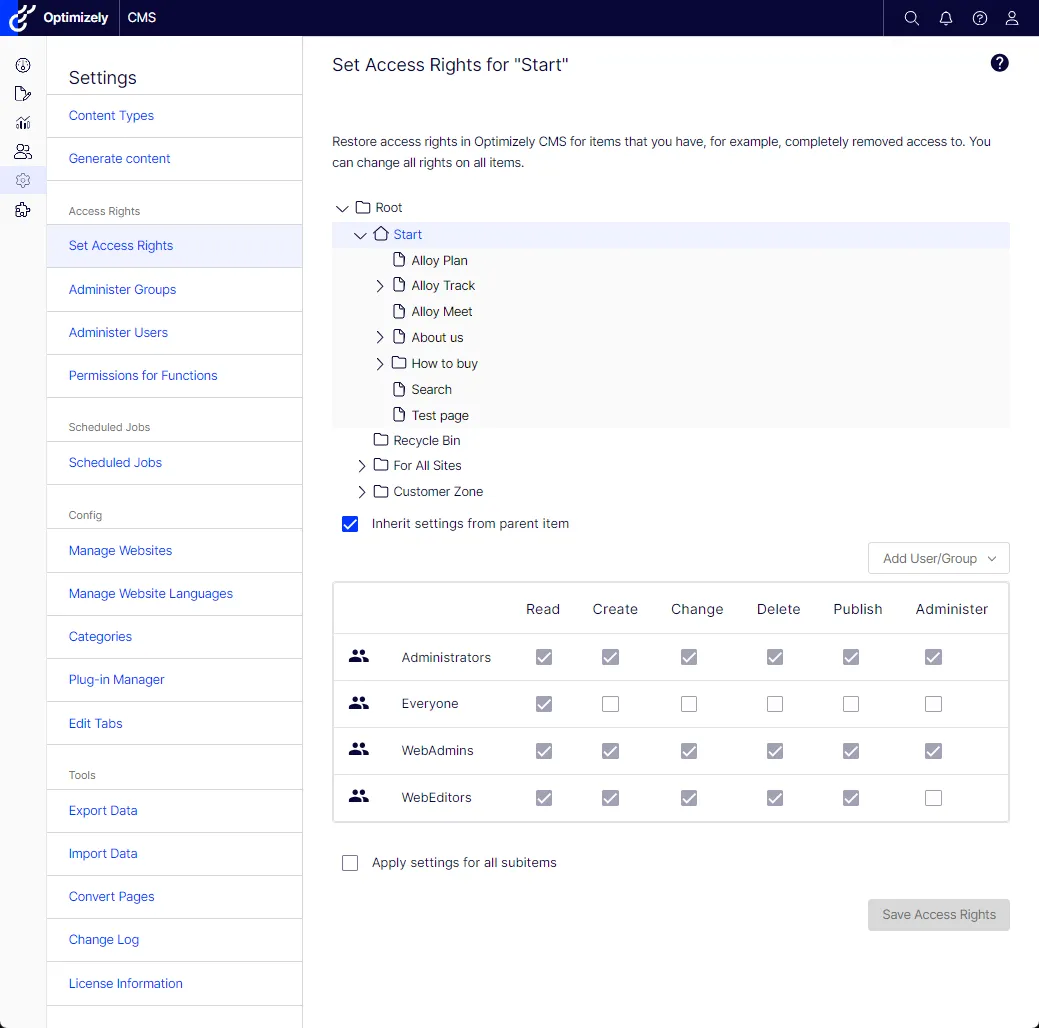
Select Settings for administrative functions in Optimizely Content Management System (CMS) version 12.
The Settings view in CMS contains core administration features for the Optimizely platform where you manage:
- Access rights
- Scheduled jobs
- Configuration
- Tools
 Optimizely Customized Commerce Administration of Optimizely Commerce Connect
If you have Optimizely Commerce Connect installed on your website, it has an administrative interface for managing e-commerce-specific settings. See the Administration section for Commerce Connect.
 Optimizely Search & Navigation Administration of Optimizely Search & Navigation
If you have added Optimizely Search & Navigation to your website, some specific administration and configuration options are available to optimize the search functionality. See the Administration and configuration section for Optimizely Search & Navigation.
Administration of earlier versions of CMS
Important
This section is for CMS administrators, and developers with administration access rights, and applies to an earlier version of the CMS user interface. For the current user interface, see Settings interface.
Depending on which parts of the Optimizely platform are implemented, you have various administration options in the user interface. The options in this topic apply to the standard options of CMS and related products; a customized site might have additional administration options.
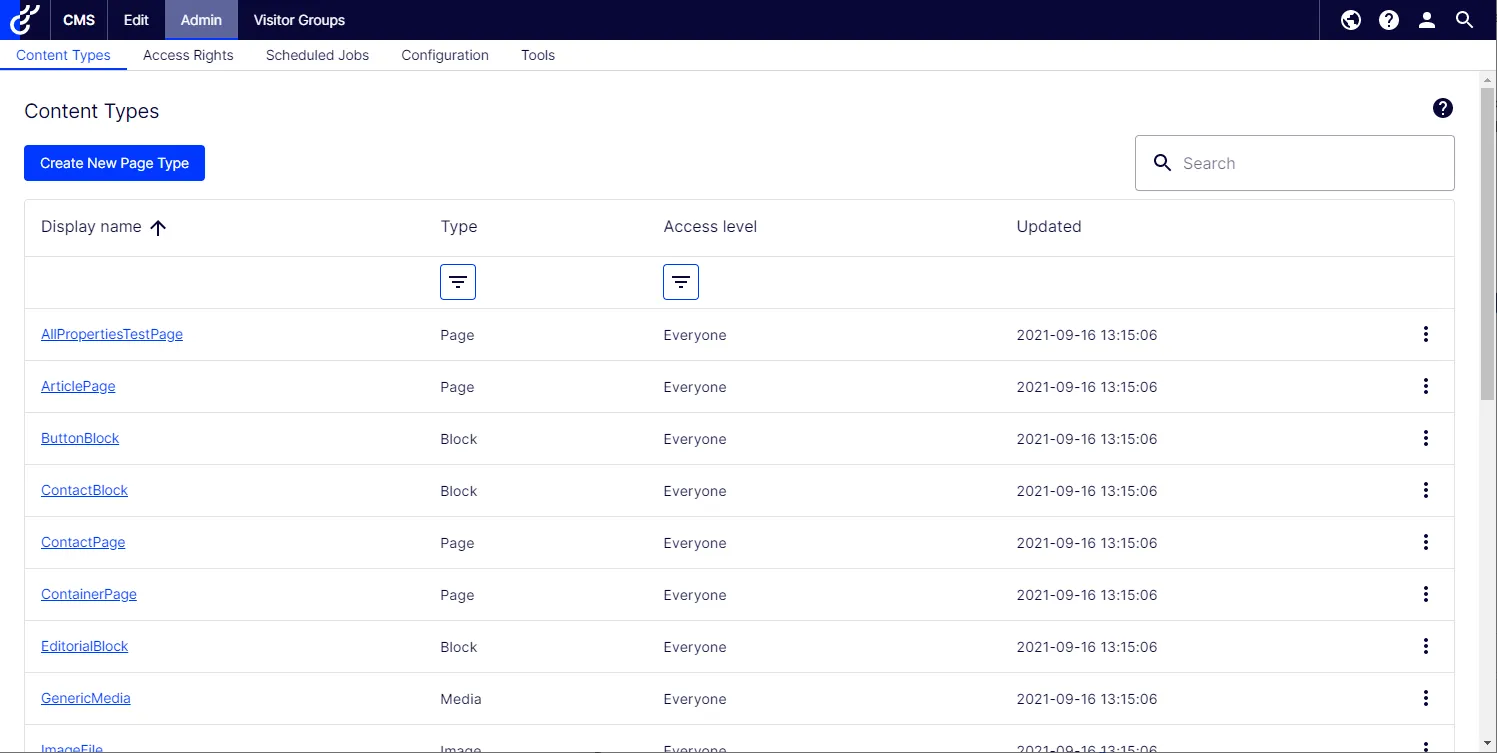
The Admin view in CMS contains core administration features for the Optimizely platform where you manage:
- languages for the website
- export and import of data between websites
- configuration of new websites in a multi-site solution