Configure Web Experimentation for Optimizely Agent Platform
Optimizely Opal is an agent orchestration platform that helps you explore complex questions, provides clear answers about the Optimizely platform, and offers instructions with links to relevant articles. Opal automates tasks, surfaces insights, and guides decision-making. Opal adapts its communication style to your technical expertise, helping you work smarter and complete tasks more efficiently.
Prerequisites
Using Optimizely Agent Platform in Web Experimentation requires the following:
- Administrators must grant users access to Agent Platform. Agent Platform is enabled by default for eligible customers, but users do not have access until an administrator enables it for each individual using Opti ID. For steps, see Get started with Optimizely Agent Platform for AdminsGet started with Optimizely Agent Platform for Admins.
- You must enable third-party cookies in your browser to use Agent Platform in Web Experimentation. Agent Platform fails to load if you disable third-party cookies. Incognito and private browsing modes disable third-party cookies by default. Do not use incognito mode to access Agent Platform or manually enable third-party cookies. To enable cookies in your browser, see the following documentation:
Access Agent Platform in Web Experimentation
Click Ask Mark from Web Experimentation to open Mark chat, which helps you find information, automate tasks, and enhance your product experience. See Mark chat for Experimentation for information.
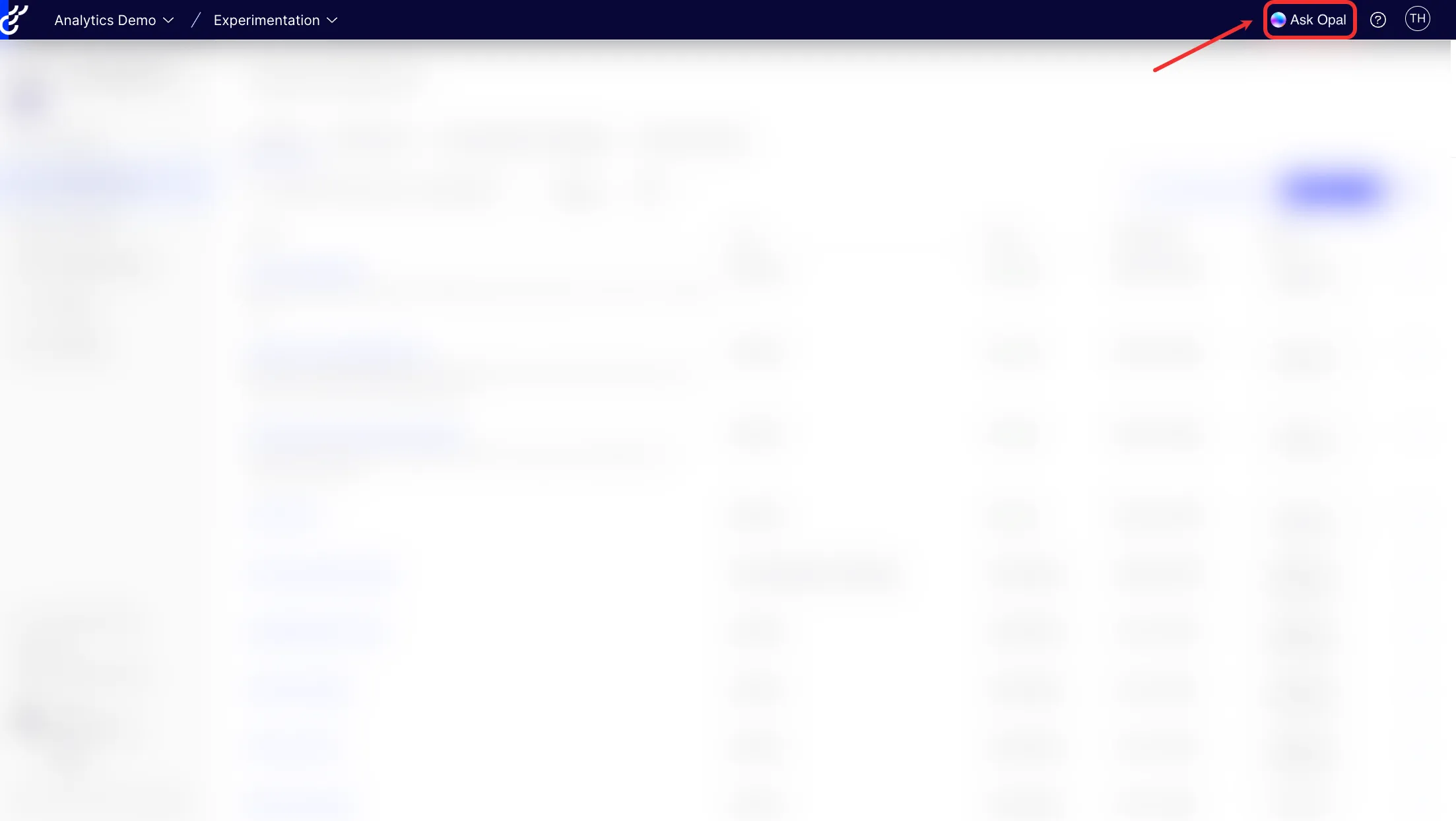
To close Mark chat, click Ask Mark again or click Close.
To access Mark chat from the Agent Platform app by going to home.optimizely.com and selecting Agent Platform. See Access the Optimizely Agent Platform appAccess the Optimizely Agent Platform app.
Agent Platform features in Web Experimentation
- Generate copy suggestions for variations in the Visual Editor.
- Summarize experiment resultsSummarize experiment results.
- Modify and update existing website elements, create new ones, and generate and apply enhancement suggestions using the AI variation development agent.
- Run a pre-launch experiment review that checks your experiment configuration and sends recommended changes to maximize your odds of reaching statistical significance using the Experiment Review Agent.
- Use the Experimentation Program Overview agent to create a report on your Web Experimentation program performance, including top experiment and win rate data.
- Use Idea builderIdea builder to generate specific, actionable experiment ideas based on your page, goal, and research using Opal.
- Compare competitor webpages against your own using the Competitive Webpage Analysis agent.
- Detect conflicts between a proposed experiment and any live experiments in the same project with the Experiment Conflict Checker agent.
- Use the Experiment Value Estimator agent to generate a stakeholder-ready report with the projected annualized impact of rolling out a winning experiment variation.
- Generate an executive value report from Optimizely Program Reporting for Experimentation using the Experiment Program Value Analysis agent .
Note
If you use Opti ID, administrators can turn off generative AI in the Opti ID Admin Center. See Turn generative AI off across Optimizely applicationsTurn generative AI off across Optimizely applications.