PowerSlice for Optimizely Content Management System
4 min
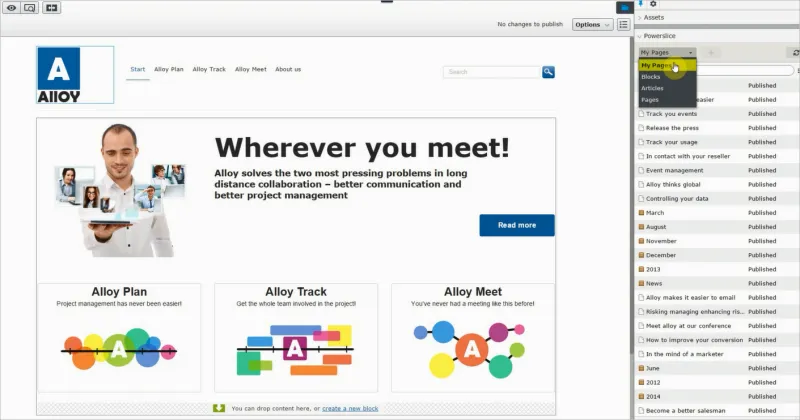
PowerSlice is useful for content that does not naturally fit into a hierarchical structure, such as news articles and blog posts.
Requirements
- No additional license fee for the add-on.
- An Optimizely Content Management System (CMS) installation with Optimizely Search & Navigation.
- See Add-ons platform compatibility for package and version information.
Install PowerSlice .NET 5
- Install Episerver.Find 14+.
- Install Episerver.Find.Cms 14+.
- Install PowerSlice.
- Add to appsettings.json.
{
  "EPiServer": {
    "Find": {
      "ServiceUrl": "https://demo02.find.episerver.net/XCgOgr0kIUsWbB9iE6PQnEo4uJGMoNf4/",
      "DefaultIndex": "mh.nguyen_defaultindex"
    }
  }
}- Add to startup.cs.
public void ConfigureServices(IServiceCollection services) {
  //…
  services.AddFind();
}- Add example slice.
[ServiceConfiguration(typeof (IContentQuery)), ServiceConfiguration(typeof (IContentSlice))]
public class EverythingSlice: ContentSliceBase<IContent> {
  public override string Name {
    get {
      return "Everything";
    }
  }
}- Run the following command: Find Indexing Schedule Job
Install previous versions of PowerSlice
- Source code download from GitHub.