Set CMS destination folders in CMP
2 min
Destination folders are shortcuts to sections of your content tree. For example, you should have a destination folder for News, Blogs, or whatever your content structure dictates.
- In CMP, go to your avatar > Integrations.
- Select the CMS integration.
- Open the Publishing tab.
- Click Add Destination Mapping. A folder field displays.
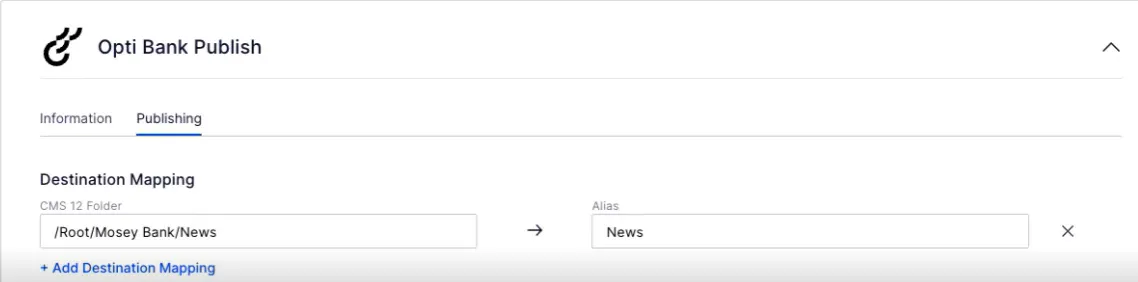
- Click the folder field to display the content tree and select a folder to map.
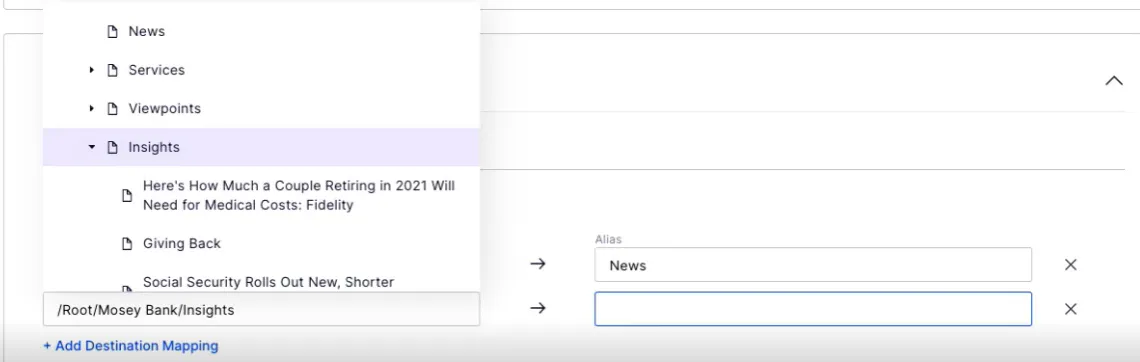
Note
Check your connection information between CMS and CMP if the destination mapping folder drop-down list is blank.. If did not set or misconfigured the credentials, or did not deploy them to your CMS environment, then CMP and CMS are not connected.
- Enter an alias (or shortcut name to areas of the content tree, such as Insights) for the folder.
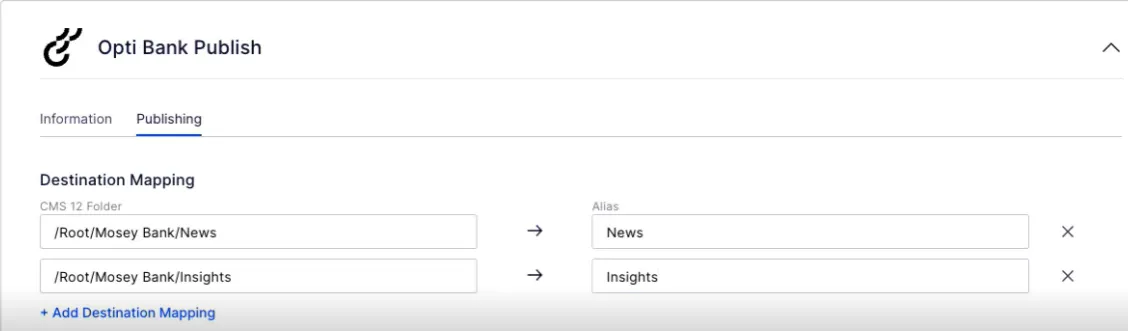
- Click Save.