Integrate YouTube
2 min
Content Marketing Platform (CMP) has a native integration into YouTube that allows you to publish.
In this article, you will learn how to add a YouTube channel.
- Go to your avatar > Social Accounts and locate the YouTube section.
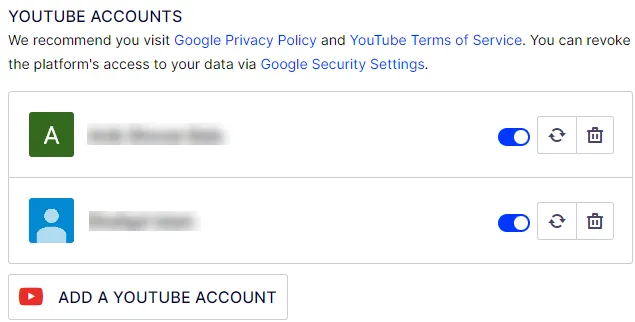
- Click Add YouTube Account. A login page displays.
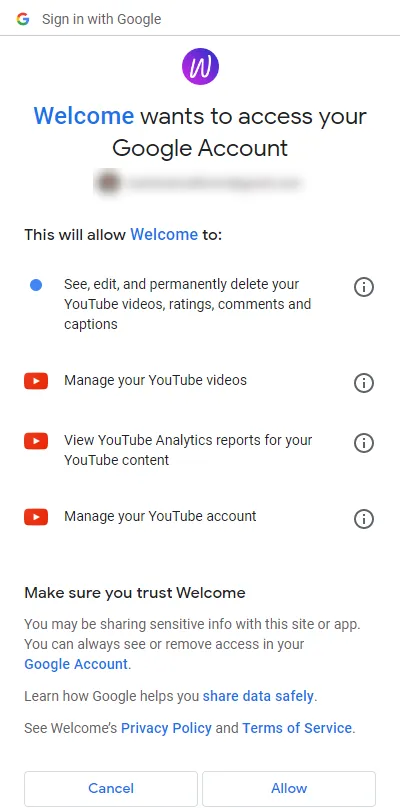
- Click Allow. Your account is added to the YouTube section.
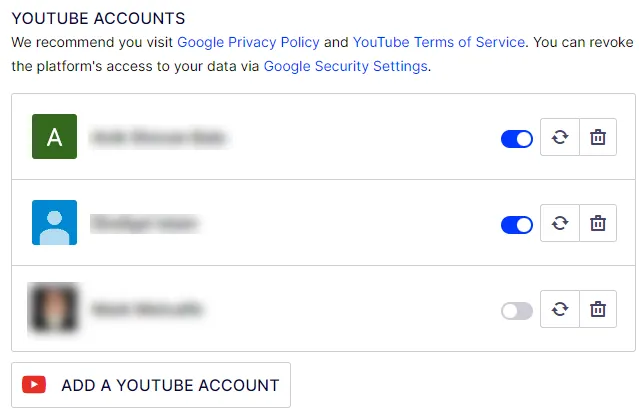
- Click Allow (toggle) switch to activate (blue) or deactivate (gray) your account.
- Click Synchronize (icon) to refresh your account with your existing YouTube videos.
- Click Delete (icon) to permanently delete your YouTube channel (and previously scheduled social posts) from this list.
Note
If you delete a channel, scheduled video tasks will fail to publish.
To link videos from your YouTube channel, click Add Video (icon) in the content editor.
