Create a product set
2 min
You can group products that you want to promote or sell in Optimizely Email Product Recommendations and use product sets in expressions. To create a product set:
- Go to Configuration > Email Product Recommendations > Product Sets.
- Click Create a product set.
Note
There are no restrictions for fallback product sets. Fallback product sets do not follow hints or expressions applied to the product position.
- Enter a name for the product set, such as Holiday Sale.
- Add products to a set in the following ways:
- Enter the refCode or the product's whole or partial name (such as jacket) in the Products field. A list of results display. Click a product (like screwdriver) to add it; hover on it to see the product description.
- Enter space in the Products field and available products display for you to select by clicking each product.
- Drag and drop a CSV file (or click and select the file) in the Upload a CSV file space.
Note
A product set can contain up to 200 products.
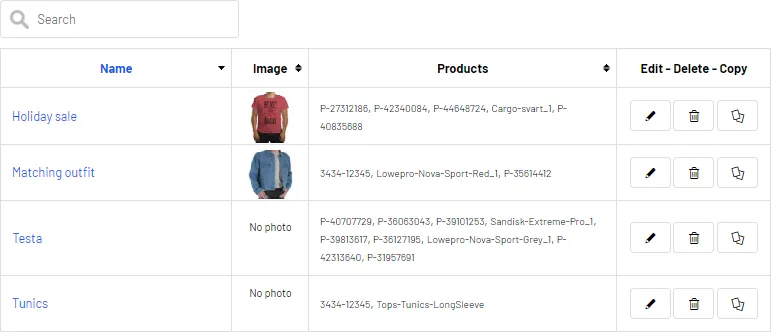
- Click Save product set. Your product set appears in the list, where you can edit, delete, and copy the sets.
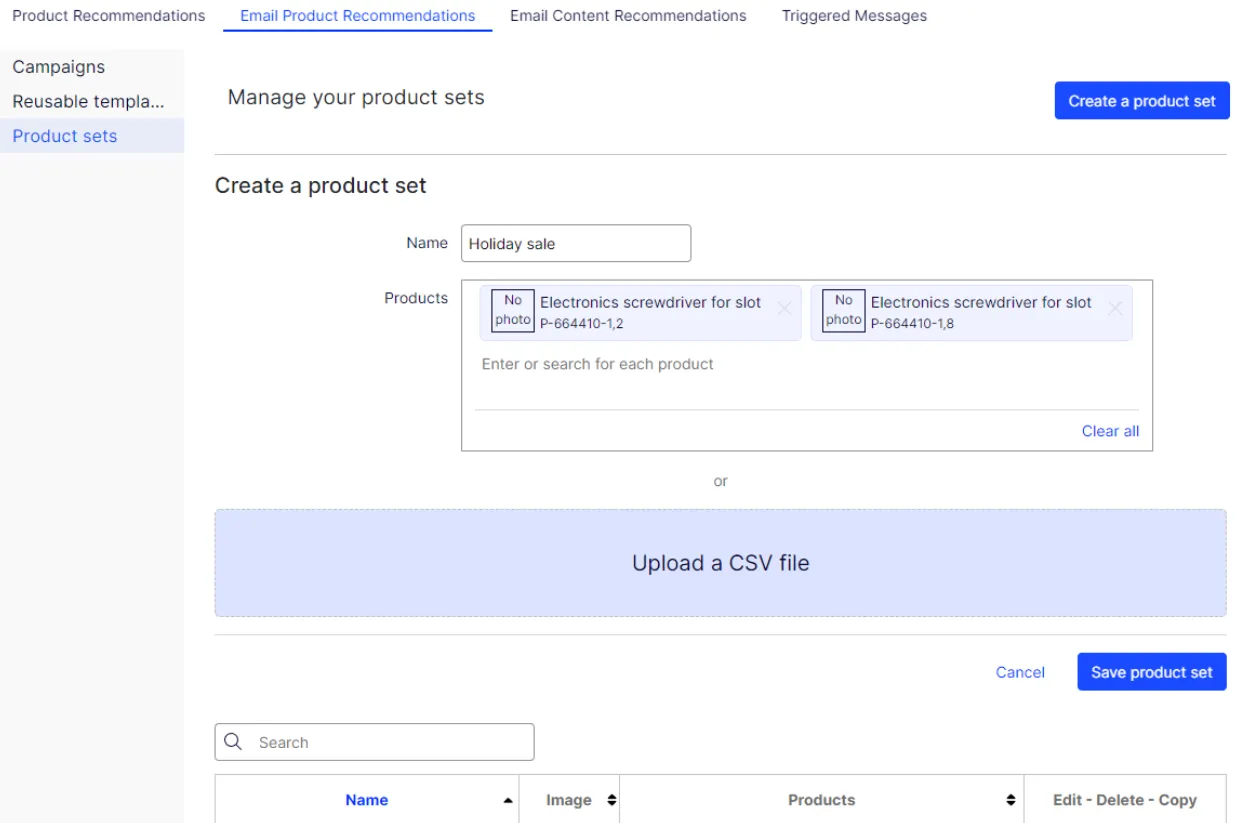
Image: Product set list