Catalog
5 min
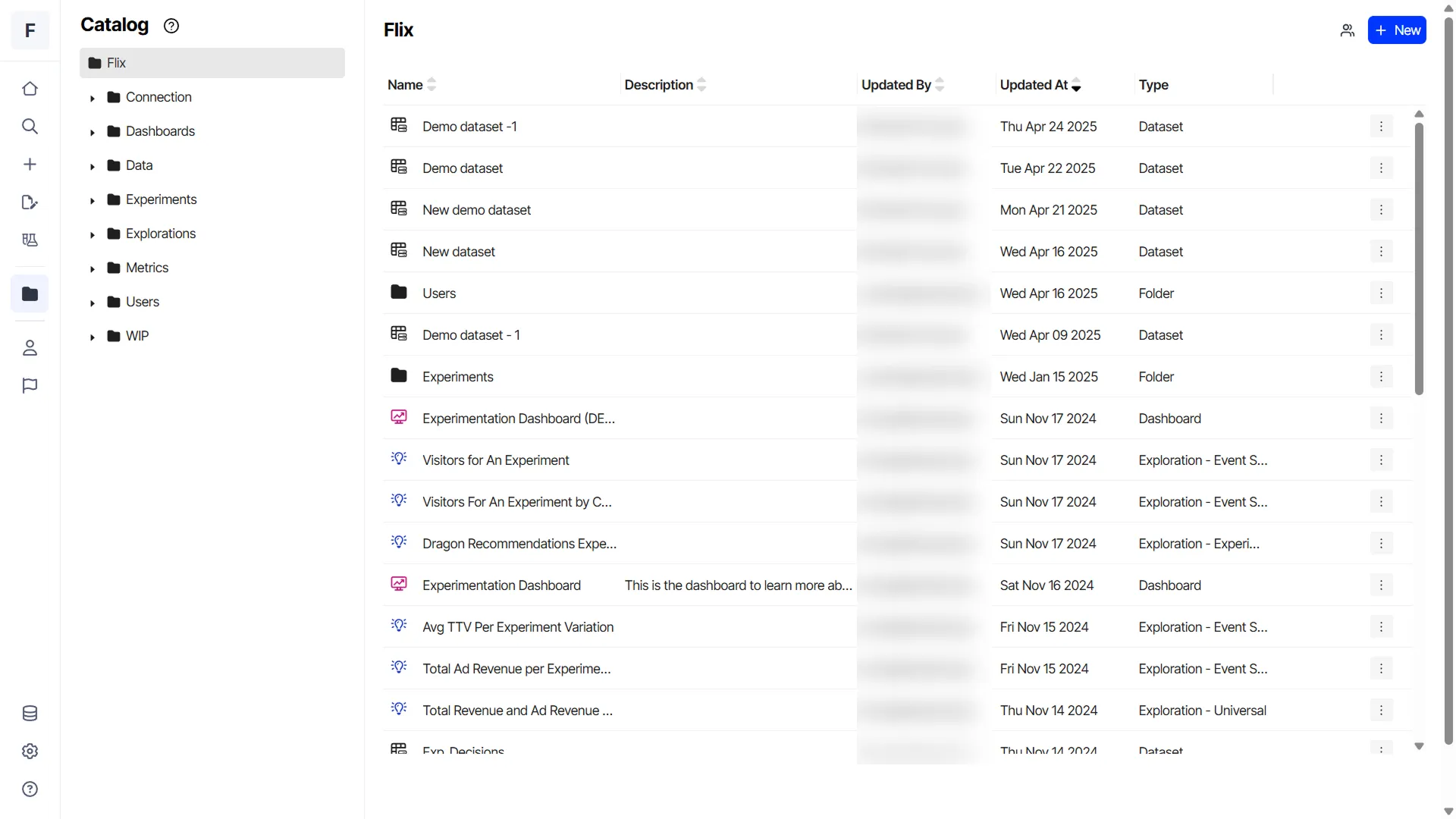
The catalog is the repository of objects in the system, organized into hierarchical folders.
Prerequisite
Before you continue, ensure you have opened the catalog for your app.
Create a folder
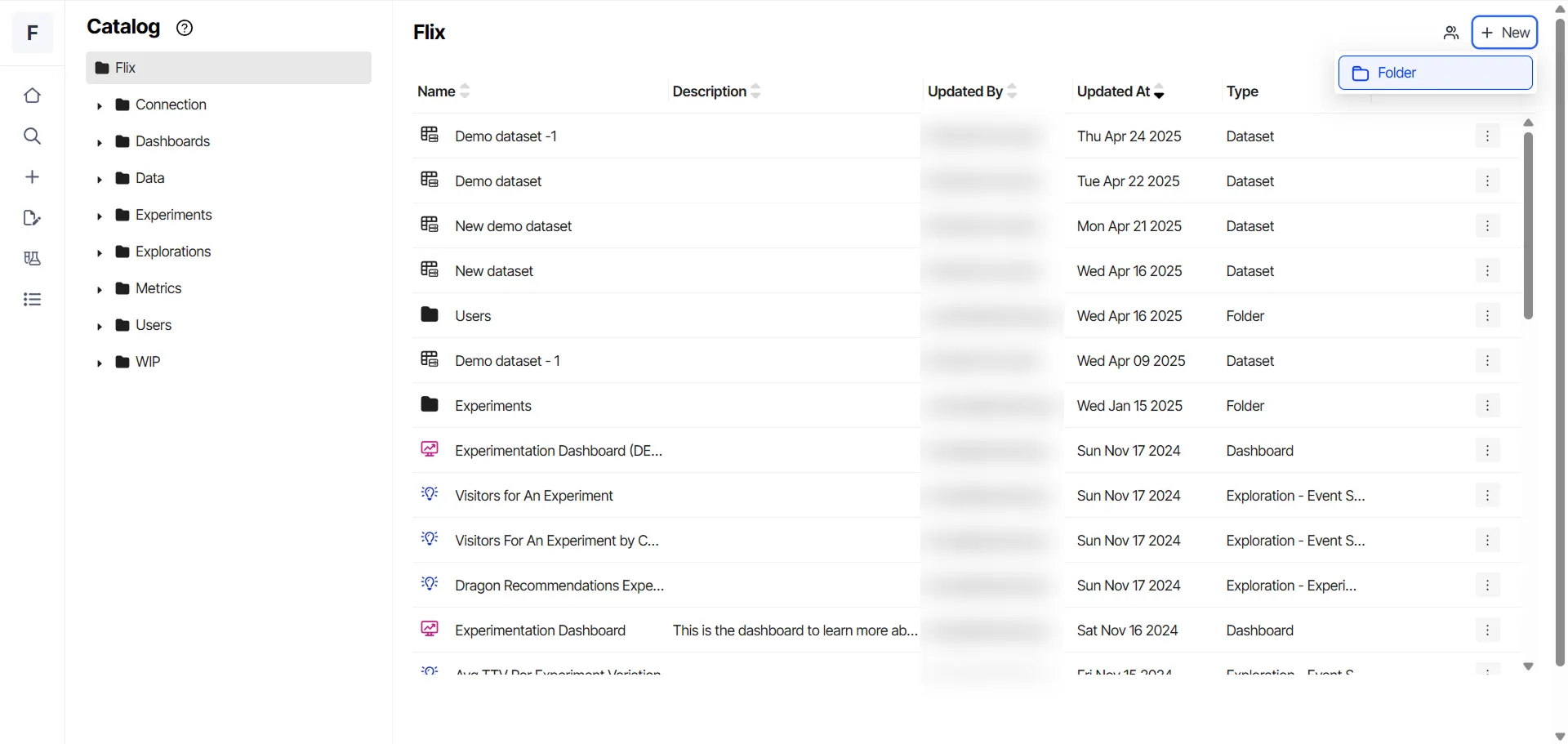
The folder you create is listed inside the folder you are currently working in. Follow these steps to create a folder within the catalog:
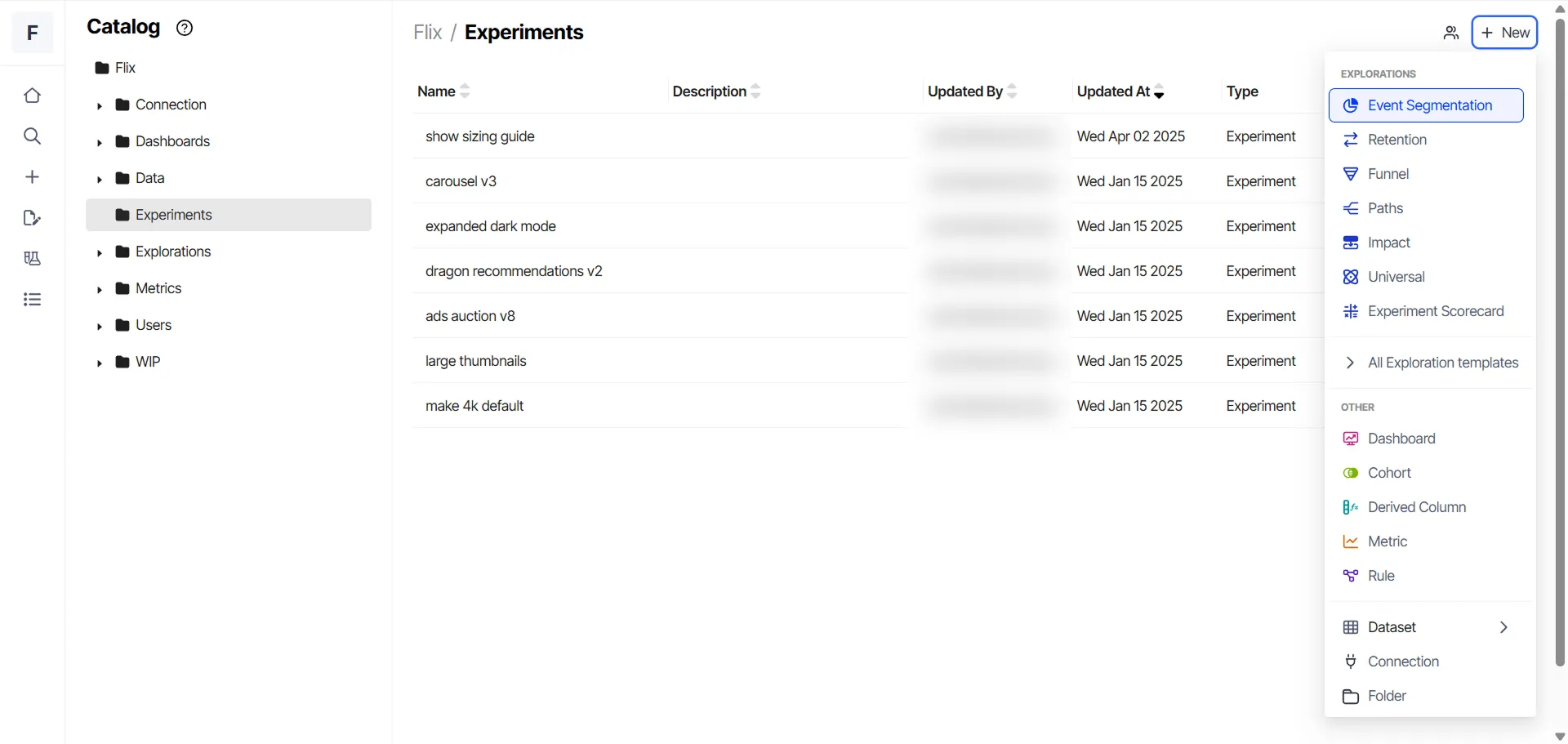
- Click New > Folder.
- Enter the Name and Description (optional), and select the parent folder.
- Click Submit.
Edit a folder
- Click More (⋮) > Edit.
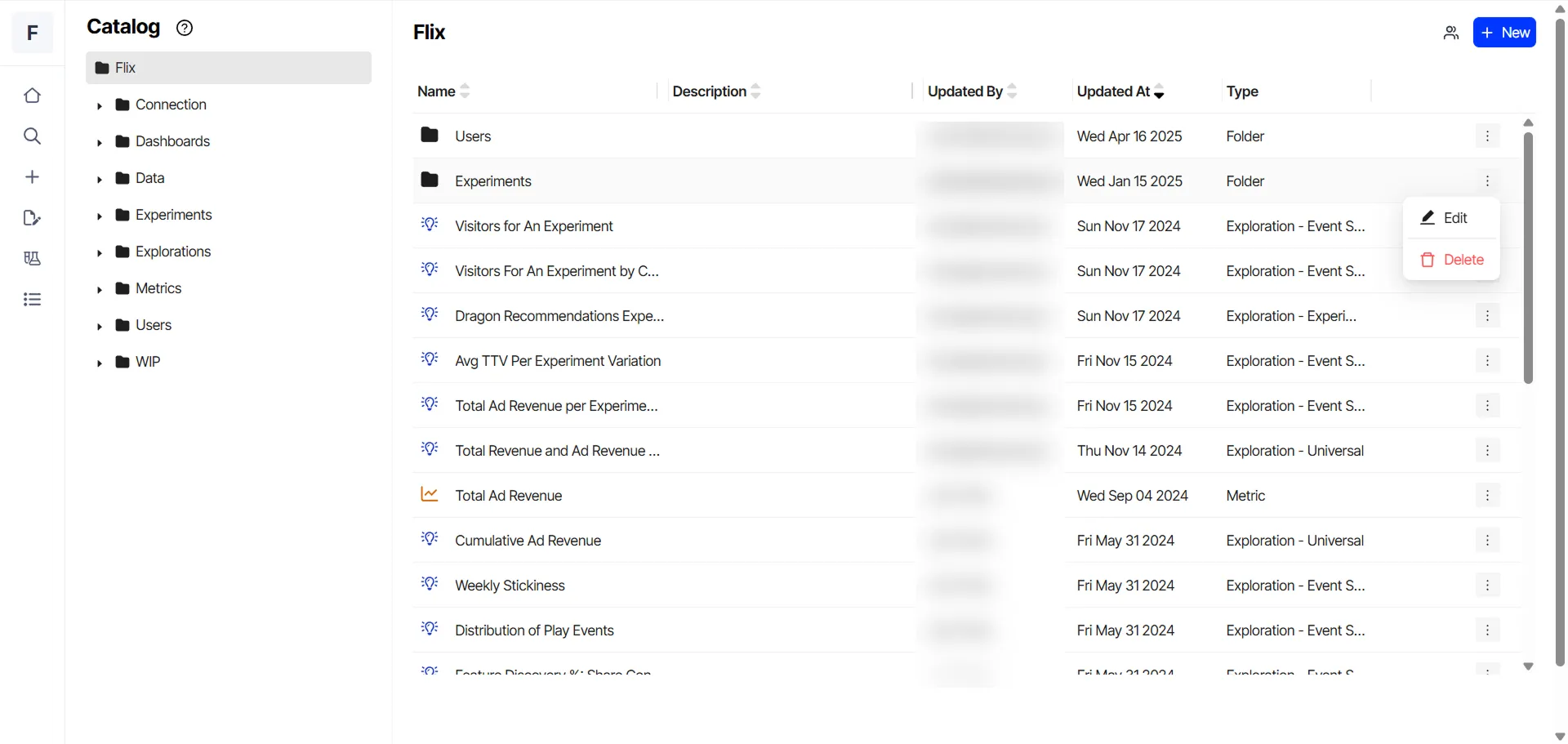
- Edit the name, description, and parent folder, if necessary.
- Click OK.
Delete a folder
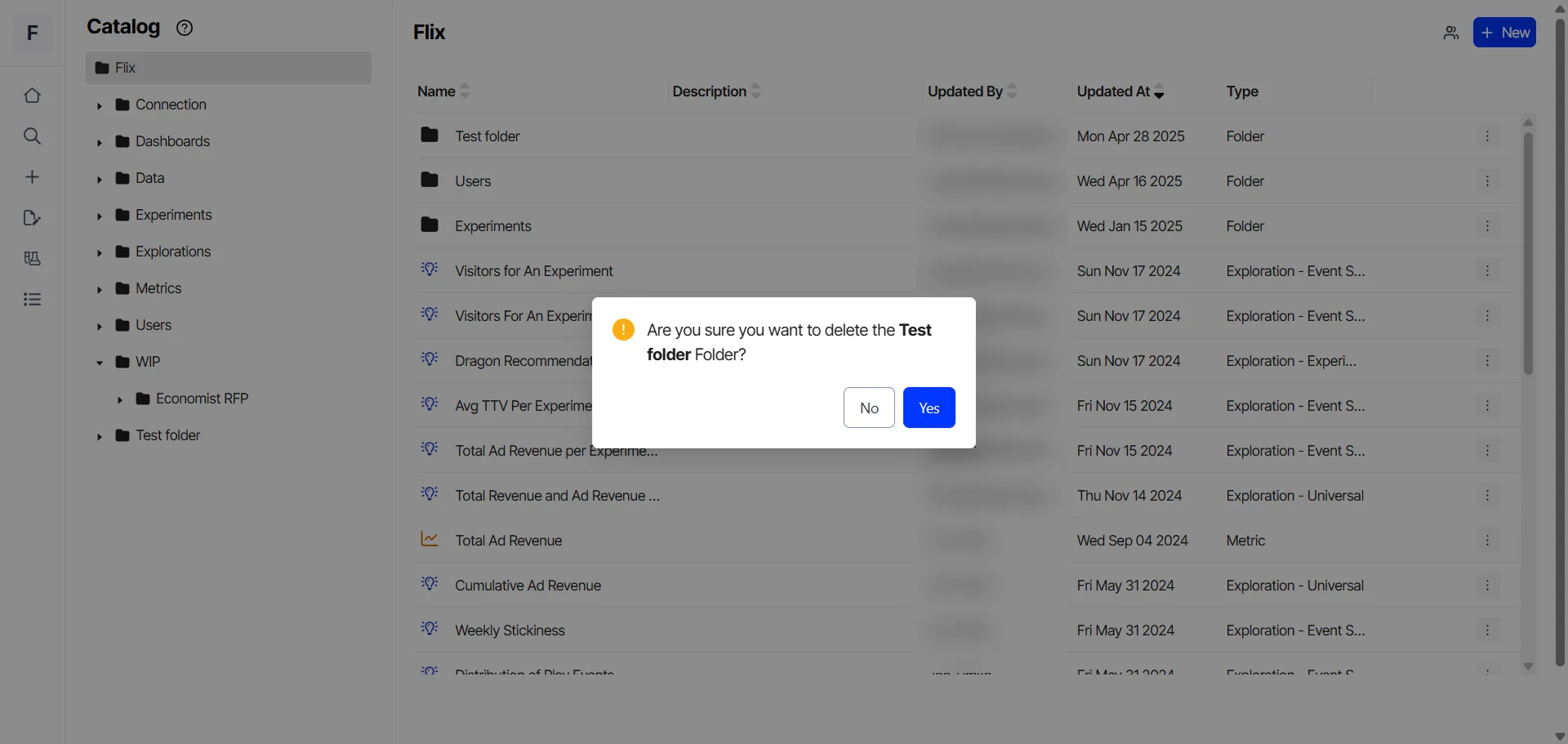
- Click More (⋮) > Delete.
- Click Yes to confirm the deletion.
Add an object to a folder
- Open a folder, click New, and choose an object. For example, Event Segmentation.
- (Optional) Click Unnamed Exploration, and enter a name and description.
- Click the Folder drop-down list to choose the folder where you want to place the object.
- Configure the object as necessary.
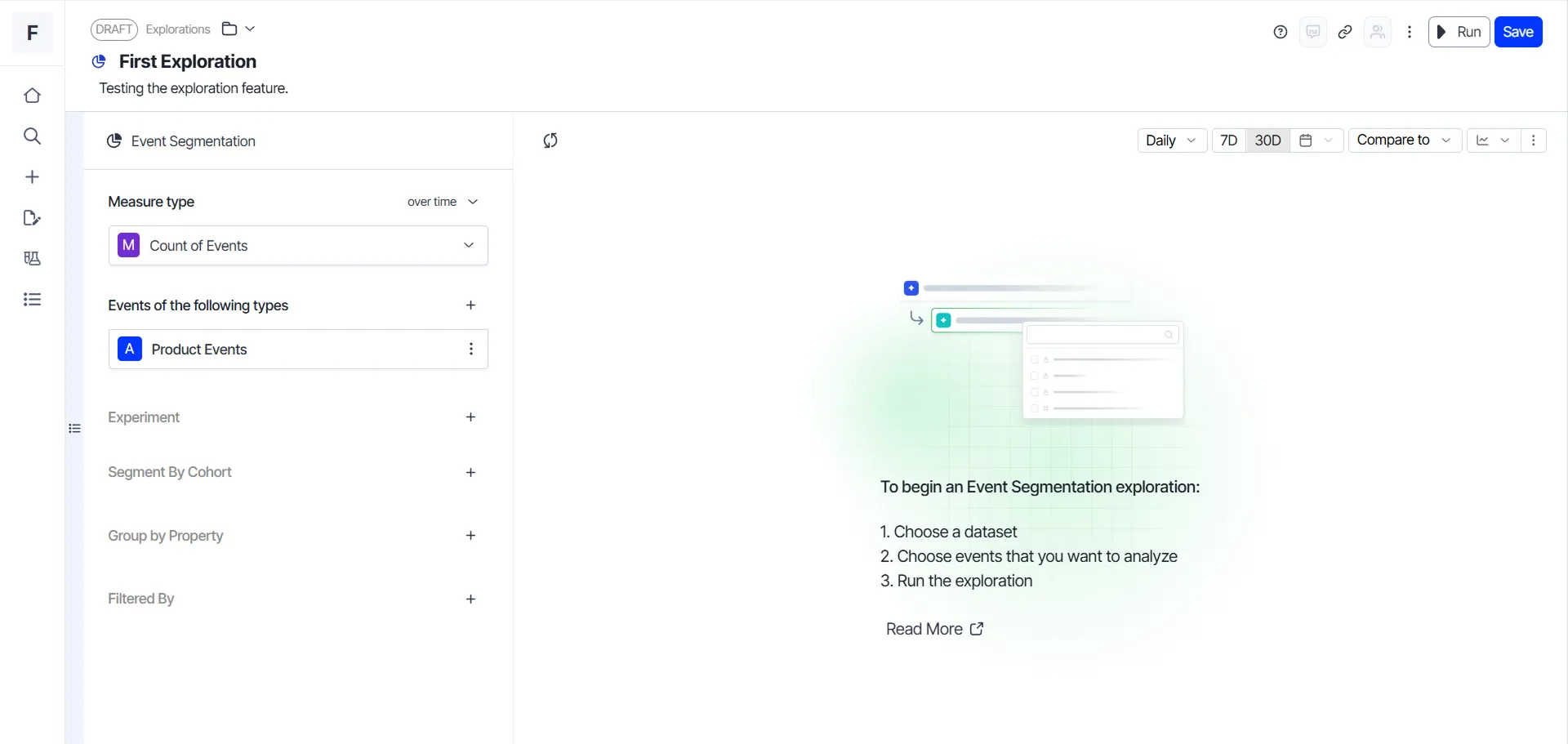
- Click Save.
Move an object from one folder to another
- Open the folder containing the object you want to move.
- Click the Name to open it.
- Click the Folder drop-down list to choose the folder where you want to move the object.
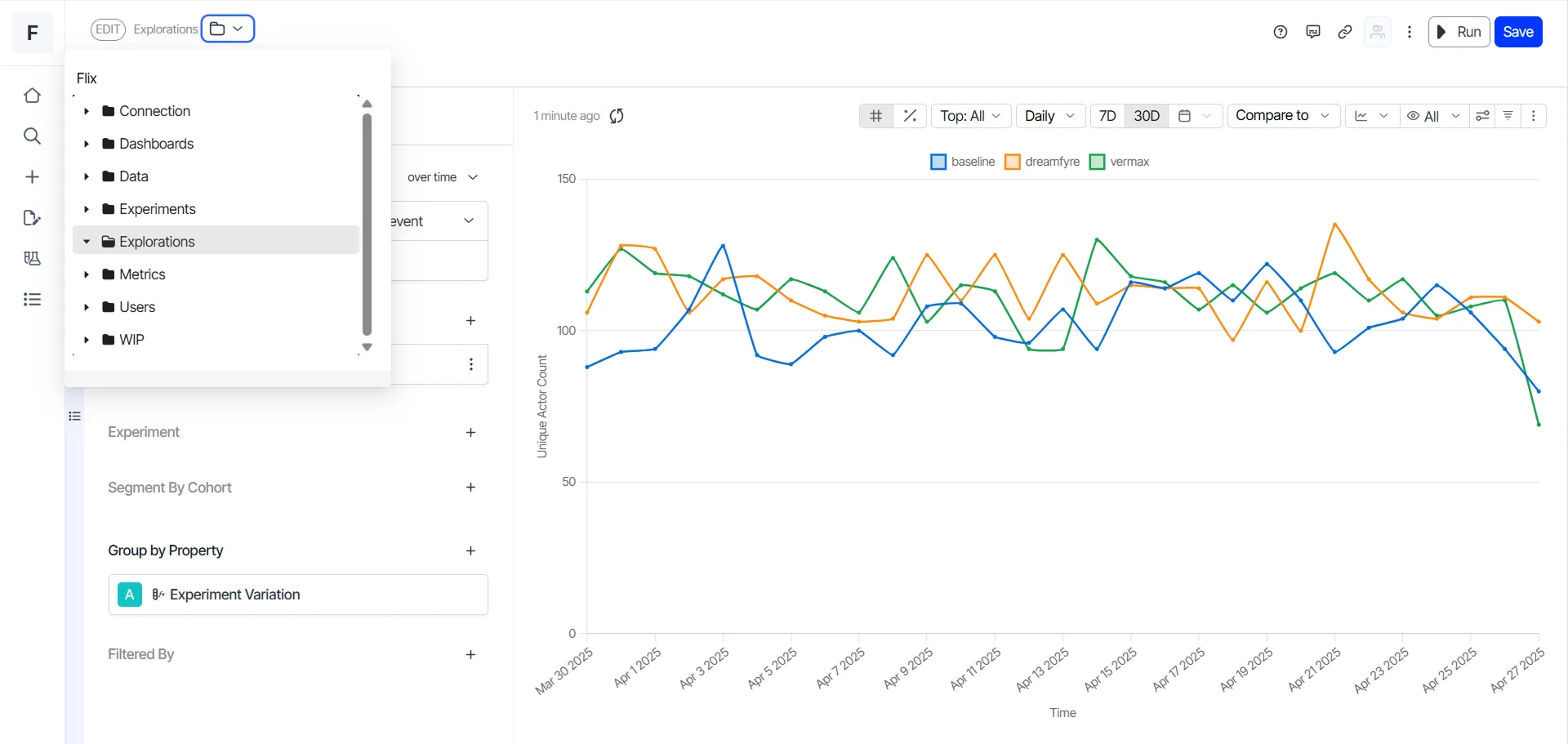
- Click Save.