Update technical contact
1 min
After you configure your organization in Opti ID, you can update the Technical Contact for any product instance.
- Go to Admin Center > Product.
- Select the product and then the instance you want to change.
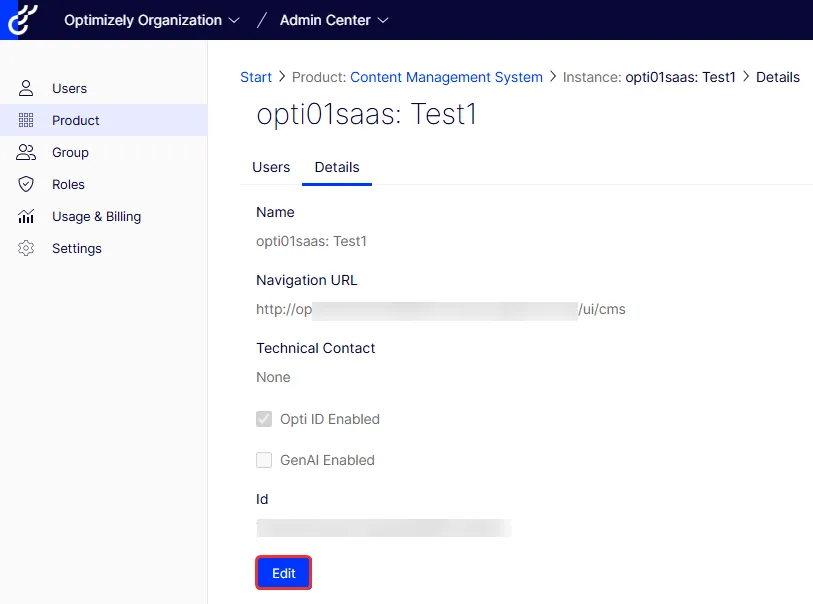
- Go to the Details tab and click Edit.
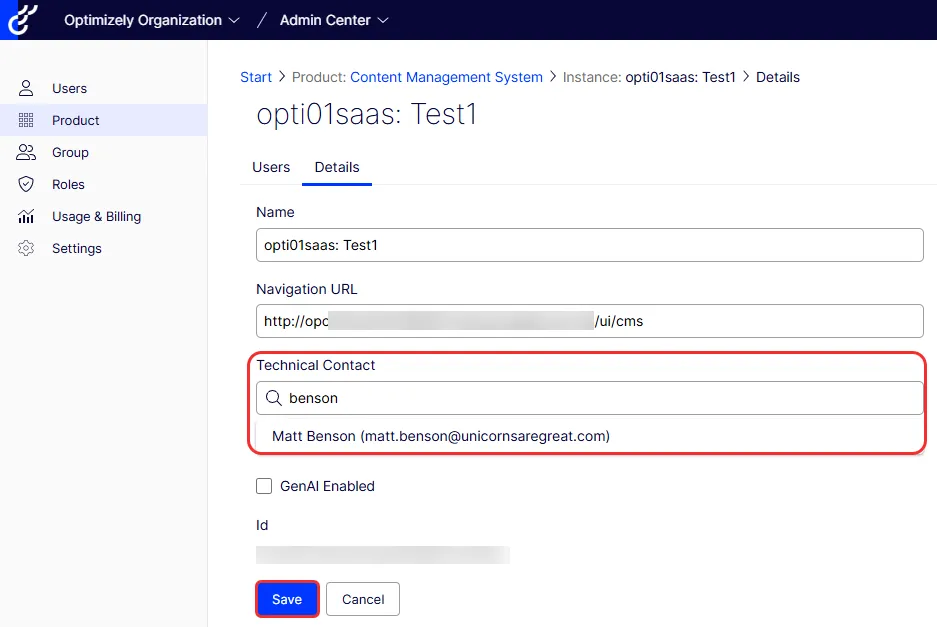
- Search for and select the Technical Contact.
- Click Save. The updated technical contact displays.