Sync content between environments
1 min
Caution You cannot copy content to Production environment.
- Select your project on the home page.
- On the project detail page, open the Deployments tab.
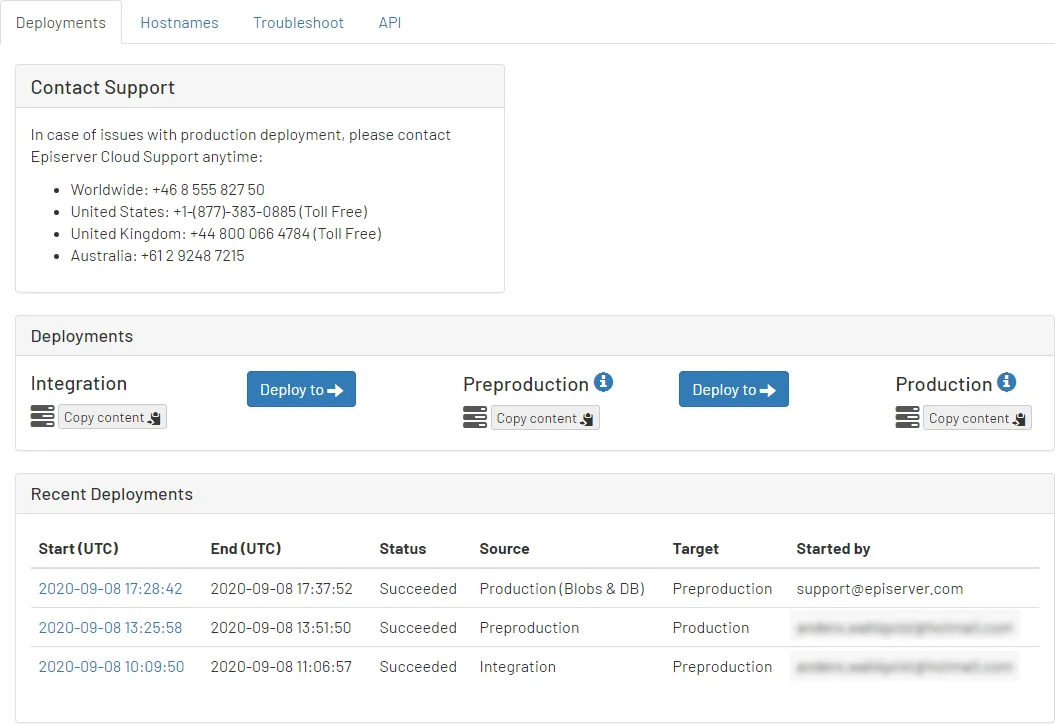
- Determine the environment to which you want to copy content and click Copy content below the environment name. A dialog box displays.
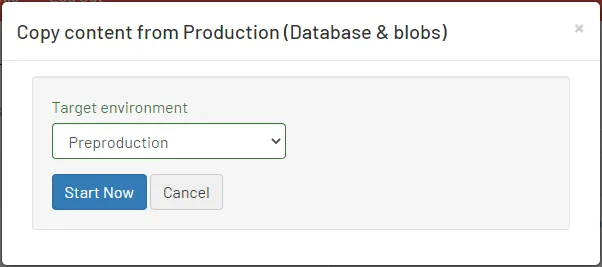
- Choose a target environment and click Start Now.
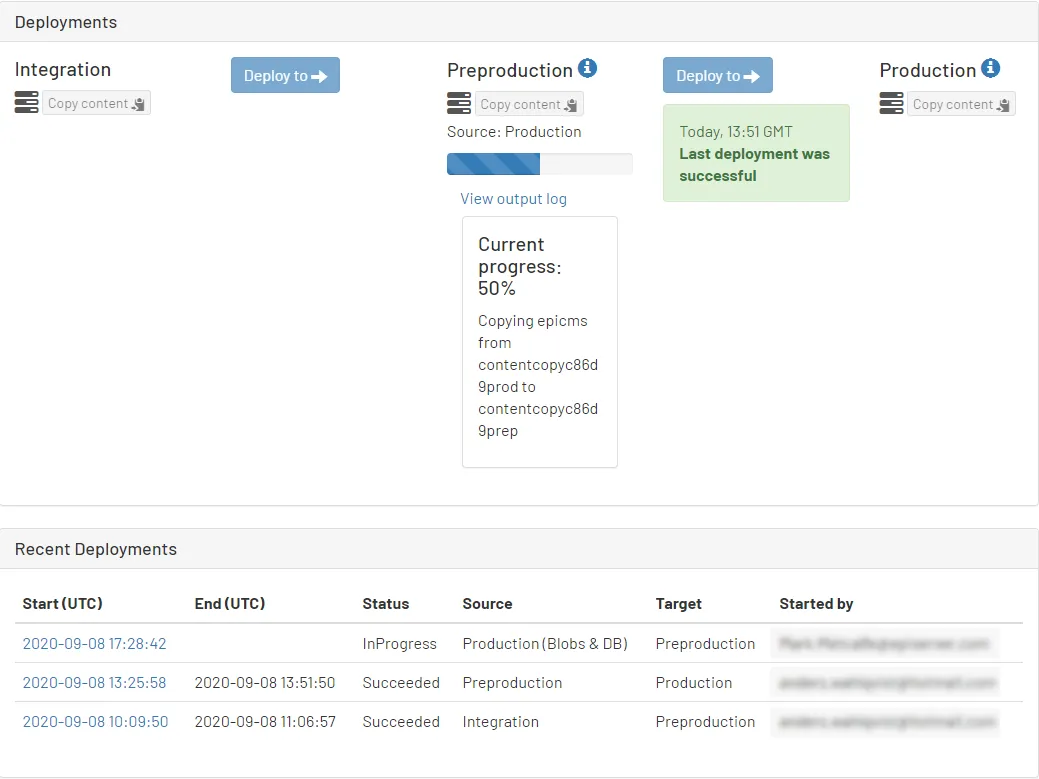
A progress bar displays and Recent Deployments shows the status.