Configure permissions in CMS for Business Foundation objects
3 min
📘 Note Permissions are set in Optimizely Content Management System (CMS).
Go to CMS Admin > Settings > Permissions for Functions.
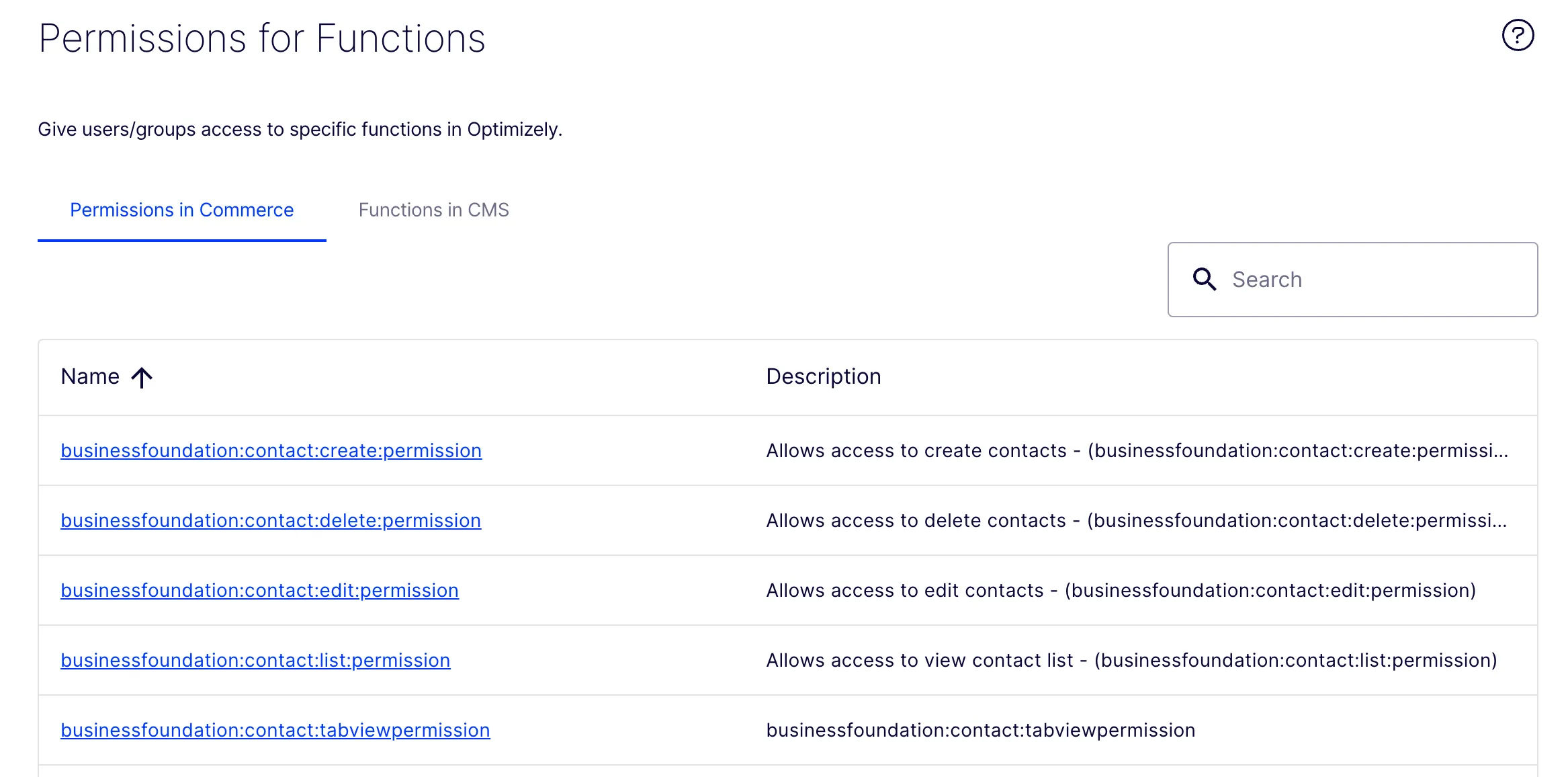
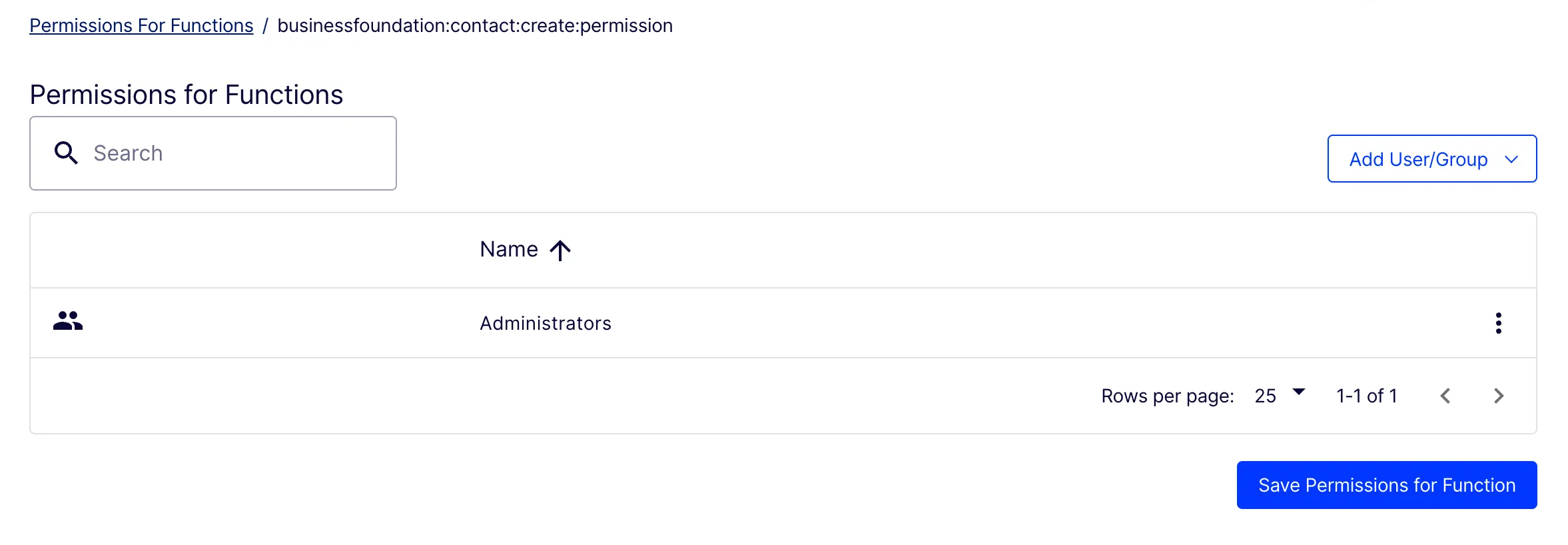
Click the permission name to open the detail page. Click Add User/Group to set a user or group with this level of access, then click Save Permissions for Function.
A developer can set the following permissions for Business FoundationBusiness Foundation contacts and organizations:
- businessfoundation:contact:list:permission – View contact list. Only users with this permission can view the contact list.
- businessfoundation:contact:edit:permission – Edit contacts. Only users with this permission can edit a contact.
- businessfoundation:contact:view:permission – View contact details. Only users with this permission can view contact details.
- businessfoundation:contact:create:permission – Create contacts. Only users with this permission can see the Create Contact button and create a contact.
- businessfoundation:contact:delete:permission – Delete contacts. Only users with this permission can see the Delete button and delete contacts.
- businessfoundation:organization:list:permission – View organization list. Only users with this permission can view the organization list.
- businessfoundation:organization:edit:permission – Edit organizations. Only users with this permission can edit an organization.
- businessfoundation:organization:view:permission – View organization details. Only users with this permission can view organization details.
- businessfoundation:organization:create:permission – Create organizations. Only users with this permission can see the Create Organization button and create an organization.
- businessfoundation:organization:delete:permission – Delete organizations. Only users with this permission can see the Delete button and delete organizations.
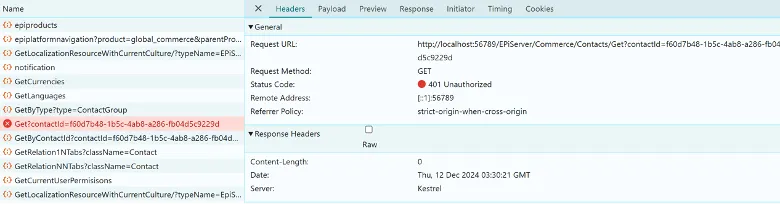
Restrict a request
Users who send a request without permission are restricted, and an unauthorized response displays.
Enable or disable Permissions for Functions
Turn a permissions function on or off.
- Set Enable to true so admins can grant access to each user or group at the function level.
- Set Enable to false to keep the behavior the same and do not add a setting. This is set to false by default.
"EPiServer": {
  "CMS": {
    "clientResource": {
      "Debug": "false"
    }
  },
  "CMSUI": {
    "Upload": { "FileSizeLimit": 2147483648 }
  },
  "Commerce": {
    "ODPJobOptions": {},
    "ApplicationOptions": {},
    "SearchOptions": {},
    "MetaDataOptions": {},
    "OrderOptions": {},
    "AdyenPaymentOptions": {},
    "Bolt": {},
    "OptiGPTOptions": {
      "OptiAIKey": "cZvqpt4CzzhyNXtgPb1TyjXW5YPmDSbYYO3GxiRMQQ4YvMMJ",
      "OptiAISecret": "rGgHdOL75rdiuPVFhKaK9AN8SKqZ5nMdjyseMUdh4buQAjr43dLbOcMYaCmi98S4",
      "OptiAIUrl": "https://dev.cg.optimizely.com/",
      "OptiAIDefaultModel": "gpt-35"
    },
    "PermissionOptions": {
      "Enable": true
    }
  }
}