Plug in a gadget
0 min
Plug gadgets into the navigation panel (left) and assets panel (right) to extend the editorial interface with information related to the content. These gadgets can have a tab on the tab toolbar.
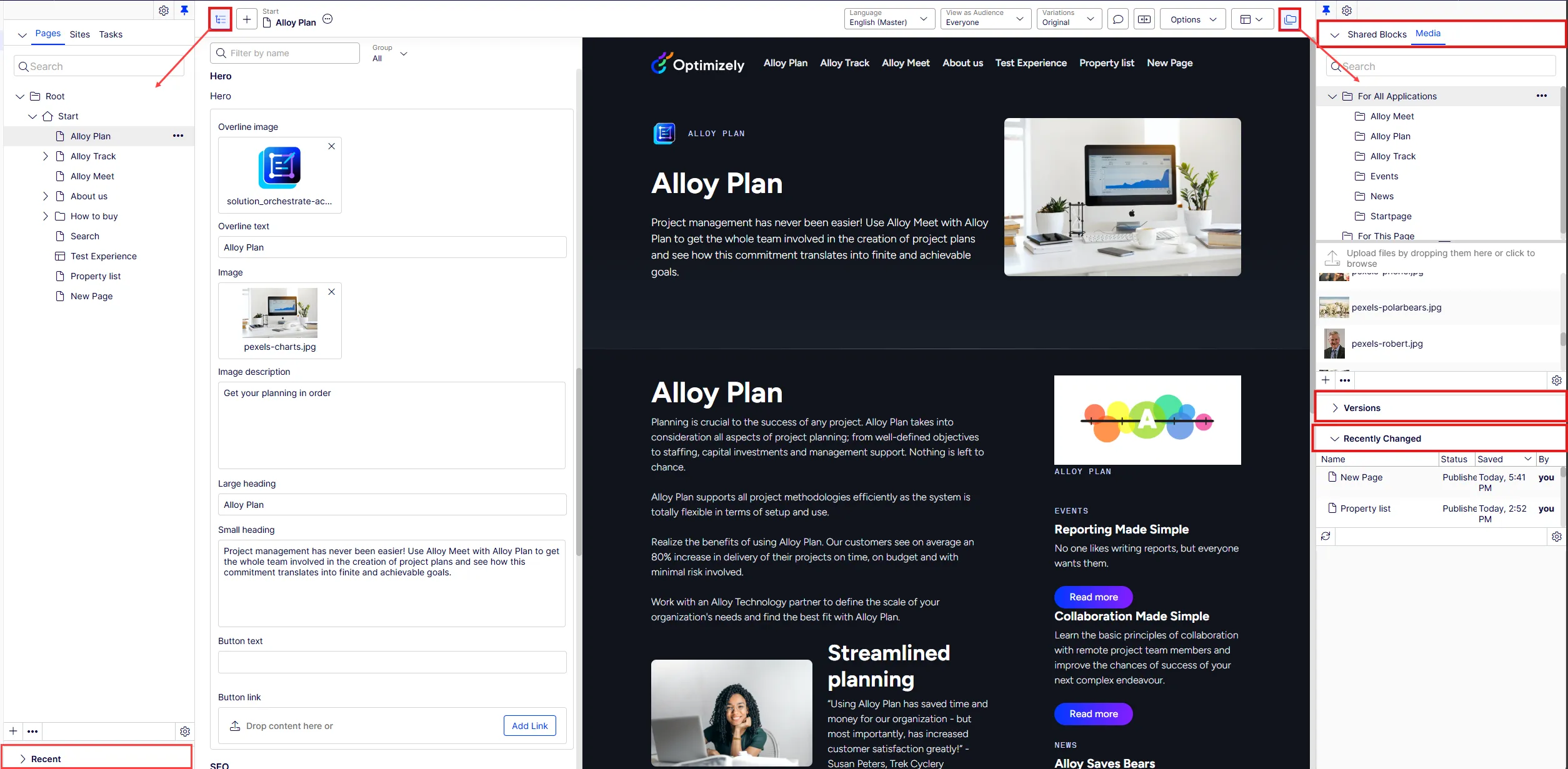
For edit view plug-ins, the PlugInAreas attribute determines the rendering location set by the EPiServer.Cms.Shell.PlugInArea string constant:
- AssetsPanel – Adds the plug-in as a gadget in the asset panel.
- DefaultAssetsGroup – Adds the plug-in as a tab in the asset panel.
- DefaultNavigationGroup – Adds the plug-in as a tab in the navigation panel.
- NavigationPanel – Adds the plug-in as a gadget in the navigation panel.