Link to other content
Link to different types of content (images, folders, blocks, and media) using the ContentReference type without writing custom properties.
[UIHint(UIHint.Block)]
public virtual ContentReference BlockReference {
  get;
  set;
}

[UIHint(UIHint.AssetsFolder)] //AssetsFolder provides folder selection since the folder structure is the same for blocks and media
public virtual ContentReference Folder {
  get;
  set;
}

[UIHint(UIHint.Image)] //Anything that implements IContentImage
public virtual ContentReference Image {
  get;
  set;
}

[UIHint(UIHint.Video)] //Anything that implements IContentVideo
public virtual ContentReference Video {
  get;
  set;
}

[UIHint(UIHint.MediaFile)]
public virtual ContentReference MediaFileOfAnyType {
  get;
  set;
}
📘 Note The code example references images and media using a content reference. CMS 7 uses a URL in the following code.
[UIHint(UIHint.MediaFile)]
public virtual Url FileAsUrl {
  get;
  set;
}

[UIHint(UIHint.Image)]
public virtual Url ImageAsUrl {
  get;
  set;
}
Both types are supported in CMS 7.5 and later. Prefer ContentReference for better performance.
Using the Url type triggers an additional conversion step from the internal permanent format to a public URL, with a small performance impact. Use the Url type when appending information to a URL, such as image size or format. ContentReference stores only the reference without additional information.
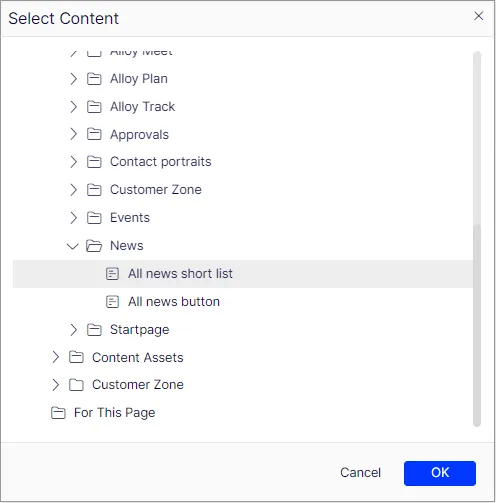
The block selection dialog box displays folders and blocks. Folders are not selectable:
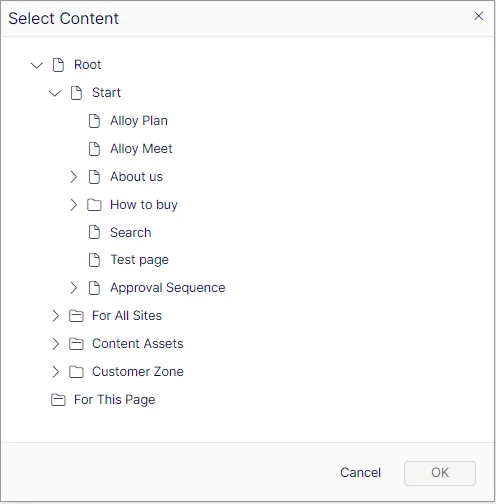
Without a UI hint, the dialog box displays all selectable content on the site:
Customize selection of content
Narrow content selection to specific types or custom content roots for a more focused editing experience.
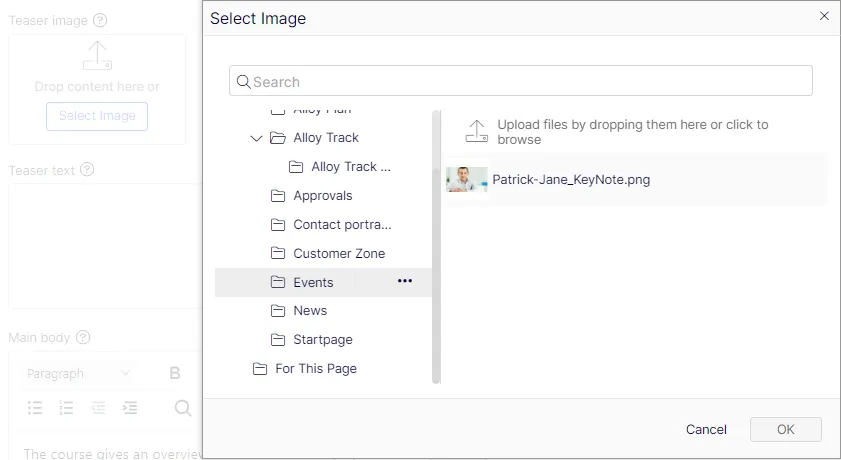
Apply the AllowedTypes attribute to define selectable types:
[AllowedTypes(new []{typeof(TeaserBlock)})]
public virtual ContentReference TeaserBlockReference {
  get;
  set;
}
Specify custom roots for the selection dialog by creating a custom editor descriptor that inherits from ContentReferenceEditorDescriptor<T>. The following example uses a hard-coded content reference for simplicity. This is not a recommended approach:
public class StartPage: SitePageData {
  [UIHint("teaserblock")]
  public virtual ContentReference TeaserBlockReference {
    get;
    set;
  }
}

[EditorDescriptorRegistration(TargetType = typeof (ContentReference), UIHint = "teaserblock")]
public class BlockReferenceEditorDescriptor: ContentReferenceEditorDescriptor<TeaserBlock> {
  public override IEnumerable<ContentReference> Roots {
    get {
      return new ContentReference[] {
        new ContentReference(52)
      };
    }
  }
}
📘 Note The examples in this topic control which content types are draggable to a field (except for the custom roots setting, which only affects dialog box visibility). For example, a TeaserBlock from a location outside the custom root with ID 52 is still draggable to the field.