Create beelines from a path analysis
4 min
Beelines are ad hoc data analyses that fork from a point in the result of an exploration. The system propagates the context of the forking point to the new analysis, where you can continue further analysis. When you create a beeline (from the original or a beeline tile), you can see it following the original exploration, and the page scrolls automatically.
You can create the following beelines from a path analysis:
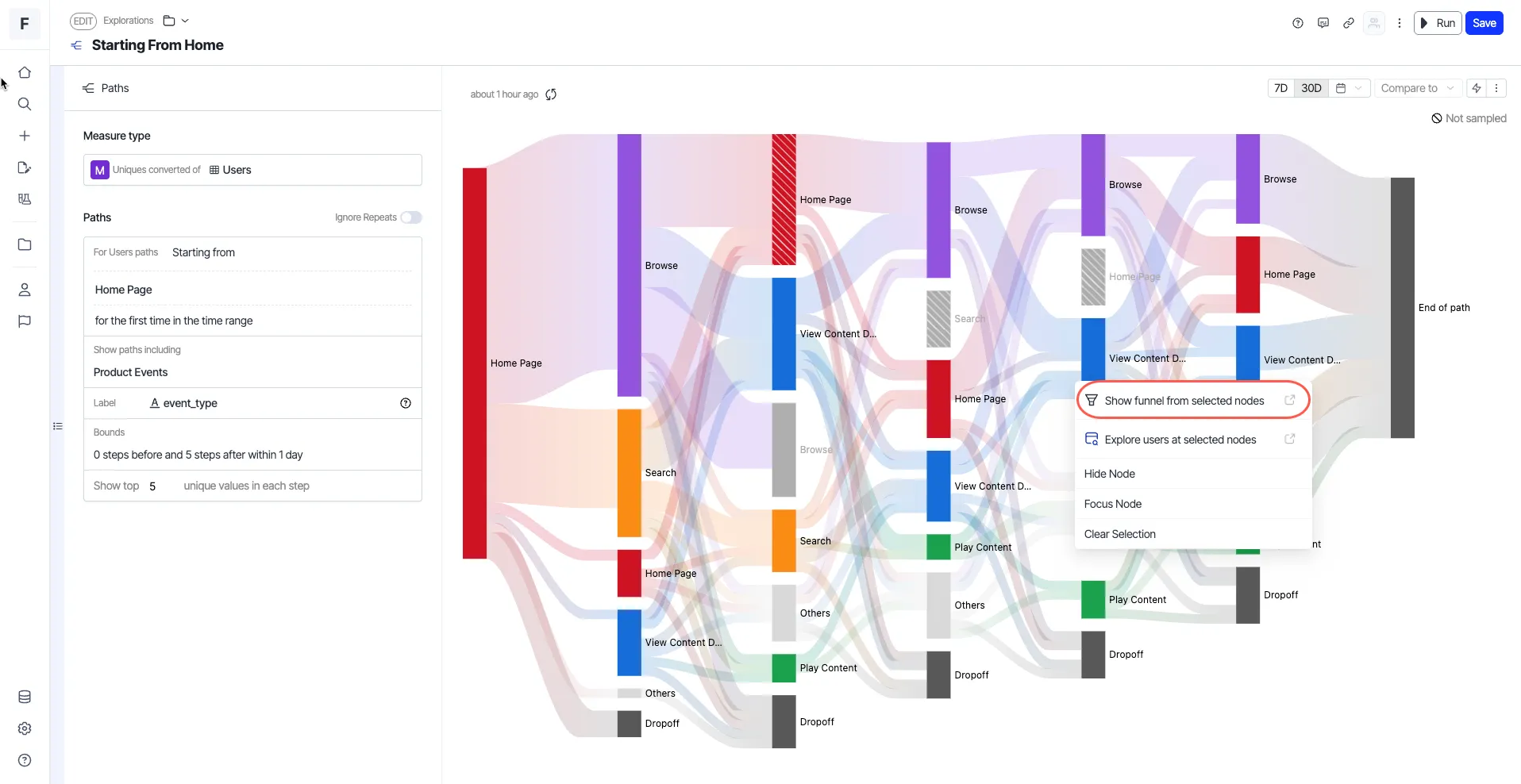
This beeline creates a funnel using the nodes you select from your path analysis.
- Open a path analysis of your choice.
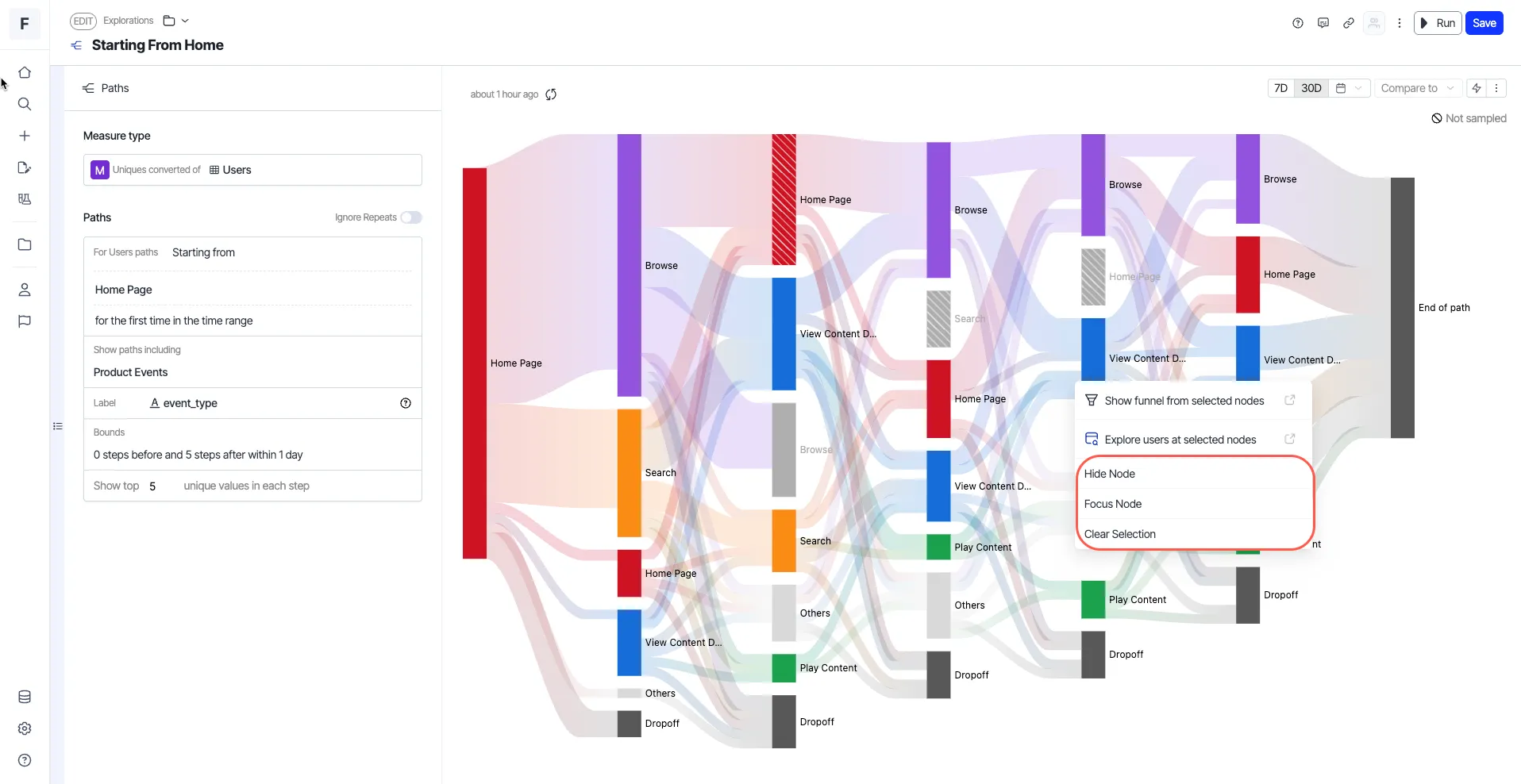
- Select the nodes for which you want to create a funnel, right-click any node, and choose Show funnel from selected nodes.
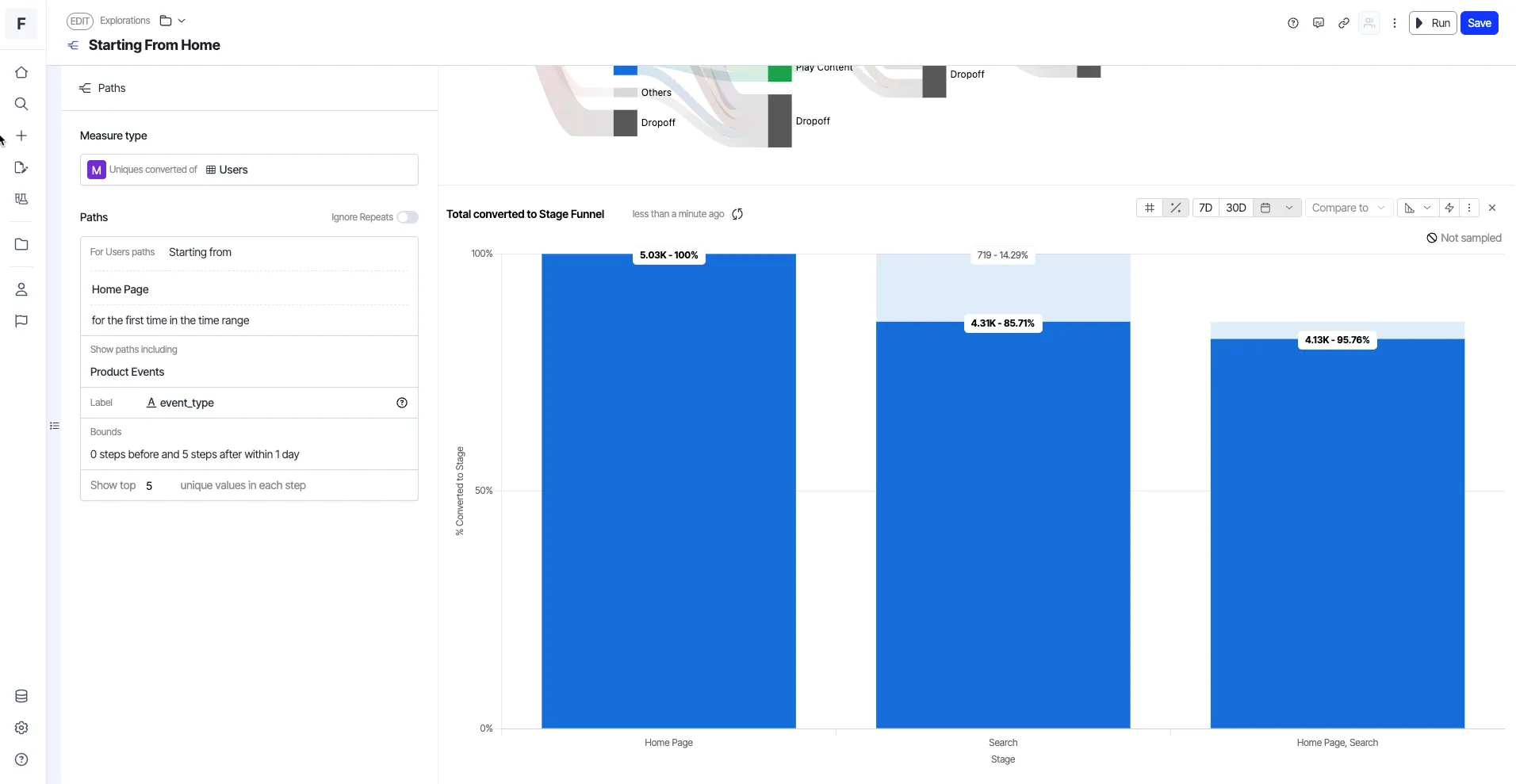
- Use the Open in Explorer option to further slice and dice this exploration, if required.
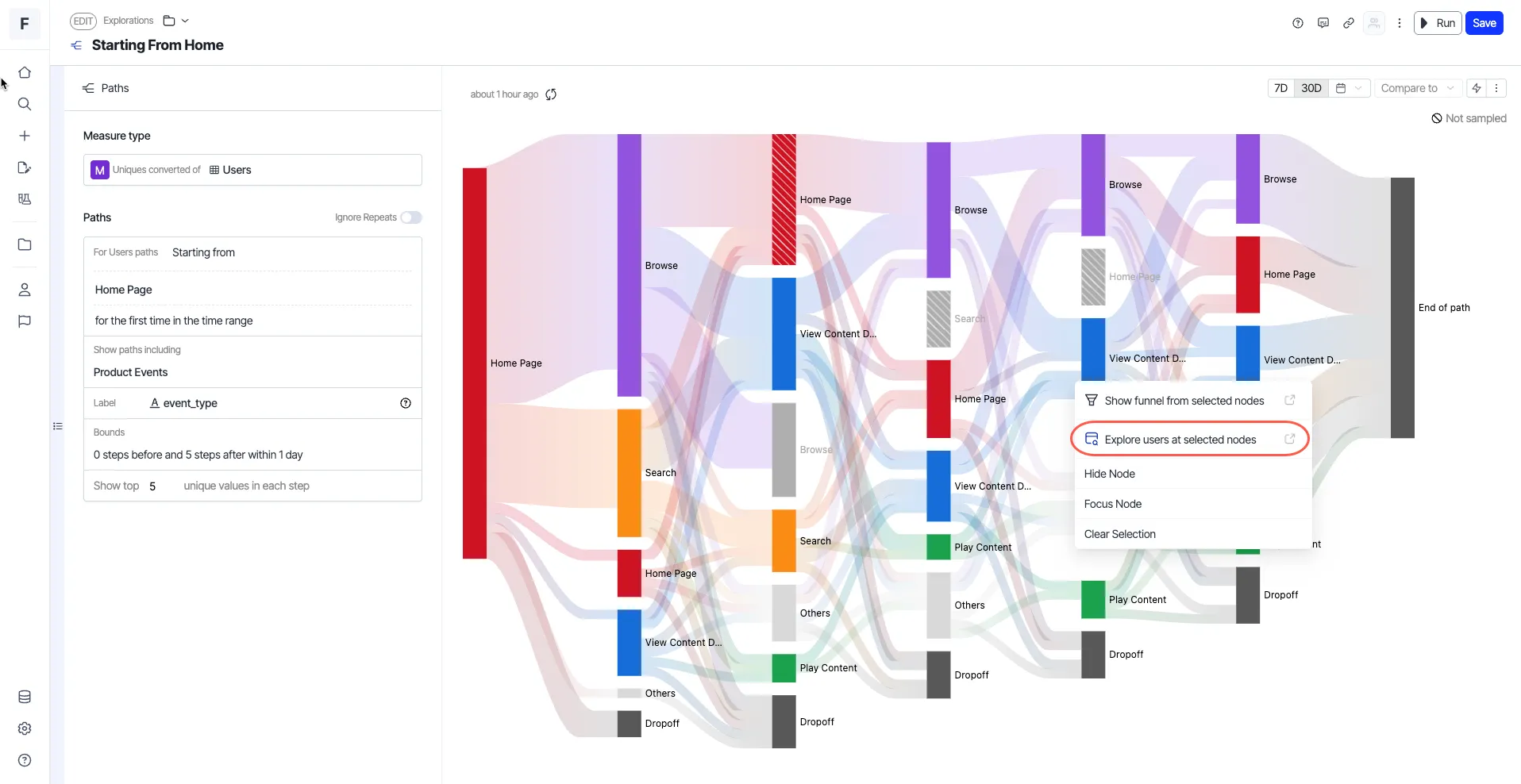
Explore users at selected nodes
You can also go from a path analysis to a visual exploration.
- Open a path analysis of your choice.
- Right-click any node and choose Explore users at selected nodes.
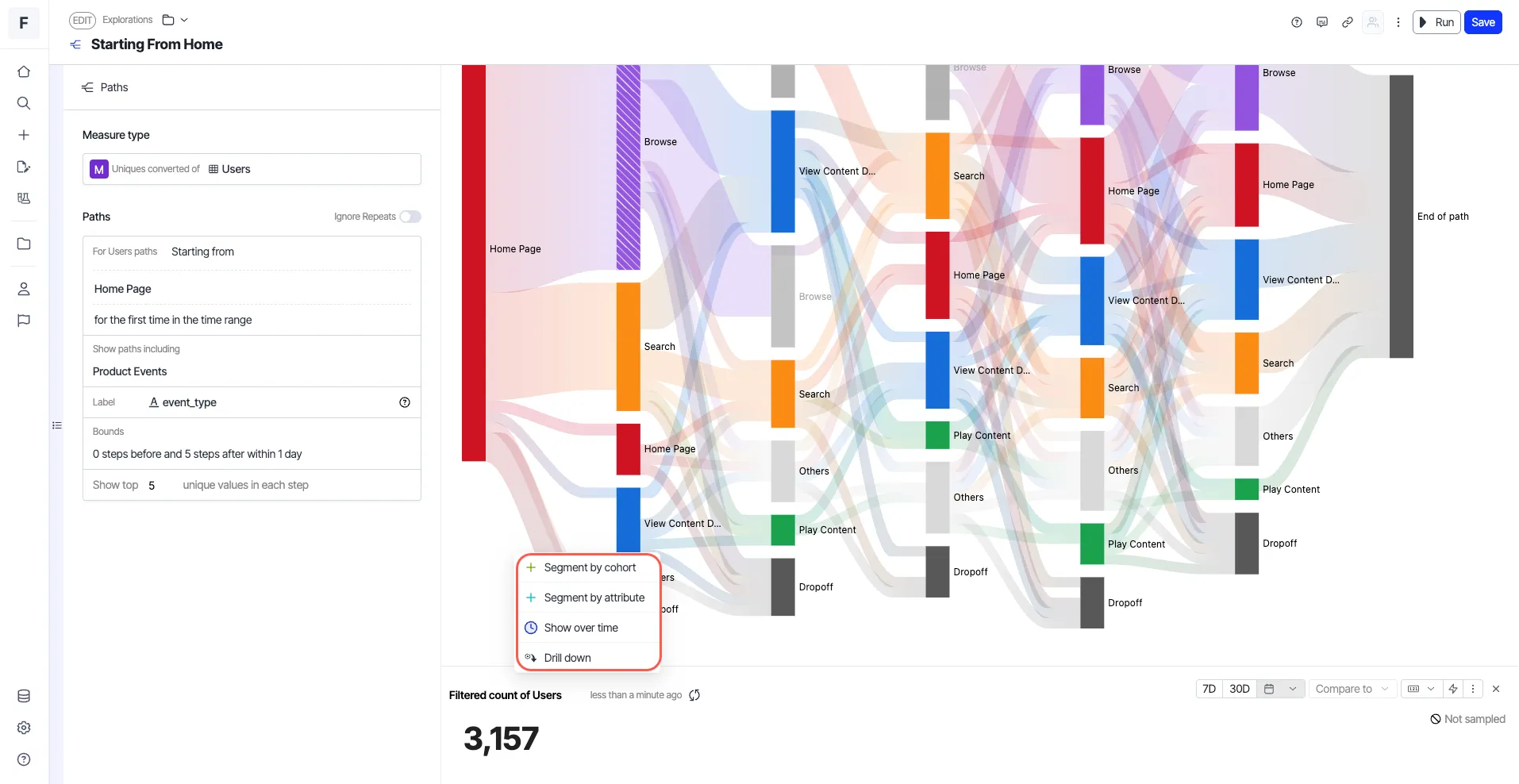
- Right-click and choose one of the following options to slice further and dice this exploration, if required: Drill-down, Segment by cohort, Segment by attribute, and Show over time.
Other options
When you right-click a node in a path analysis, options such as Focus node, Hide node, and Clear selection are displayed.
- Focus node – Focus on one or a few selected nodes.
- Hide node – Hide the selected node.
- Clear selection – Clear any selection you made.