Create a webhook
1 min
- Optimizely Web Experimentation
- Optimizely Personalization
You can create a webhook in Optimizely Web Experimentation and Optimizely Personalization if you want to find out when your projects are updated and a new snippet is available. A webhook is an HTTP callback that notifies you when the snippet or project is updated. Register a URL that Optimizely notifies when they change.
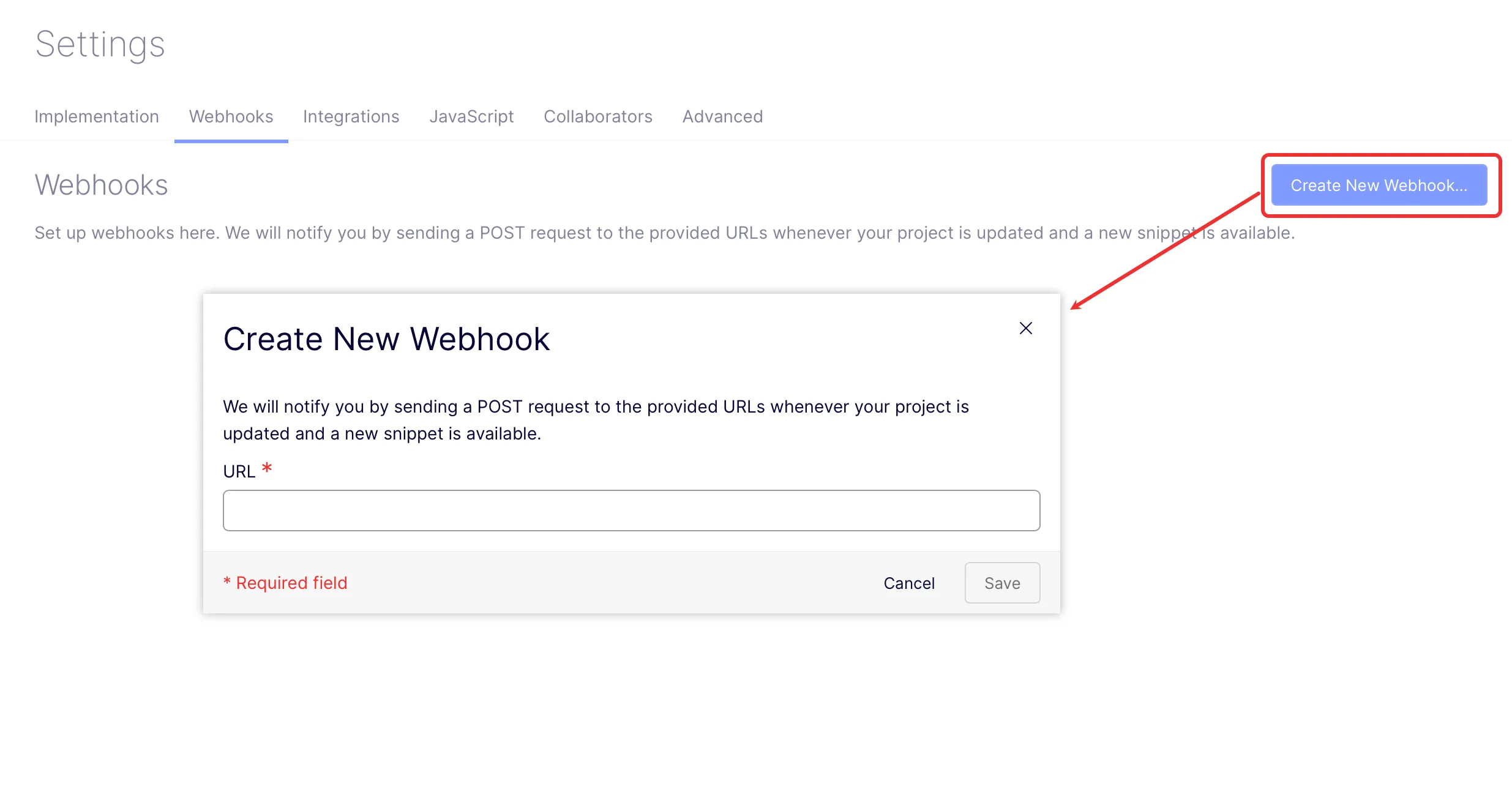
- Go to Settings > Webhooks.
- Click Create New Webhook.
- Enter the URL where Optimizely should send snippet updates.
- Click Save.
Note
You can create and use multiple webhooks.