Advanced targeting with attributes
1 min
Products
- Optimizely Web Experimentation
- Optimizely Edge Delivery
- Optimizely Personalization
The availability of features may depend on your plan type. Reach out to your Customer Success Manager if you have any questions.
With the new Visual Editor, you can select elements based on custom attributes to gain more granular control over element selection, such as changing the typography of all links on your site.
- Click any element and then click Show Advanced.
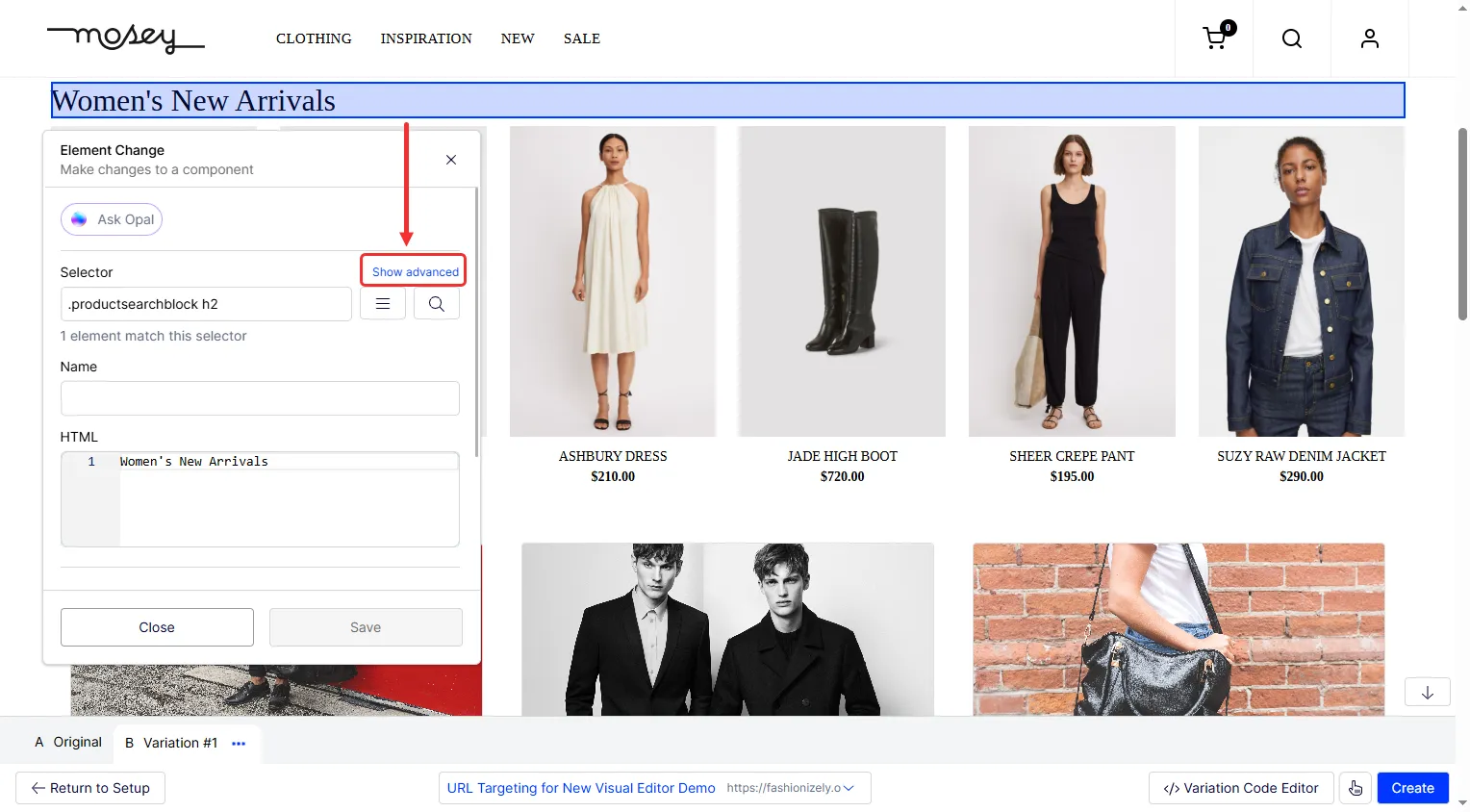
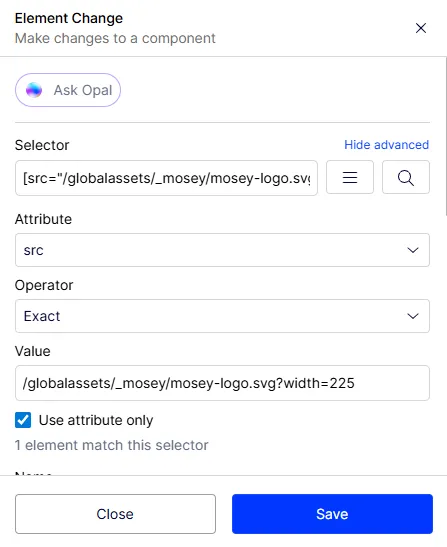
- Choose an Attribute for matching a selector, like src.
- Select an Operator for the attribute match: Exact, Contains, Prefix match, Partial match, Starts with, or Ends with.
- Select the Use attribute only checkbox to rely solely on the attribute for matching the element. This approach avoids using the selector, which might be dynamic and subject to change. Elements that match the selector are now selected. Make the necessary changes, such as changing the typography.
- Click Save.