Troubleshoot Optimizely Reporting for Experimentation
- Optimizely Web Experimentation
- Optimizely Feature Experimentation
Users who do not have the necessary access receive the message shown in the following image when trying to access Optimizely Reporting:
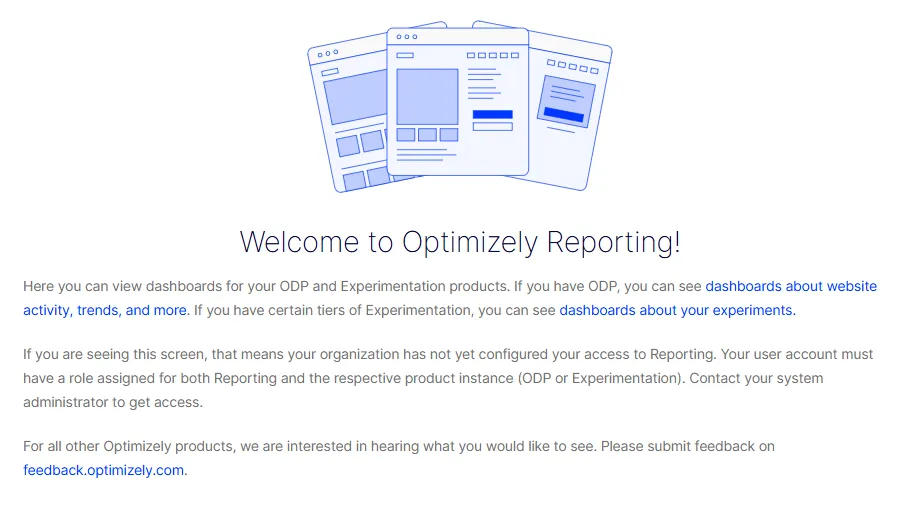
By default, Optimizely Reporting access is assigned to the Everyone groupEveryone group in the Opti ID Admin Center, which includes all users in your organization. So if a user in your organization cannot access Optimizely Reporting, the issue is likely that they do not have a role assigned to their user account for Optimizely Experimentation.
To resolve this issue, assign the user access to Optimizely Experimentation directly through an Experimentation product role or through a groupgroup in the Opti ID Admin Center. See View user details and edit access for help with editing the user account's access in the Opti ID Admin Center.