Set security headers
If you want to increase the security of your Optimizely Configured Commerce site, you can use the Content-Security-Policy header.
Note
You must have the role of ISC_System or ISC_Implementer to edit this option.
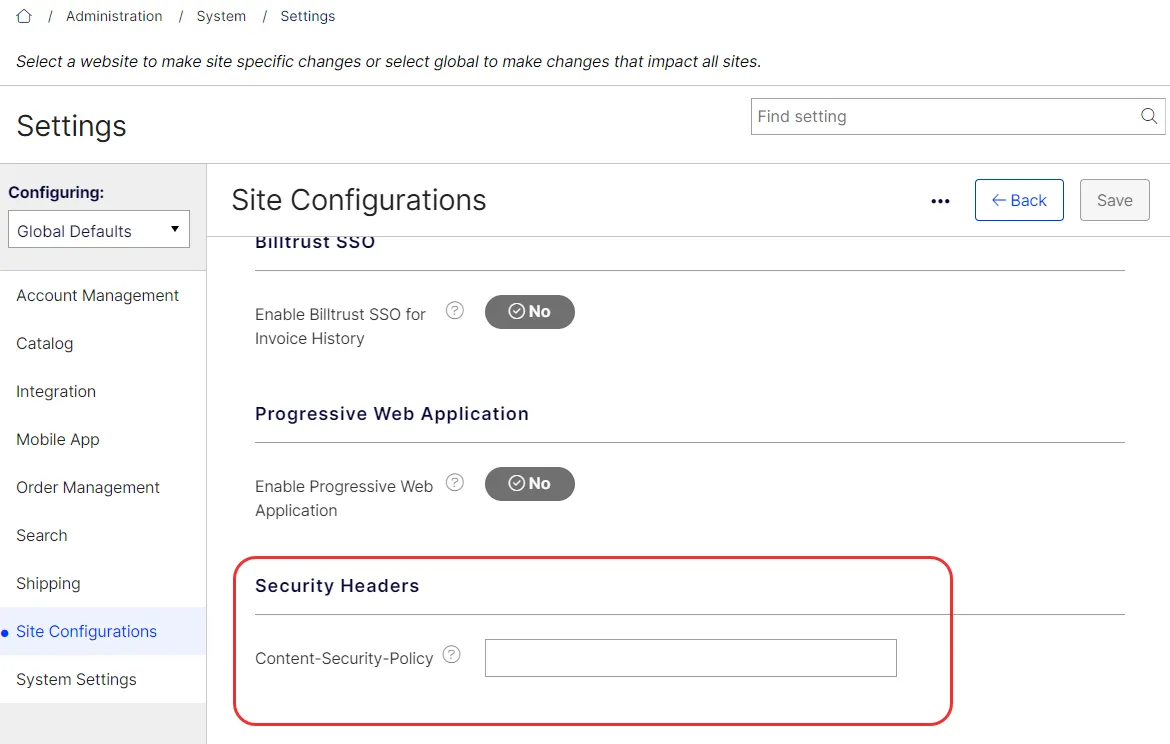
You can find this setting under Administration > Settings > Site Configurations > Security Headers in the Admin Console. Content-Security-Policy acts as an added layer of security to prevent cross-site scripting (XSS). Since 5.2.2609, this setting defaults to object-src 'none'; base-uri 'self' instead of an empty string, and the same Security Headers group also has an Admin Content-Security-Policy setting that applies to the admin console and identity urls instead of the storefront.
If you want to test a stricter policy before enforcing it, use the Content-Security-Policy-Report-Only and Admin Content-Security-Policy-Report-Only settings. Violations of these policies are reported but not blocked, so you can validate a policy before moving it into the enforced settings above. No header is sent while a report-only setting is left empty (the default).
Warning
Talk to your partner or developer before implementing this setting as it could break your website.
See Mozilla's Content Security Policy article for information.