Assign a budget
1 min
After you configure a budget in Optimizely Configured Commerce, you can assign the budget to users.

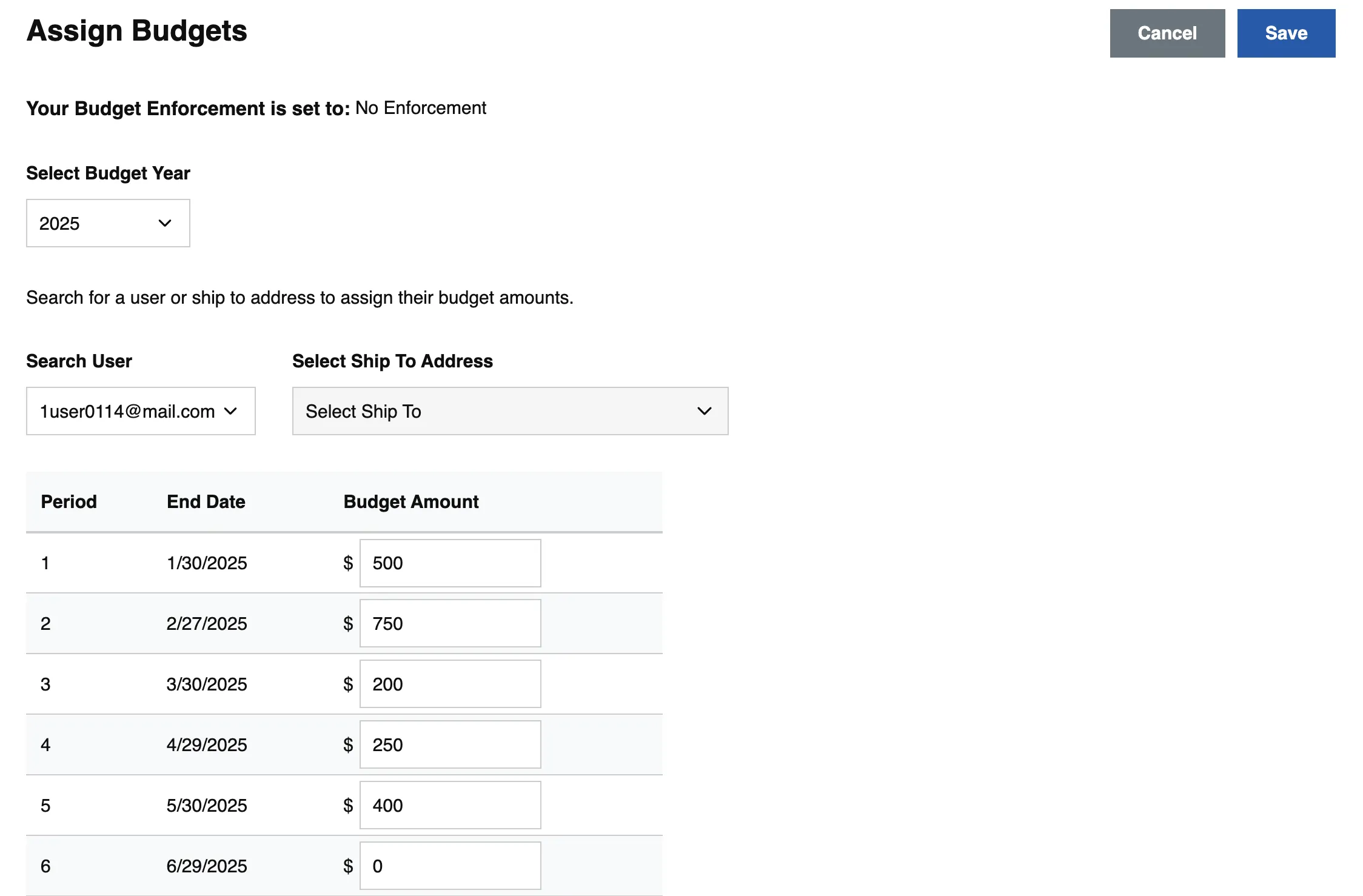
- Click Assign Budgets.
- Use the drop-down list for Select Budget Year to choose the budget year.
- Use either the Search User or Select Ship To Address drop-down list to see the budget for a specific customer. You cannot select both options.
- Set the budget amount for each Period by clicking into the Budget Amount field. Each field can have a different value, including zero.
- Click Save.