Add web cross-sells to a page
1 min
The Web Cross-Sells widget displays any products designated as Web Cross-Sells from the Admin Console.
Use the following steps to add the Web Cross Sell widget:
- Hover over the CMS icon and click the Show CMS pencil.
- Click the Show Content Tree toggle
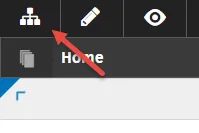
.
- Using the chevrons, expand and select the page that will host the widget.
- Click Edit to expose the page editing options
- Click Content Add, which opens the Add Widget menu.
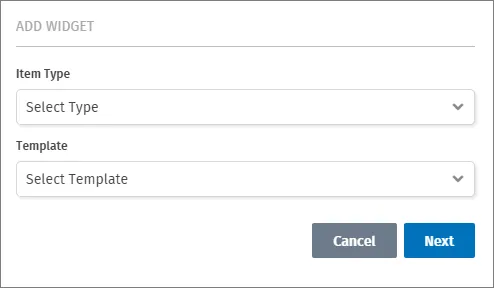
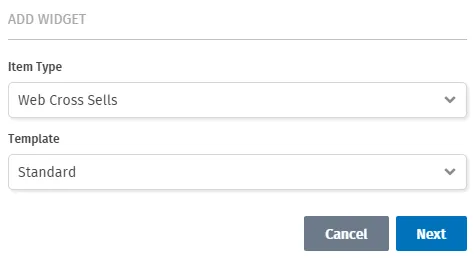
- Select the Web Cross Sells widget from the Item Type drop-down menu, and select the Standard template.
- Choose the CSS class, or use the default by leaving the CSS Class field blank.
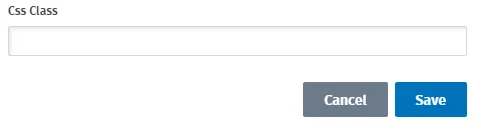
- Click Save.