Export PIM properties
1 min
You can export the property information for all properties, a filtered list, or selected properties.
- Click Data Setup. The Properties list displays. You can select properties that you want to export from here.
- Click Export, then select All properties, Filtered list, or Selected properties.
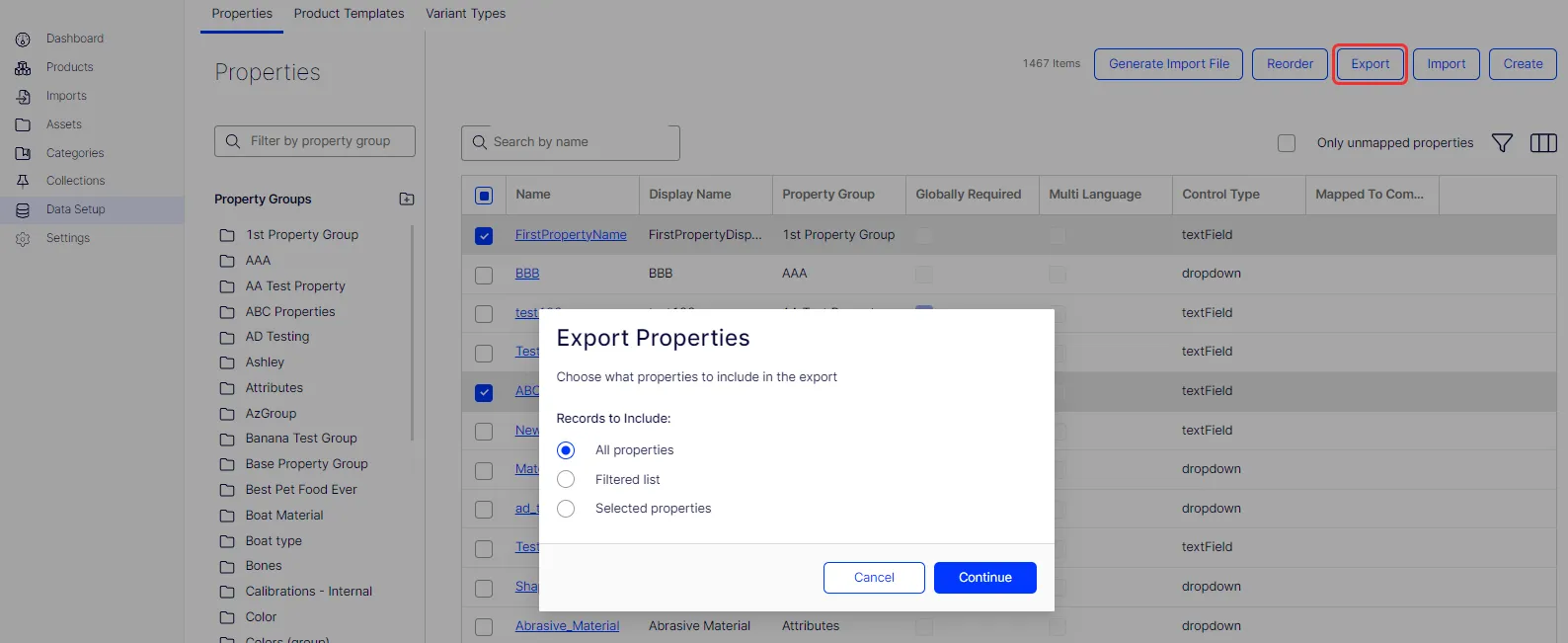
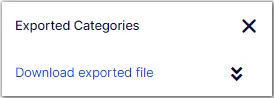
- Click Continue. The export window displays. Do not close the window before the file is ready for download.
- Click the Download exported file link to download the file.