Configure ODP in Web Experimentation
3 min
If you use Optimizely Data Platform (ODP) to monitor your project's traffic, you can view the results of your Optimizely Web Experimentation experiments with the rest of the data that ODP collects.
Note
Optimizely does not support this method for Optimizely Performance Edge.
Add the script in Web Experimentation
- Go to Settings > Integrations.
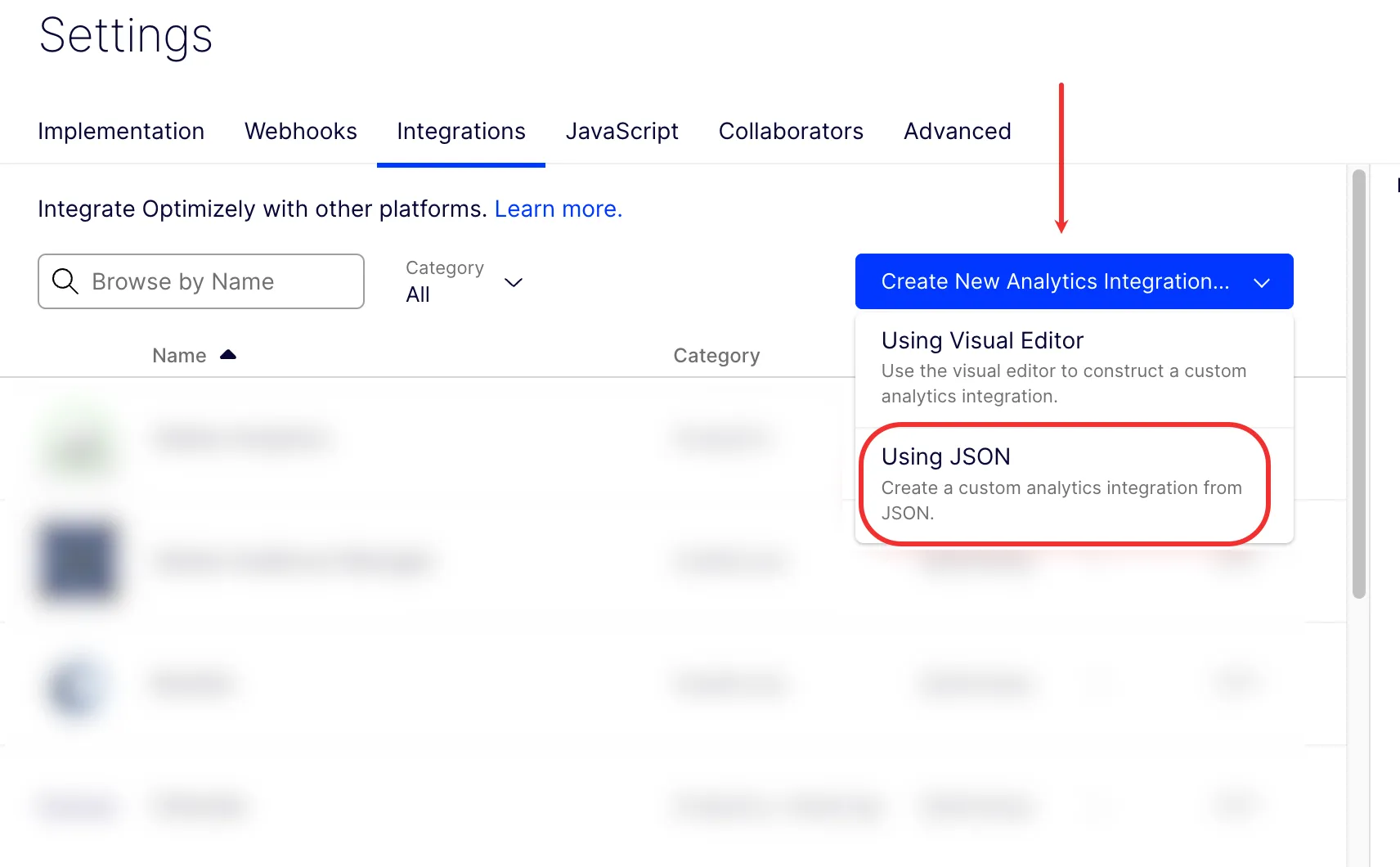
- Expand the Create New Analytics Integration drop-down list and select Using JSON.
- Copy the following code and paste it into the JSON Code field:
{
  "plugin_type": "analytics_integration",
  "name": "ODP integration",
  "form_schema": [],
  "description": "",
  "options": {
    "track_layer_decision": "var state = window['optimizely'].get('state');\nvar campaignObject = state.getDecisionObject({ 'campaignId': campaignId });\n\n//This checks to make sure the decision isn't empty because they might have not matched audiences or traffic allocation\nif (campaignObject !== null) {\n  //This is a function that waits for the zaius.eventto be a function. Probably want to do something similar for Zaius, to make sure its there before it sends it, else it waits for it\n  var utils = window['optimizely'].get('utils');\n  utils.waitUntil(function() {\n    return typeof(zaius.event) === 'function';\n  }).then(function() {\n    zaius.event('optimizely_exp', {\n      action: 'decision',\n      optimizely_experiment: campaignObject.experiment,\n      optimizely_variant: campaignObject.variation\n      //optimizely_experiment and optimizely_variant need to be created as fields on event table in ODP\n    });\n });\n}"
  }
}- Click Create Template.
Install ODP on your website
Install the ODP SDK directly on your website. See Implement the ODP JavaScript tag.
Your Web Experimentation data immediately starts syncing to ODP.