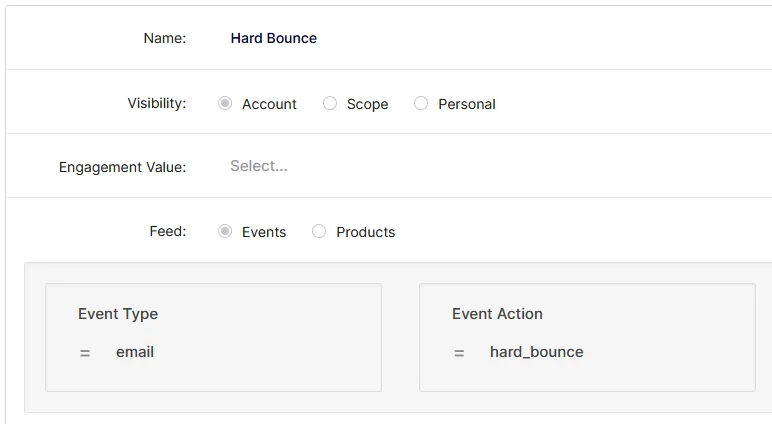
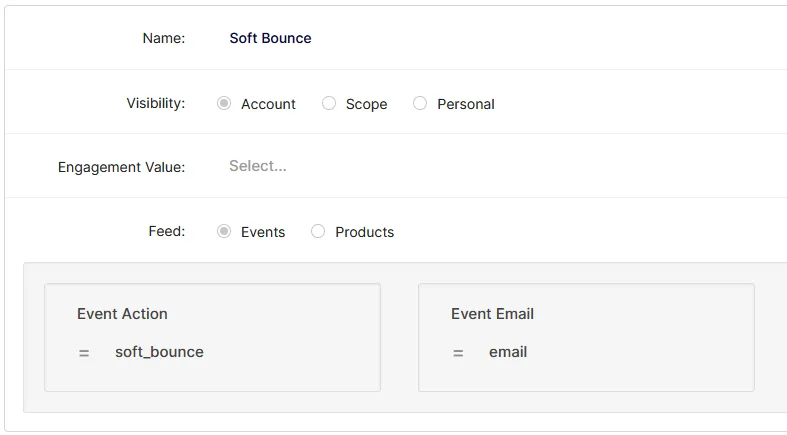
Determine why your emails are Hard or Soft bouncing with a ODP Report
If your campaigns have experienced an uptick in either Soft or Hard Bounces, building out a report within the Optimizely Data Platform will provide further insight as to why the emails are not being received.
The best way to do this is through building a report within ODP that includes specific Event columns.
The two main columns you'll want to include are the Event Email and the Campaign Event Value:
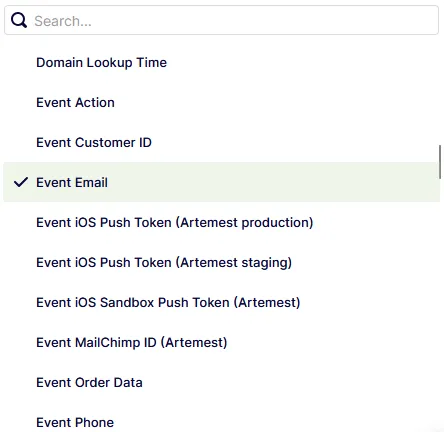
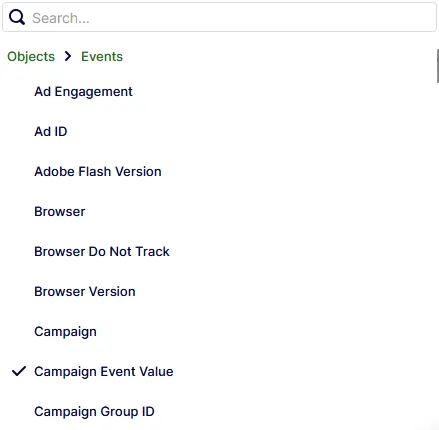
Which ever value you select first will be the left most column:

The Event Email on the left will correspond with the Campaign Event Value in the middle. The information that appears under the Campaign Event Value is the information that we're looking for as that will give us the reason the email address is bouncing.
If you wish to refine the report to determine why a specific email Campaign is bouncing more than others, you can use a Simple Filter at the top of the report by selecting Campaign under the Events section, then specifying the Campaign you are looking to drill into:
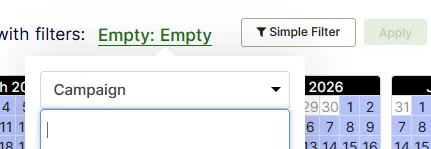
In the field with the cursor, you can type/select the Campaign you are looking to further review. Once the Campaign is selected, click Apply and the report will then refine it's events to show only events associated with the Campaign you selected.
If you would like to take the refinement one step further, you can select a Filter that pulls only Hard or Soft Bounce events:
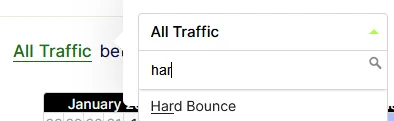
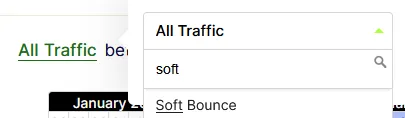
Select either filter and then click Apply and it will refine the report further to only show Hard or Soft Bounces associated with the Campaign.
If the Hard Bounce or Soft Bounce filter does not appear for you, head to the Filter section and build out the following filters: