assets/
3 min
The assets/ directory contains static content for your app's store listing.
Icons
These svg files are used when presenting your app across the store listing and ODP dashboards.
- assets/logo.svg is displayed on your app card in the directory. Recommended size: 150x50px.
- assets/icon.svg is for Channel apps; a small image presented when selecting a Channel for your Campaign. Recommended size: 32x32px.
directory/overview.md
The content of this file is rendered to the app's Overview tab, which is presented when a user clicks through to your app from the directory.
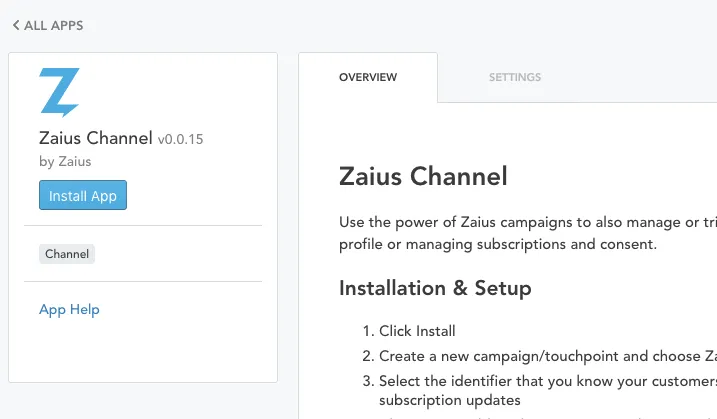
zaius-channel.png
Best Practices
Include the following items in your overview:
- What the app is used for
- Benefits and screenshots of use cases
- How to install and use
- Data added or changed due to this application
- Periodicity of imports (if applicable)
Format
The directory/overview.md supports GitHub-flavored markdown for formatting. To learn more, refer to the GFM documentation.