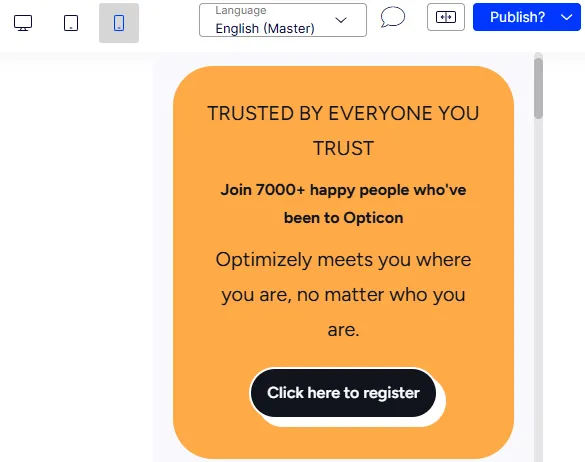
Preview content
The preview pane displays your content for any channel as you build it. Visual Builder links the Outline and Preview panes. Hover over a section or element in one pane to highlight it in the other.
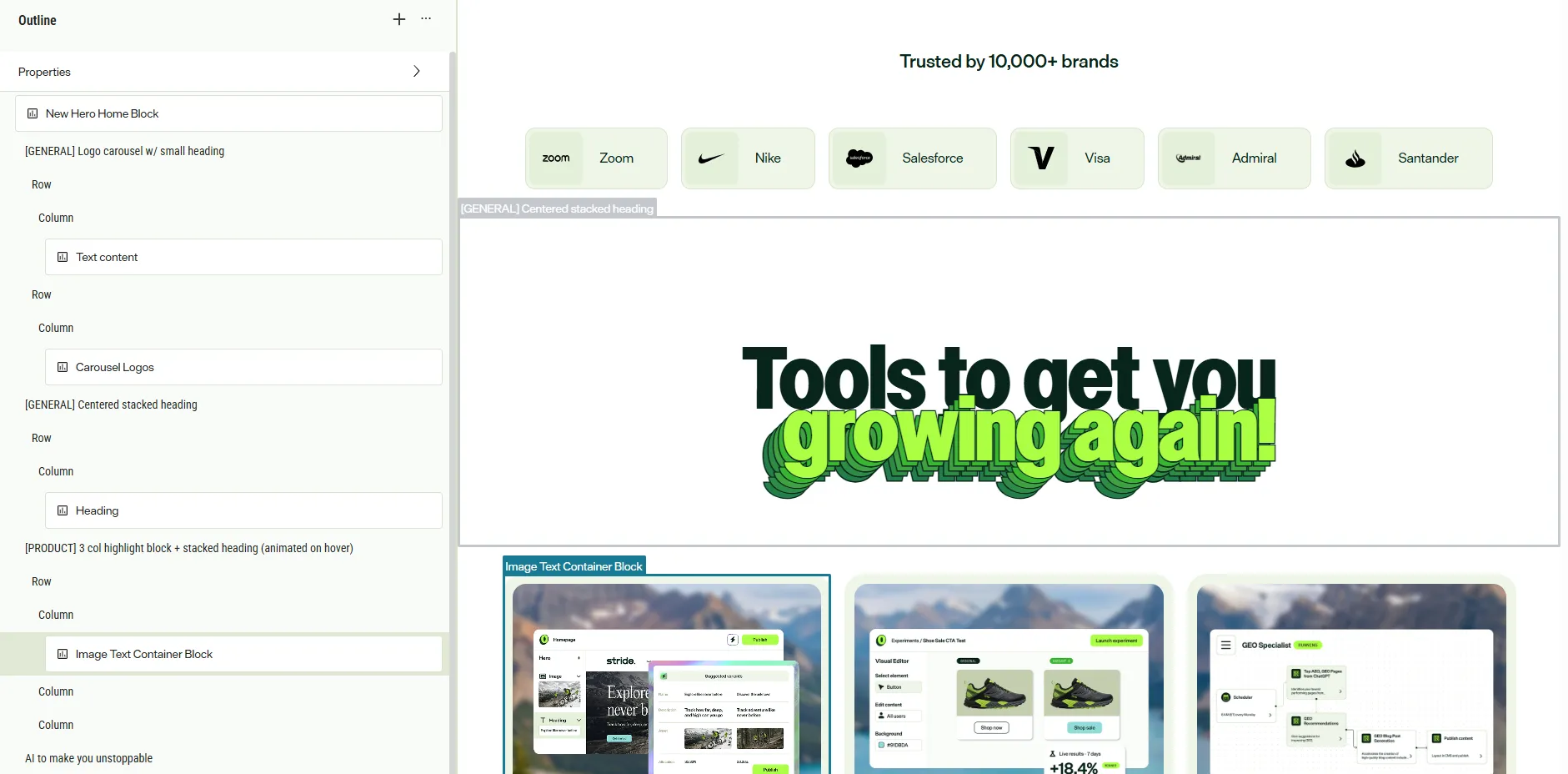
Click a section in the Preview pane to select it in the Outline pane. The outline expands and scrolls to show the section. Click an element to open it, or click its name tab to select it without opening it. Click a property in the preview, such as a heading, to open Properties with that property selected.
When you select an item in the Outline pane, the preview scrolls to it. Hovering over an item in the outline highlights it in the preview without scrolling.
Adjust pane size
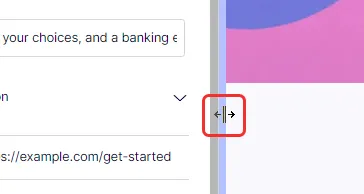
If you need more space, perhaps to edit, drag the vertical bar between the panes to resize them.
Preview as desktop device
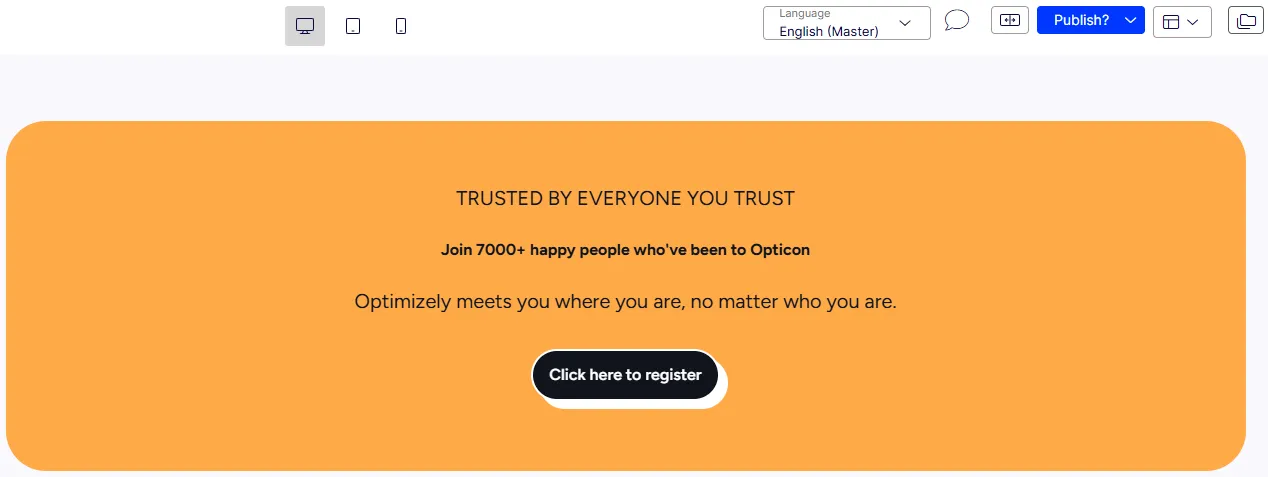
Click the view icons to display your content in mobile, tablet, or desktop views. (You cannot create custom view options at this time.)
- Desktop view
Preview as tablet device
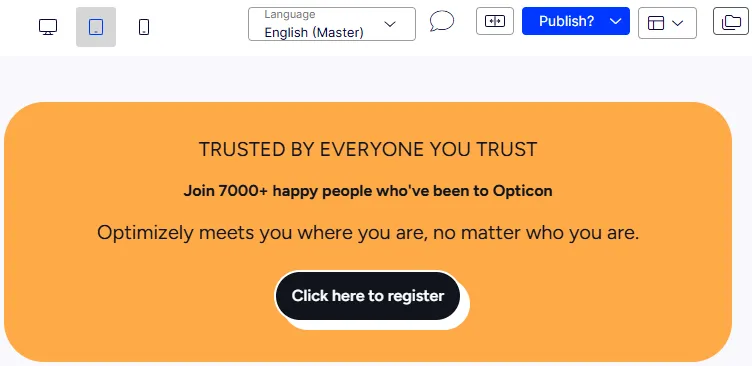
Preview as mobile device